Legacy Custom AI Collection idStudio Assets
🟠 Updated over a year agoPreview
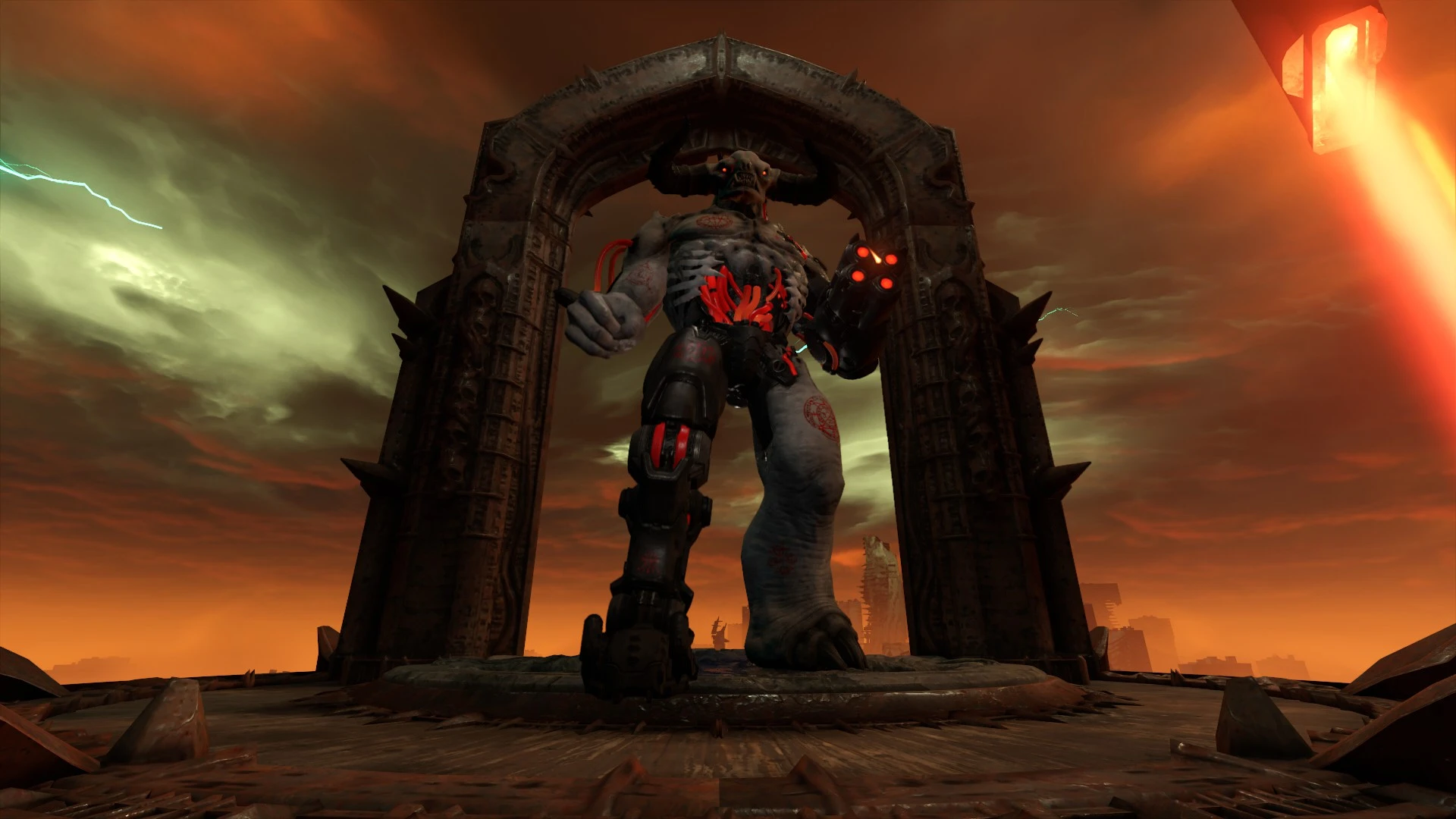
🔍 Analysis
- 👍 1.0% endorsement rate — high engagement, a strong quality signal
- 🏆 #5 of 11 Utilities mods in this game by downloads
📋 About This Mod
(You can now extract assets from idStudio directly, so I won't update this page further from now on)
With the Mod Portal and idStudio now out, the zips in this mod page will be needed for actually getting all the files for Custom AI in order to use them for your mod.
There are 3 main zips containing every asset for every AI:
Raw Assets
This zip contains the assets needed for idStudio to be able to read them, extract the contents of this zip in your newly created mod's folder, which should be idStudio/YourMod/base. Extract the zip within the "base" folder, if you did it correctly, the "base" folder should now have the following folders: art, declTree, effect, models and textures. There's also a TXT GUIDES DO NOT PACKAGE folder, these are just guides I made on how to use demons in a map and how they were originally created, they're not translated for idStudio (they were made with Notepad++ in mind) but you should still be able to replicate everything in the "How to use in a map" folder into the idStudio world editor.Cooked Assets
This zip contains the assets you'll need to actually package when your mod is finished. Extract these files into the "base" folder of your mod as well, if you did it correctly, the base/generated folder should now have binarygorecontainer, decls, image and model. Outside of the generated folder there should also be strings and sound folders, make sure to only package whatever was in this zip so as to not bloat the packaged file. You don't have to package any Cooked Asset if you've made no changes to the raw assets when working on your mod, you can just package everything made by you and have players download the Asset Pack version of the Collection in the Mod Portal.EternalMod Assetsinfo
This zip is structured like an old modding zip, it contains assetsinfos for every main level (you can delete the level folders you don't need) with the following .resources files:- e2m4_boss and e2m4_boss_patch1: Allows the Gladiator Unleashed to spawn in the level the assetsinfo is targeting;
- e5m4_boss and e5m4_boss_patch1: Allows the Dark Lord and the Demonic Trooper to spawn in the level the assetsinfo is targeting;
- e6m2_earth_horde: Allows every other DLC demon to spawn in the level the assetsinfo is targeting.
You're gonna have to use the Import Community Mod option from idStudio, and in the Mod Injector option put this zip in, it's gonna create a packagemapspec.json file in the "base" folder of your mod. Package it when you're done with your mod.
In the Optional Files section, there's individual AI assets, and in the Main Files section there's a [b
A modding template and catalogue of every Custom AI ever made for Doom Eternal, providing idStudio assets for packaging. The author notes that assets can now be extracted directly from idStudio, so this page will no longer be updated. With 13 endorsements and 1,257 downloads, it's a niche resource for modders.
✨ Key Features
📊 Pros & Cons
✅ Pros
- Centralized catalogue of custom AIs—handy for finding inspiration or assets
- Modding template saves time if you're new to packaging custom AIs
- Decent download count (1,257) for a niche utility mod
⚠️ Cons
- Author explicitly states the page won't be updated—may miss newer AIs
- Only 13 endorsements, so community feedback is limited
- Requires idStudio knowledge to actually use the assets effectively
For Doom Eternal modders who want a reference of custom AIs and need idStudio assets to package their own. Skip if you're a player looking for gameplay changes—this is a modder's tool, not a content pack.
💡 Beginner Tips
- Familiarize yourself with idStudio before diving in—the assets are meant to be packaged there.
- Check the catalogue for existing custom AIs to avoid duplicating work.
- Since the page is no longer updated, also search for newer custom AIs elsewhere.
📊 Mod Details
- Game
- Doometernal Mods
- Author
- Doom Eternal Community
- Version
- 3.1
- Downloads
- 1,257
- Endorsements
- 13
- Category
- Utilities
- Created
- 1/19/2024
- Updated
- 1/10/2025
🔧 How to Install DOOM Eternal Mods
Download from Nexus Mods.
📖 Full step-by-step install guide for DOOM Eternal →
Visit the official mod page for specific installation instructions for this mod.
🎮 Need cheat codes or console commands? Check ur gaming wiki for DOOM Eternal commands, item IDs, and more.
Keep browsing — more DOOM Eternal mods await