Dankablo 2 MLG
⚪ Last updated 2021Preview
🔍 Analysis
- 🏆 #114 of 121 User Interface mods in this game by downloads
📋 About This Mod
What is this mod?
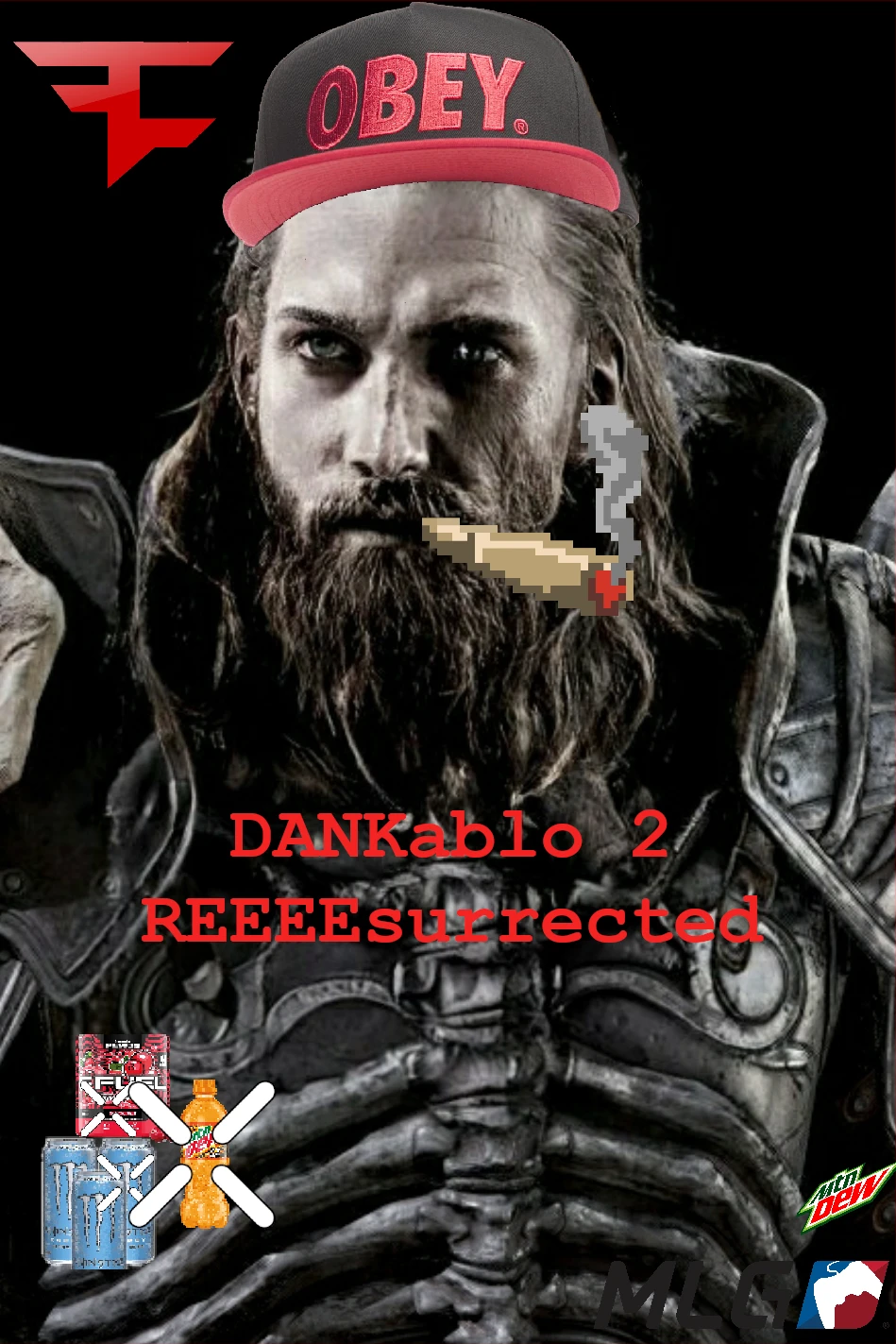
A de-boomering of diablo 2 resurrected. Potions are lame, spice up your epic gamer experience with licensed energy drinks.
INSTALLATION
If this is your first mod
Create a folder titled "mods" inside your D2R folder, the folder with D2R.exe and Diablo II Resurrected Launcher
Inside the mods folder place the "mlg" folder. note: not the mlg.mpq folder contained within
Then, go to your Battle.net launcher
Click the gear next to play, then game settings
Check the "Additional command line arguments" box, if unchecked
inside the box, type -mod mlg
If you are wanting to add these retextures to another mod
Take the data file out of "mlg.mpq" and place it inside the (folder).mpq of whichever mod pack you would like to add it to
...\Diablo II Resurrected\mods\Karla\Karla.mpq
...\Diablo II Resurrected\mods\Zander\Zander.mpq
If you already have another mod setup correctly there is no need to modify the startup command
Go to your ...\Diablo II Resurrected\mods\(mod).mpq
Delete everything inside
...\Diablo II Resurrected\mods\...\data\hd\global\ui\items\misc\potion
Where tf is my diablo 2 game folder???
Open your blizzard battle.net app
Select D2R from your list of games
Click the gear icon for options, next to play
Either click "Show in Explorer" or "Game Settings"
📊 Mod Details
- Game
- Diablo2resurrected Mods
- Author
- Veng
- Version
- 0.1
- Downloads
- 45
- Endorsements
- 2
- Category
- User Interface
- Created
- 10/31/2021
- Updated
- 10/31/2021
🔧 How to Install Diablo II: Resurrected Mods
Download from Nexus Mods.
📖 Full step-by-step install guide for Diablo II: Resurrected →
Visit the official mod page for specific installation instructions for this mod.
🎮 Need cheat codes or console commands? Check ur gaming wiki for Diablo II: Resurrected commands, item IDs, and more.
Keep browsing — more Diablo II: Resurrected mods await