Radio Bridge
🟠 Updated over a year agoPreview
🔍 Analysis
- 👍 2.7% endorsement rate — high engagement, a strong quality signal
- 🏆 #4 of 55 Audio mods in this game by downloads
📋 About This Mod
How To Use
First, download and install VB-CABLE.
Now we need to route audio from your audio source into the virtual audio cable. There are several ways to do this.
The first is available if you are running Windows 10 or later:
-
[]Open the Settings app.
[
]Go to "Sound mixer options". You can either type this in the search bar for the Settings app, or go to the Sound panel and click "App volume and device preferences" at the bottom.[]Find you music playing app, whether your web browser, Spotify app, etc. on the list.
[]At the right you will see two drop-downs. You want the upper one. Set it to "CABLE Input (VB-Audio Virtual Cable)".
[]Start some music playing. You should hear nothing.
The second works only for Chrome:
-
[]Install the AuRo extension.
[]Open a Chrome tab to Youtube, Spotify, etc.
[]Start some music playing.
[]Click the Extensions icon to the right of the address bar (puzzle piece icon).
[]Click the entry for "AuRo - audio output device router".
[]Select "CABLE Input (VB-Audio Virtual Cable)". Optionally, click "Save for this domain".
[]You should now hear nothing.
Now to test your setup. This is optional.
-
[]Open the Windows Sound Control Panel. If on Windows 10 or later, there is a link to the Sound Control Panel on the right side of the Sound Settings window.
[
]Select the "Recording" tab.[]Scroll down to the "CABLE Output" device, right-click it and select "Properties".
[]Select the "Listen" tab.
[]Select the "Listen to this device" checkbox and click "Apply". You should now be hearing your music.
[]Deselect the "Listen to this device" checkbox and click "Apply". The should now hear nothing.
Back to the game!
-
[]Load up Derail Valley, and grab your boombox.
[
]Turn on the boombox, set it to Radio mode, and select the new "AudioBridge" radio station that appears after your other radio stations. - Enjoy the phat b34ts!
DO NOT REPORT BUGS TO THE DEVELOPERS IF YOU ARE RUNNING ANY MODS.
Source Code
-
[]Load up Derail Valley, and grab your boombox.
-
[]Open the Windows Sound Control Panel. If on Windows 10 or later, there is a link to the Sound Control Panel on the right side of the Sound Settings window.
-
[]Install the AuRo extension.
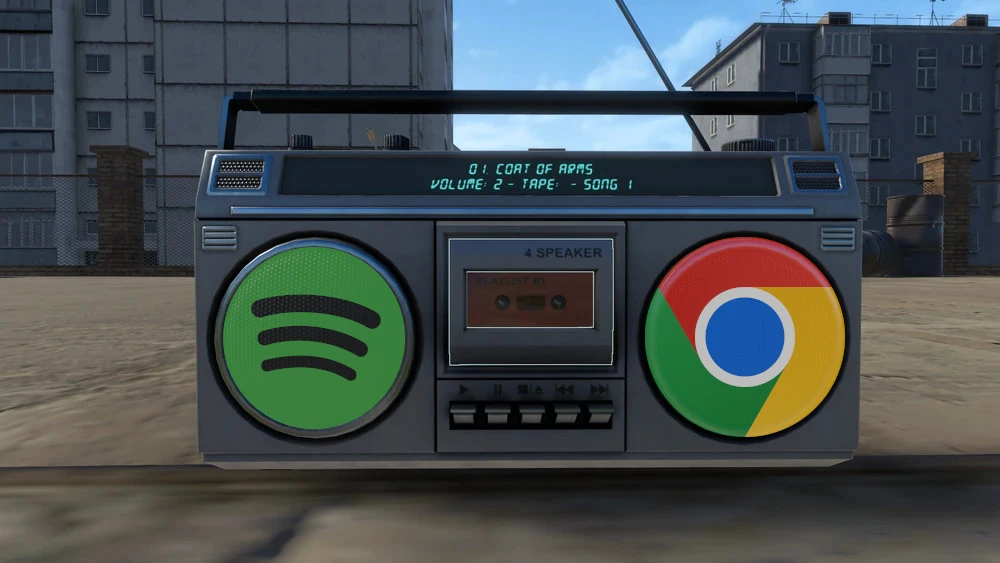
Radio Bridge lets you stream audio from your web browser through your in-game boombox, perfect for music streaming services. A niche utility mod with 68 endorsements, last updated April 2025.
✨ Key Features
📊 Pros & Cons
✅ Pros
- Tiny but dedicated following (68 endorsements) — it works for those who need it.
- Turns your boombox into a real radio, no more repetitive in-game tracks.
- Simple concept, no bloat — does exactly what it says.
⚠️ Cons
- Only 68 endorsements — niche appeal, might not be actively maintained.
- Requires a web browser running alongside the game — could be a resource hog.
For players who want to listen to their own music or podcasts through the boombox without alt-tabbing. Skip if you're fine with the game's default radio or want a more integrated audio mod.
💡 Beginner Tips
- Make sure your browser is playing audio before you tune in — the boombox just mirrors whatever your browser outputs.
- If you're using a mod manager, check if Radio Bridge needs to be loaded after other audio mods to avoid conflicts.
- Test with a free streaming service first to ensure the audio syncs properly.
📊 Mod Details
- Game
- Derailvalley Mods
- Author
- Zeibach
- Version
- 1.0.4
- Downloads
- 2,544
- Endorsements
- 68
- Category
- Audio
- Created
- 7/22/2022
- Updated
- 4/25/2025
🔧 How to Install Derail Valley Mods
Download from Nexus Mods.
📖 Full step-by-step install guide for Derail Valley →
Visit the official mod page for specific installation instructions for this mod.
🎮 Need cheat codes or console commands? Check ur gaming wiki for Derail Valley commands, item IDs, and more.
Keep browsing — more Derail Valley mods await