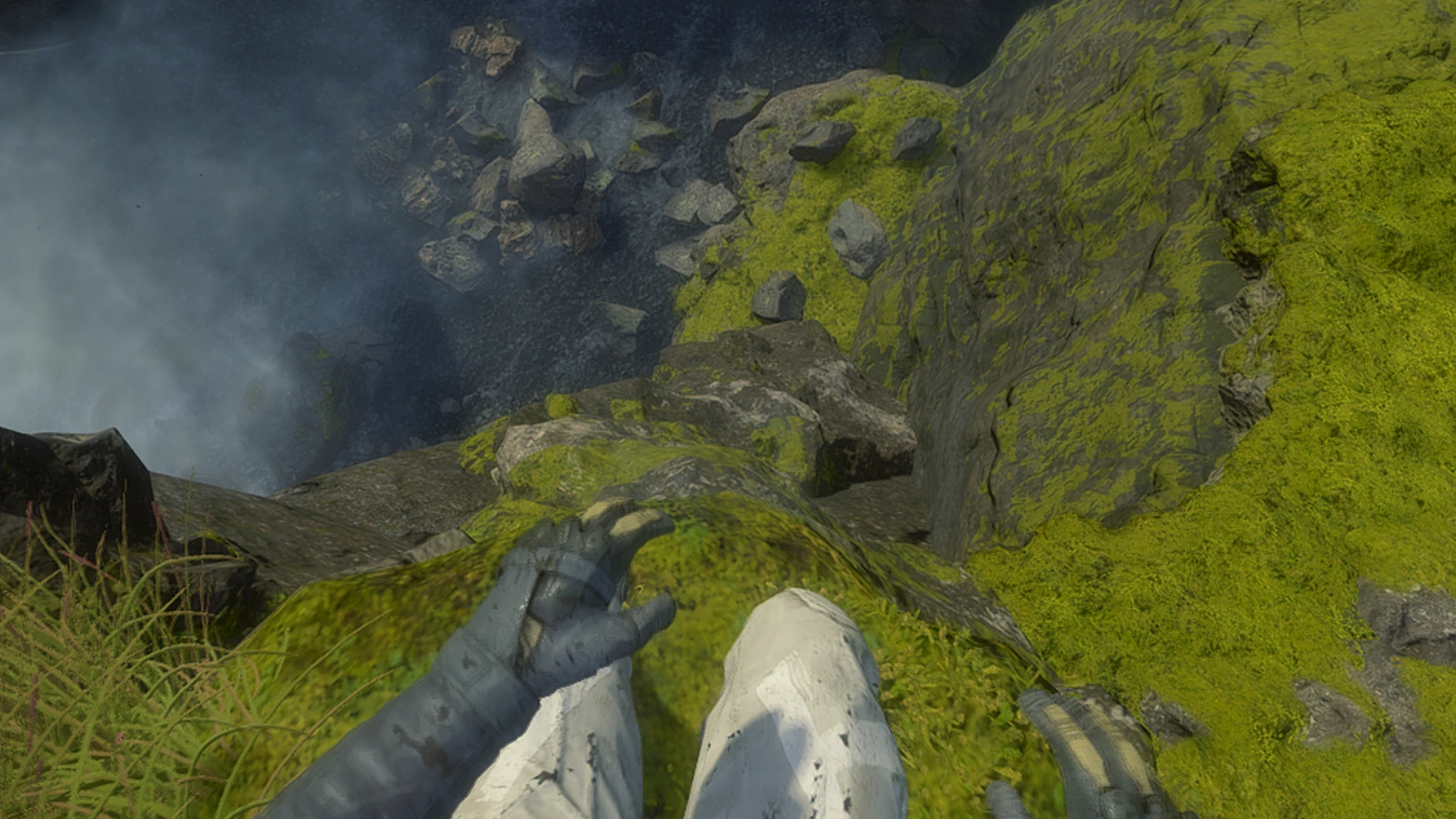
1st person HUD Toggle and FoV - Director's Cut
🟠 Updated over a year agoThis mod may not work until the author updates it. Check for an update, or see the rollback guide.
Preview
🔍 Analysis
- 👍 3.3% endorsement rate — high engagement, a strong quality signal
- 🏆 #11 of 35 Visuals and Graphics mods in this game by downloads
📋 About This Mod
Requires Cheat Engine. Open up DS_Compass_HUD_and_FOV. CT in Cheat Engine, attach ds.exe process, and check the boxes to start the scripts.
Features:
- Toggle Compass HUD
- Camera Distance
This cheat table does come with hotkeys.
- Using < and > (Shift , and Shift .) will decrement and increment the field of view if the FOV script is turned on.
- Using (ctrl + ,) and ctrl + .) will decrement and increment the camera distance if the Camera Distance script is turned on.
- Using ? (Shift /) Toggles the Compass Hud script.
Enable Compass HUD script while in 3rd person to have a clean 1st person view.
I am using Xpadder to map these hotkeys to my xbox controller.
For the Director's Cut version 1. 004. May not work on newer and older versions.
Was made on Steam version. Thanks to CynicalCreator for making this possible.
Some features are currently still being worked on.
0. 03: adds Directors Cut support; requiring a total rewrite.
0. 04: adds custom camera distance script and a joke script
A cheat table for the Director's Cut that toggles the Compass HUD for cinematic first-person views and adjusts field of view. With 35 endorsements and 1,056 downloads, it's a niche tool for players seeking immersive visuals, last updated July 2025.
✨ Key Features
📊 Pros & Cons
✅ Pros
- Niche tool for immersive play (35 endorsements, 1k+ downloads)
- Directly addresses two common visual tweaks: HUD and FoV
- Recent update (July 2025) suggests ongoing compatibility
⚠️ Cons
- Requires cheat table knowledge—not plug-and-play
- Limited to Director's Cut; base game users out of luck
For Director's Cut players who want to ditch the compass for cinematic screenshots or more immersive first-person play. Also for those who find the default FoV too narrow. Skip if you're on the base game or prefer simple in-game settings.
💡 Beginner Tips
- Make sure you're running the Director's Cut version, not the base game, or the cheat table won't work.
- Use a cheat table loader like Cheat Engine; load the table and activate the scripts for HUD and FoV.
- Test the FoV slider in a quiet area to avoid motion sickness before diving into combat.
📊 Mod Details
- Game
- Deathstranding Mods
- Author
- DudesWithKeyboards
- Version
- 0.04
- Downloads
- 1,056
- Endorsements
- 35
- Category
- Visuals and Graphics
- Created
- 5/19/2023
- Updated
- 7/16/2025
🔧 How to Install Death Stranding Mods
Download from Nexus Mods.
📖 Full step-by-step install guide for Death Stranding →
Visit the official mod page for specific installation instructions for this mod.
🎮 Need cheat codes or console commands? Check ur gaming wiki for Death Stranding commands, item IDs, and more.
Keep browsing — more Death Stranding mods await