The Convergence Performance
⚪ Last updated 2022⚠️ Install Order · 2 steps
Install in this order, then this mod last — most mods fail to load without their framework and dependencies in place.
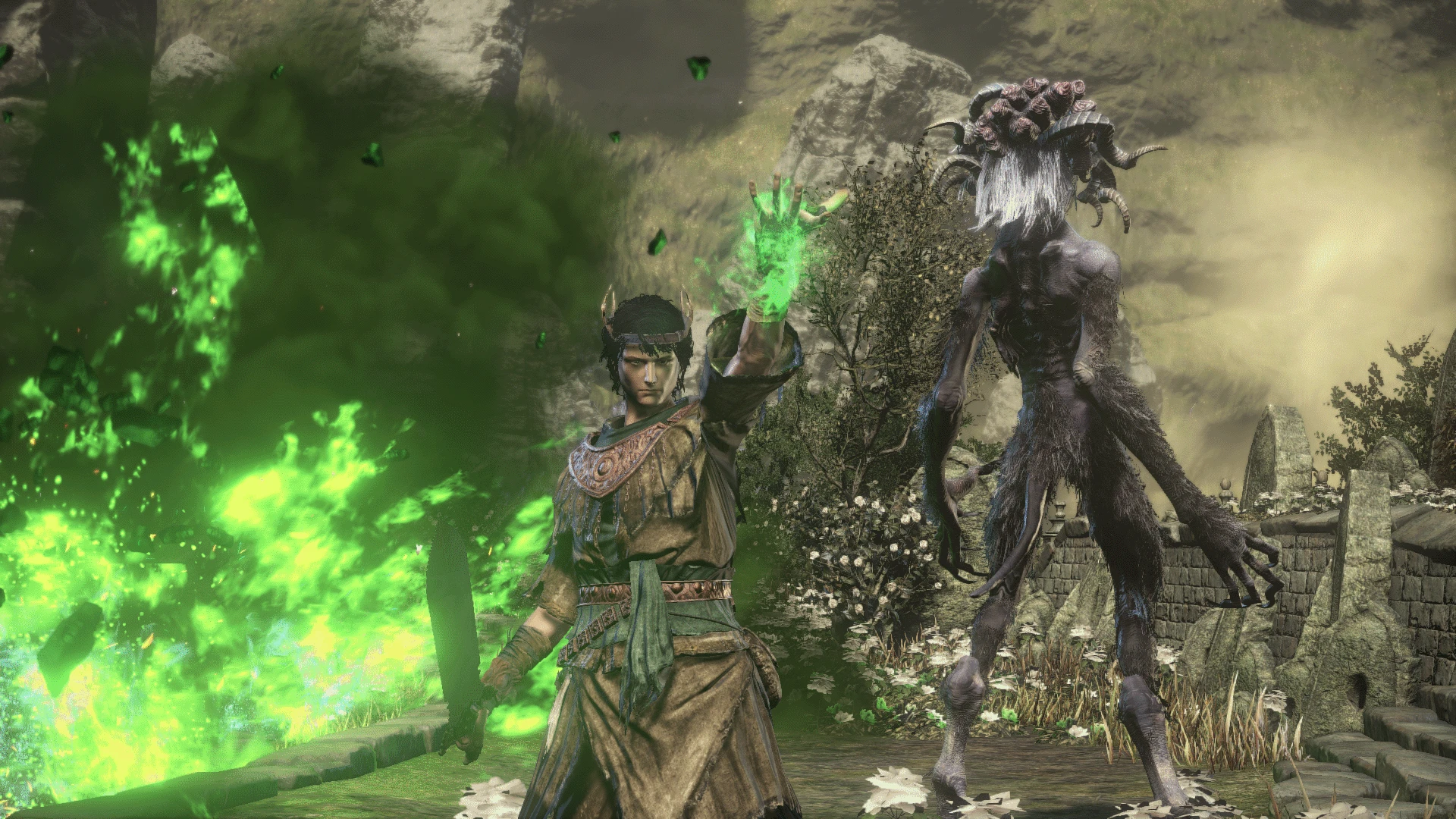
Preview
🔍 Analysis
- 👍 3.4% endorsement rate — high engagement, a strong quality signal
- 🏆 #43 of 255 Gameplay Changes mods in this game by downloads
📋 About This Mod
MASSIVE performance improvements. The game should run as fast as in vanilla DS3.
My rig is Ryzen 1600, 16 GB RAM, GTX 1060 6GB and I get constant 60fps (can be seen in the videos).
!!!!!!!!!!!!!!!!! READ EVERYTHING BELOW !!!!!!!!!!!!!!!!!!
Gameplay showcase:
zAL-vrmdrs8
(Optional) modified my reshade setup to ignore UI:
9HG8bmqOZHQ
HOW TO SETUP
:
1) Download and extract The Convergence v2. 2. 1 from Optional Files (the manual one). DON'T download the Low Requirements file.
2) Go in <PATH-TO-DS3>\Game\The Convergence and delete the map folder.
3) Now download my mod and extract everything from the folder 1_Performance in your <PATH-TO-DS3>\Game
4) Set your in-game settings to be exactly like the below:
Brightness: 5
Textures: High - Of course, set it lower if have < 3 GB Graphics card.
Antialiasing: Off - Turn on if you DON'T use my reshade preset (but you should)
SSAO: High - Better visuals at 1 fps cost.
Depth of Field: Off - Turn on if you DON'T use my reshade preset (but you should)
Motion Blur: High - Always leave this on High! Trust me, once you try this you can't go back.
Shadows: High - No need to worry about performance here.
Lighting: High - No need to worry about performance here.
Effects: Low - No visual improvement, so leave it at Low for performance
Reflections: High - Needed to have any reflections.
Water: Low - No visual improvement, so leave it at Low for performance
Shaders: Low - No visual improvement, so leave it at Low for performance
HOW TO ADD THE OPTIONAL CHANGES:
1) Read the README.txt to see what changes I made per folder and decide what you want
I strongly recommend that you use them all - best visuals at gameplay at no performance cost.
2) Extract everything from the folders you want in your <PATH-TO-DS3>\Game
A performance-focused mod for Dark Souls 3 that optimizes The Convergence, a major gameplay overhaul, for lower-end PCs. It targets players who experienced performance issues with the mod on hardware that handled vanilla DS3 fine. With 337 endorsements and 9,851 downloads, it's a community-supported fix for a popular mod.
✨ Key Features
📊 Pros & Cons
✅ Pros
- Community-tested (337 endorsements, 9,851 downloads) — clearly helps a lot of people
- Fills a real need: lets you enjoy a major overhaul without upgrading your rig
- Simple purpose — no bloat, just performance
⚠️ Cons
- Last updated in 2022 — may not be compatible with newer versions of The Convergence or the game
- Only useful if you're playing The Convergence — niche audience
For Dark Souls 3 players who want to experience The Convergence but have a potato PC that chugs with the mod. If you've got a decent rig, you don't need this. Skip if you're not using The Convergence — it's a performance patch, not a standalone mod.
💡 Beginner Tips
- Make sure you have The Convergence installed first, then drop this mod's files into your Dark Souls 3 directory.
- If you're using a mod manager, load this after The Convergence to ensure it overwrites properly.
- Test performance in a busy area like Firelink Shrine to see the difference.
📊 Mod Details
- Game
- Dark Souls 3 Mods
- Author
- darkarchan
- Version
- 3.2.1
- Downloads
- 9,851
- Endorsements
- 337
- Category
- Gameplay Changes
- Created
- 8/3/2022
- Updated
- 9/19/2022
🔧 How to Install Dark Souls 3 Mods
Download from Nexus.
📖 Full step-by-step install guide for Dark Souls 3 →
Visit the official mod page for specific installation instructions for this mod.
🎮 Need cheat codes or console commands? Check ur gaming wiki for Dark Souls 3 commands, item IDs, and more.
Keep browsing — more Dark Souls 3 mods await