Soundtrack Replacer - DOOM Eternal OST
⚪ Last updated 2021⚠️ Install Order · 1 step
Install in this order, then this mod last — most mods fail to load without their framework and dependencies in place.
Preview
🔍 Analysis
- 👍 6.7% endorsement rate — high engagement, a strong quality signal
- 🏆 #22 of 67 Audio mods in this game by downloads
📋 About This Mod
Are you tired of boring orchestral music and want to spice up your gameplay with heavy, electronic, argent metal music?... No? Oh.
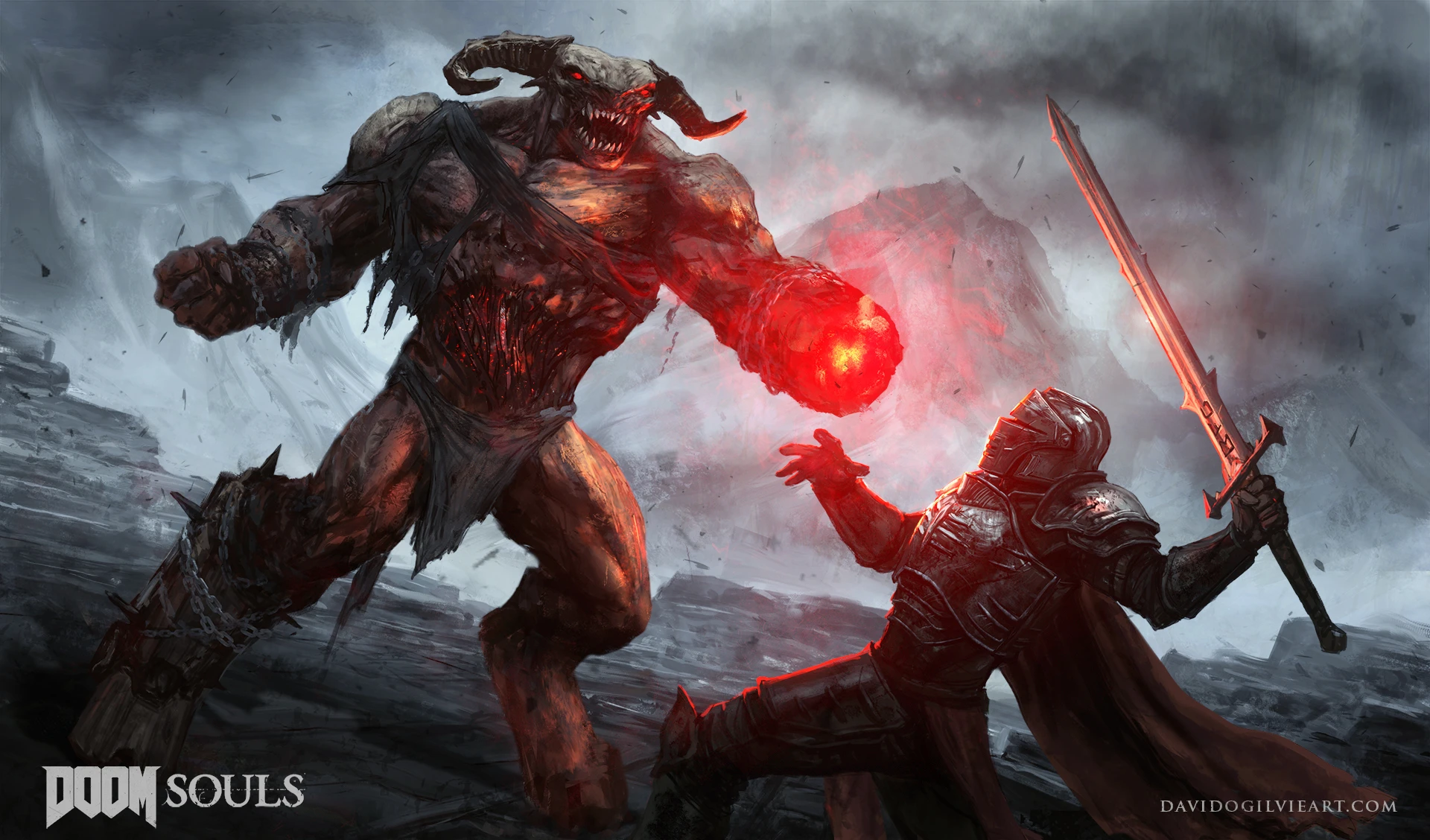
Well for those of you who do, you may enjoy this mod. It replaces DS3's music with DOOM Eternal music, because we all need a bit of Ripping & Tearing in our lives.
-Installation-
-
[]Download this mod.
[
]Go to DS3's installation folder (find the game in Steam, right click > Manage > Browse Local Files).[](Optional) Backup the "sound" folder in "DARK SOULS III/Game".
[]Extract the contents of this mod, and merge DS3's sound folder with this mod's sound folder, overwriting files.
[]Profit.
Now that the nitty gritty technical details are over with, let's go over what was replaced with what.
-Song List-
Title - (2016) Hellwalker
Character creation - David Levy's TAG2 Title
Boss defeated sound - Title Drop w/ Kar En Tuk
Iudex Gundyr (Phase 1) - Hell On Earth
Iudex Gundyr (Phase 2) - Demonic Corruption
Firelink Shrine (normal) - Command & Control
Firelink Shrine (betrayal) - Deag Ranak (DOOM Hunter Base Ambiance)
Vordt of the Boreal Valley - (TAG1) UAC Atlantica
This is a combined case of "not sure what track to put over this boss" and "I want this track in, but not sure what boss to put it over."
Worked out great, though, I think.
Curse Rotted Greatwood - Mars Core
Crystal Sage - Phobos Base
Deacons of the Deep - Cultist Base
Abyss Watchers (phase 1) - Doomed Hunter / DHB Combat
Abyss Watchers (phase 2) - The DOOM Hunter
Replaces Dark Souls III's soundtrack with DOOM Eternal's OST, created by Scooterboot. With 55 endorsements and 819 downloads, this compact audio mod offers a simple way to inject high-energy combat music into the game. Last updated in September 2021, it remains a niche choice for players seeking a heavier atmosphere.
✨ Key Features
📊 Pros & Cons
✅ Pros
- Gives Dark Souls III a completely different vibe—DOOM's heavy metal tracks make boss fights feel way more intense
- Tiny download and easy to install, just drop the files in and you're good
- Community-approved with 55 endorsements, so it's not a total dud
⚠️ Cons
- No install instructions provided by the author, so you might have to figure out the folder structure yourself
- Last updated in 2021—might not work with the latest game patches, so test before you commit
- Only replaces music, so if you're expecting new sound effects or anything else, you'll be disappointed
For Dark Souls III players who want to spice up their playthrough with DOOM Eternal's adrenaline-pumping soundtrack. If you're tired of the same old boss music and want something heavier, this is for you. Skip if you prefer the original atmosphere or want more than just a music swap.
💡 Beginner Tips
- Make sure to back up your original sound files before replacing them, so you can revert if you don't like the change.
- Check the mod's comments section on Nexus for any user-provided install tips, since the author didn't include instructions.
- If the music doesn't play in-game, verify that you placed the files in the correct Dark Souls III directory (usually under 'Sound' or 'Music' folders).
📊 Mod Details
- Game
- Dark Souls 3 Mods
- Author
- Scooterboot
- Version
- 1.0
- Downloads
- 819
- Endorsements
- 55
- Category
- Audio
- Created
- 9/14/2021
- Updated
- 9/14/2021
🔧 How to Install Dark Souls 3 Mods
Download from Nexus.
📖 Full step-by-step install guide for Dark Souls 3 →
Visit the official mod page for specific installation instructions for this mod.
🎮 Need cheat codes or console commands? Check ur gaming wiki for Dark Souls 3 commands, item IDs, and more.
Keep browsing — more Dark Souls 3 mods await