Proper PC Experience Mod
⚪ Last updated 2023⚠️ Install Order · 1 step
Install in this order, then this mod last — most mods fail to load without their framework and dependencies in place.
Preview
🔍 Analysis
- 👍 1.4% endorsement rate — high engagement, a strong quality signal
- 🏆 #4 of 69 Utilities mods in this game by downloads
📋 About This Mod
FEATURES
-
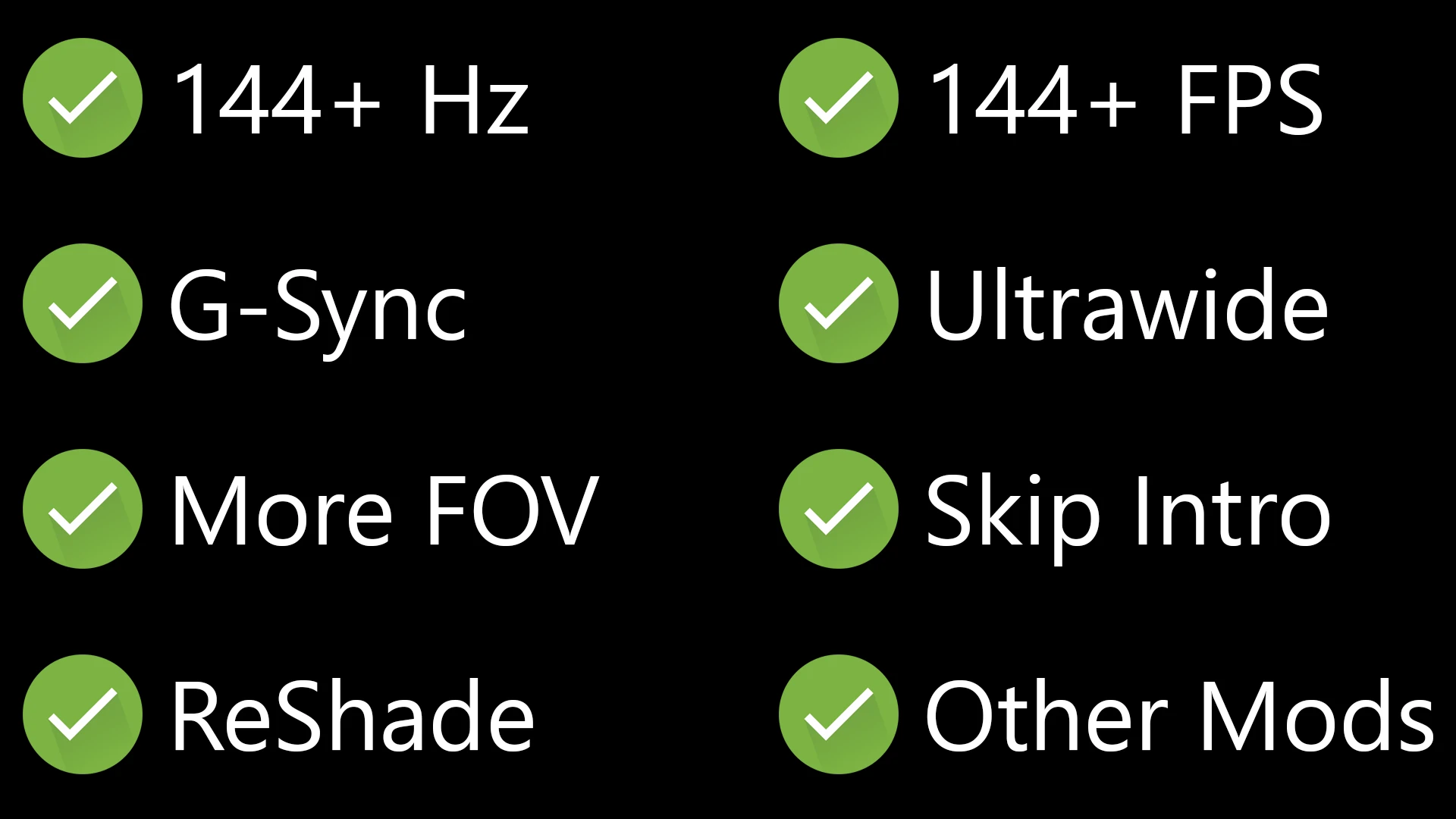
[] High Refresh Rate
Forces the game to use your monitor's highest refresh rate instead of 60 Hz. If you want a custom refresh rate and not the highest one, you can create a d3d11_refreshrate.ini file in the installation directory with your preferred refresh rate number in it (e.g. "120" for 120 Hz).
[
] High FPSDefaults to 120 FPS to avoid physics glitches. You can still customize the FPS limit by using a d3d11_fps.ini file with the desired number in it. You should prefer to use Nvidia's Control Panel or RTSS to cap the game's frame rate though.
[] G-Sync
Game is smooth as butter now with high refresh rate and high FPS.
[] Ultrawide
Some enemies might render at a low frame rate at the very edge of your screen. Not too distracting though when it happens.
[] Increased FOV
Adds 25° on 16:9 monitors, 15° on 21:9 monitors, and 10° on 32:9 monitors. You can customize how much FOV should be added by using a d3d11_fov.ini file (e.g. "0" would add nothing to the default FOV).
[] Skip Intro
No more getting flashbanged or losing valuable life time waiting that could be spent playing instead.
INSTALLATION
Just drop the d3d11.dll into your Game folder where the DarkSoulsIII.exe is (right-click the game in Steam: Manage > Brows Local Files > Game folder). Then start the game as usual.
For uninstallation, just delete the file.
COMPATIBILITY
-
[] Works with v1. 15. 0, v1. 15. 1, v1. 15. 2 (latest), and hopefully any future updates
[
] Works with ReShade (its DLL file must be named dxgi.dll)[] Works with Cinders and The Convergence mod (except for FOV)
[] Works with DS3 Mod Engine and many other mods
[] Remove Souls Unsqueezed mod (slightly incompatible and redundant)
[] Do not use online play with this mod
SUGGESTION: IMPROVE VISUALS FURTHER
You should consider using your extra GPU power towards improving the visuals, especially Anti-Aliasing:
-
[] Use RTSS or Nvidia's Control Panel to limit the game's frames to 90 FPS
[
] Enable DLDSR (1. 78x DL under DL Scaling or even 2. 25x DL if you have the extra power), you can leave DSR Smoothness at 33%[] Turn the in-game Anti-Aliasing to off
[] Optional: Get the RTGI shader for ReShade and activate it (and disable in-game SSAO)
Now whenever you want to play the game, switch your desktop resolution to the higher DLDSR resolution and launch the game as usual.
CREDITS
[] Unlock FPS memory address: 0dm/saucy
-
[] Use RTSS or Nvidia's Control Panel to limit the game's frames to 90 FPS
-
[] Works with v1. 15. 0, v1. 15. 1, v1. 15. 2 (latest), and hopefully any future updates
A must-have utility mod for PC players, endorsed 2,575 times with 178,241 downloads. It enhances the PC gaming experience, though the description lacks specific details. Last updated January 2023, it remains popular among the community.
✨ Key Features
📊 Pros & Cons
✅ Pros
- Huge download count (178k) shows it's a popular pick
- 2,575 endorsements means the community vouches for it
- Last updated in 2023, so it's not ancient
⚠️ Cons
- May be outdated for the latest game version since it's been over a year
For PC players who want a smoother, more optimized experience and trust community recommendations. Skip if you need detailed feature lists—this one's a mystery box.
💡 Beginner Tips
- Check the mod's posts section for any hidden instructions
- Since it's a utility, make sure your game is updated to a compatible version
- If you use a mod manager, try installing manually if you run into issues
📊 Mod Details
- Game
- Dark Souls 3 Mods
- Author
- ellekz
- Version
- 1.7
- Downloads
- 178,241
- Endorsements
- 2,575
- Category
- Utilities
- Created
- 12/27/2022
- Updated
- 1/14/2023
🔧 How to Install Dark Souls 3 Mods
Download from Nexus.
📖 Full step-by-step install guide for Dark Souls 3 →
Visit the official mod page for specific installation instructions for this mod.
🎮 Need cheat codes or console commands? Check ur gaming wiki for Dark Souls 3 commands, item IDs, and more.
Keep browsing — more Dark Souls 3 mods await