Dark Souls 3 Cloud Saves
⚪ Last updated 2017⚠️ Install Order · 1 step
Install in this order, then this mod last — most mods fail to load without their framework and dependencies in place.
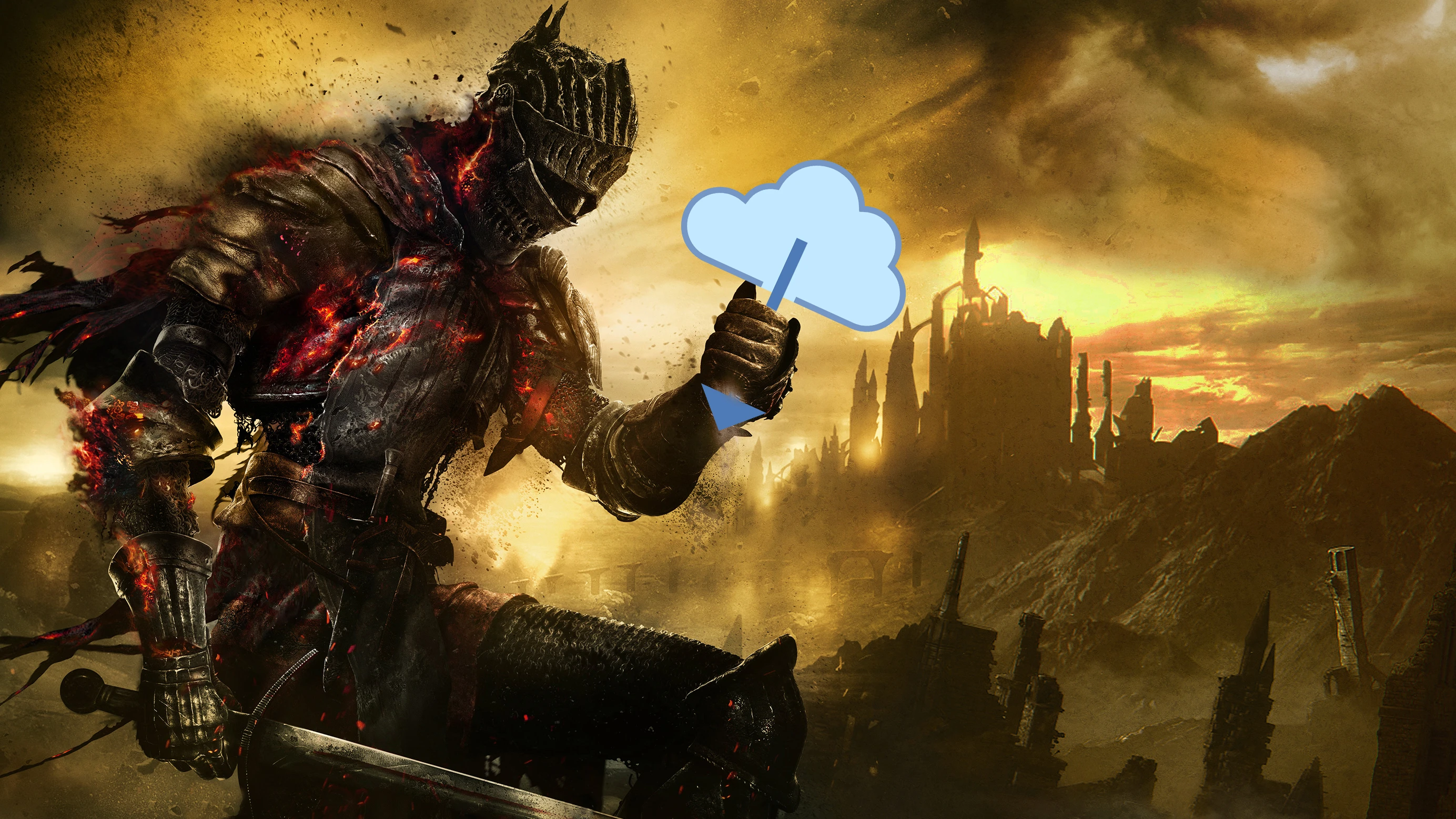
Preview
🔍 Analysis
- 👍 3.4% endorsement rate — high engagement, a strong quality signal
- 🏆 #32 of 69 Utilities mods in this game by downloads
📋 About This Mod
A simple batch file used to set up and use cloud saving in Dark Souls III using an external program such as Dropbox, Google Drive, One Drive, etc.
Background
Despite it being synced through Steam, Dark Souls 3 does not use Steam's cloud save features. This means that your entire progress is locked to your one computer. Should you try playing on a second one, or if, heavens forbid, a hard drive failure should occur, you'd be starting from scratch.
This batch file will fix that and safeguard your progress.
What does it do?
This file is used to move your DarkSoulsIII save folder to a cloud solution such as Dropbox or Google Drive, and then create a symbolic link between it and the original save folder location. The game will now save to a folder on your Dropbox or Google Drive instead of locally storing the saves. Your current saves will not be lost.
Requirements:
Windows Vista/7/8/8. 1/10. Dropbox, Google Drive, Microsoft One Drive or another similar cloud storage solution installed on your system.
Instructions:
Simply download, extract and run the batch file using administrator privileges (not required, but just in case). Follow the on-screen instructions. If you encounter errors or crashes in the game while saving or loading, try running the game as administrator.
WARNINGS:
- Make sure your cloud folder program is always on, and set to start with Windows, otherwise your saves won't sync properly. - Do not move or rename the new save folder, or you will break the symbolic link and the game will no longer load from and save to that folder. The new save folder will be <Your Cloud Folder>\DarkSoulsIII. - Also, obviously, do not use this unless you have Dropbox, Google Drive, One Drive or another similar cloud folder solution installed on your computer. Changelog:v1. 2. 1 - - Added option to change cloud folder after picking. - Bugfix for systems with an incorrectly set Windows PATH variable. - Minor text fixes.
v1. 2 - - Added folder verification. You will no longer be able to accidentally delete your local saves if the cloud save folder is missing or has been renamed. - Added warning messages for various situations.
v1. 1 - - Added folder picker. - Combined all batch files into one. - Added option to revert to local save
Dark Souls 3 Cloud Saves is a utility mod that addresses the game's lack of Steam Cloud save support. It provides a workaround to enable cloud saves, protecting players from losing progress. With 105 endorsements and 3,115 downloads, it's a niche but useful tool for DS3 players.
✨ Key Features
📊 Pros & Cons
✅ Pros
- Solves a real problem—DS3 doesn't use Steam Cloud, so this fills a gap.
- Decent community trust with 105 endorsements.
- Lightweight utility that does exactly what it says.
⚠️ Cons
- Last updated in 2017—might not work with current game versions or Steam updates.
- No detailed instructions or setup guide in the description.
- Only 105 endorsements—small user base, so potential issues may not be widely reported.
For Dark Souls 3 players who want to safeguard their progress without manual backups. If you're tired of losing saves after reinstalls or PC issues, this is a handy tool. Skip if you're comfortable with manual save backups or don't care about cloud saves.
💡 Beginner Tips
- Make sure to follow the mod's instructions carefully—cloud saves require setting up a sync folder.
- Test the cloud save by deleting a local save and seeing if it restores from the cloud.
- Consider using this alongside manual backups for extra safety.
📊 Mod Details
- Game
- Dark Souls 3 Mods
- Author
- Handelo
- Version
- 1.2.1
- Downloads
- 3,115
- Endorsements
- 105
- Category
- Utilities
- Created
- 11/14/2016
- Updated
- 4/20/2017
🔧 How to Install Dark Souls 3 Mods
Download from Nexus.
📖 Full step-by-step install guide for Dark Souls 3 →
Visit the official mod page for specific installation instructions for this mod.
🎮 Need cheat codes or console commands? Check ur gaming wiki for Dark Souls 3 commands, item IDs, and more.
Keep browsing — more Dark Souls 3 mods await