SotFS Keyboard UI Icons
⚪ Last updated 2017This mod may not work until the author updates it. Check for an update, or see the rollback guide.
Preview
🔍 Analysis
- 👍 3.1% endorsement rate — high engagement, a strong quality signal
- 🏆 #6 of 172 User Interface mods in this game by downloads
📋 About This Mod
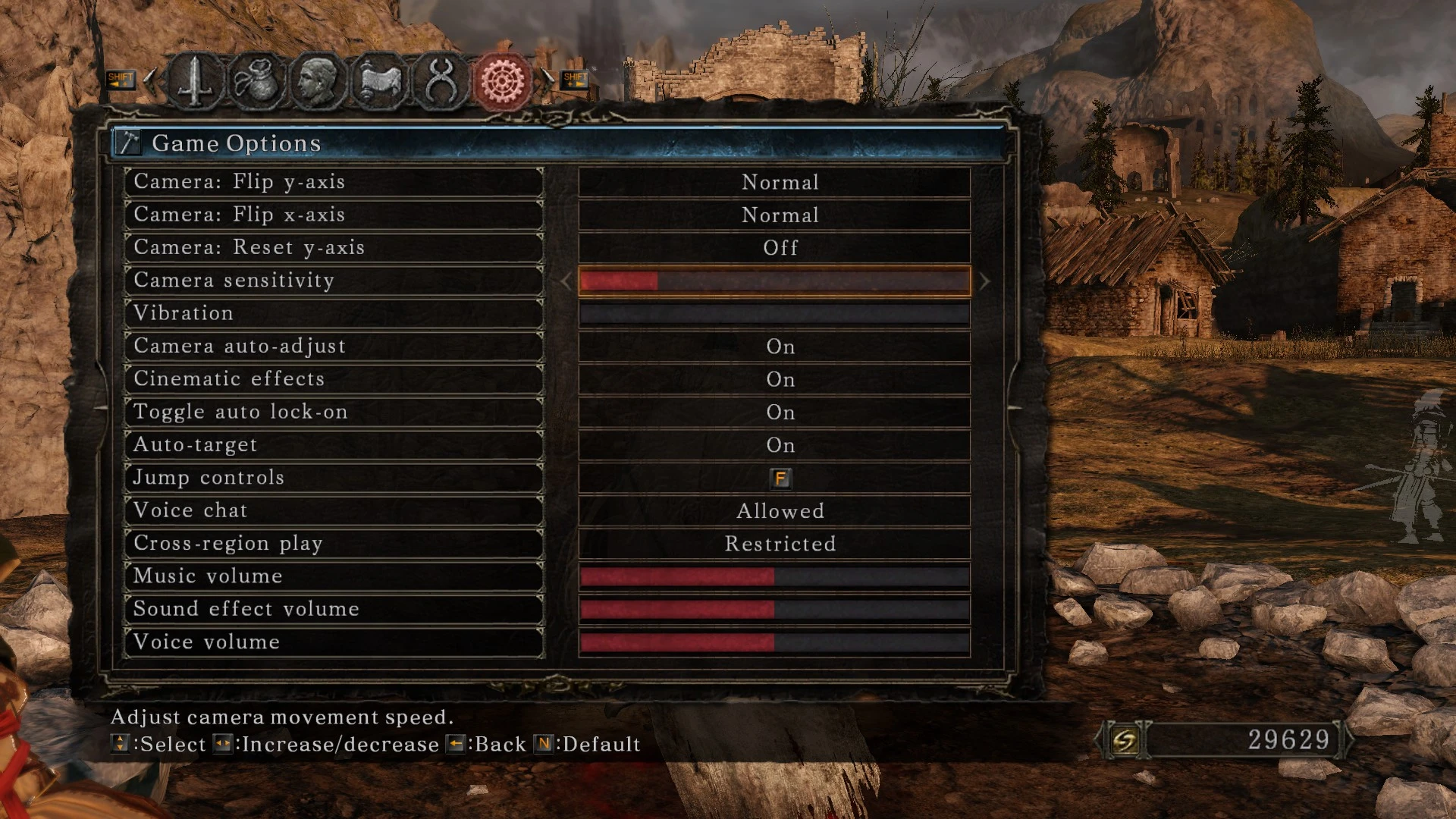
Replaces the default xbox 360 buttons with keyboard ones.
2024 Update. I forgot I even uploaded this. I haven't played this game for years, I don't know if the mod still works or not.
Well, according to the comments it still works. Cool.
1. Download iGP 11 (I have only made it work with v2. 1. 0)
2. Download this file.
3. Open textures tab in iGP11 and put the content in the folder specified in "override path".
4. Select the game exe and start playing.
It is only for SotFS.
Needless to say, if you change your keybinds in game tips will be wrong.
Thanks to S17L for IGP11.
Thanks to Hollowatcher for KBAM Interface Icons.
Thnaks to SSJetstream for the file names for the overriden textures.
📊 Mod Details
- Game
- Dark Souls 2 Mods
- Author
- Red
- Version
- 1.0
- Downloads
- 16,504
- Endorsements
- 512
- Category
- User Interface
- Created
- 8/4/2017
- Updated
- 8/4/2017
🔧 How to Install Darksouls 2 Mods
Download from Nexus Mods.
📖 Full step-by-step install guide for Darksouls 2 →
Visit the official mod page for specific installation instructions for this mod.
🎮 Need cheat codes or console commands? Check ur gaming wiki for Darksouls 2 commands, item IDs, and more.
Keep browsing — more Darksouls 2 mods await