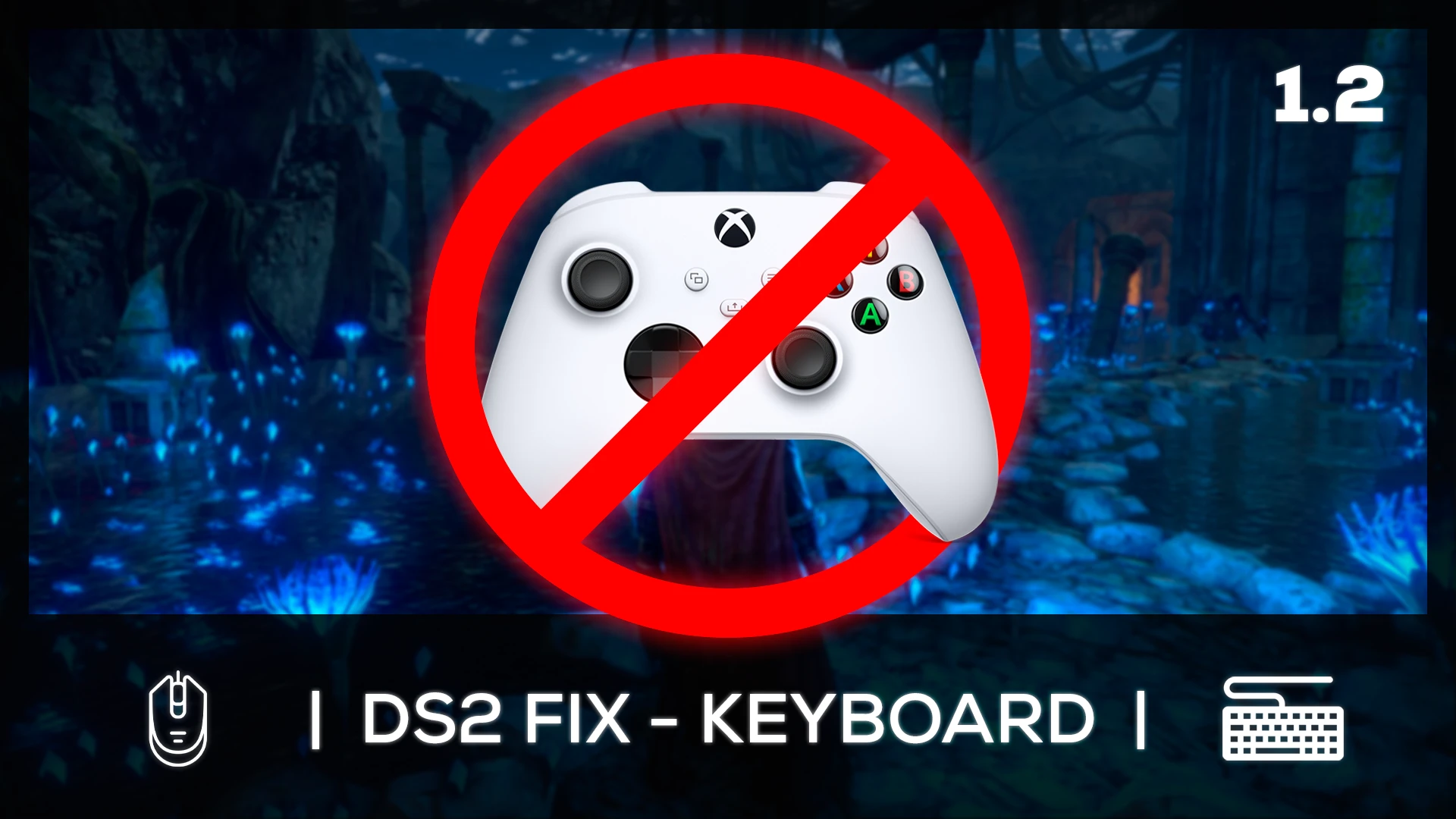
DS2 FIX KEYBOARD WITH UI ICONS
⚪ Last updated 2023Preview
🔍 Analysis
- 👍 1.9% endorsement rate — high engagement, a strong quality signal
- 🏆 #15 of 172 User Interface mods in this game by downloads
📋 About This Mod
A simple and definitive solution to play Dark Souls II SotFS with keyboard and mouse using a layout similar to the mapping of "Dark Souls Remastered" or "Dark Souls III"Una solución simple y definitiva para jugar Dark Souls II SotFS con
Summary:
This mod is a patch for Dark Souls 2 SotFS that allows PC gamers playing via keyboard/mouse a layout very similar to other games in the franchise such as Dark Souls Remastered or Dark Souls III. To realize this, "DS2 MODERN MENUS AIO" was used as a base to modify the image files to simulate a kinship to the other games in the trilogy. The existence of this modification lies in the fact that it does not seem that FromSoftware is going to update and correct the game again at this point, it is the community who will have to take the reins.
Requirements:
The first thing is to have installed "DS2LightingEngine SotFS" which enables better lighting as well as texture change, this allows us to install "DS2 MODERN MENUS AIO" which gives a better look to the game by remastering its icons to a more current visual style.
-
[]DS2LightingEngine SotFS - Ganaboy
[
]DS2 MODERN MENUS AIO - PeterMcPhileInstallation:
KEYBOARD/MOUSE ARRANGEMENT
-
[]Review the "TUTORIAL" folder and choose the language to observe the referential settings you will have to apply to the in-game controls.
[
]Download and install the "AutoHotkey" program from its official website, once installed you can run the "DS2 Fix Keyboard" file that will allow you to play in a similar way as in Dark Souls Remastered or Dark Souls 3.[]This file must be started every time, before opening the game. And when you exit, to disable it is as easy as going to the taskbar in Windows and click on the up arrow ("show hidden icons"), anticlick on the AutoHotkey script icon (it is a green square with the letter "H") and click on "Exit".
If you want to know more in depth the manual change of these controls for doubts or verify, you can check it in the reddit post of "gladboii" who was the author of this configuration.
UI ICONS
- []Copy the two files from the "UI ICONS" folder and paste them into the game folder named "tex_override" and replace it with the files that are there.
This will install the textures that will be reminiscent of the icons for players using the keyboard/mouse in the other Souls titles, as well as making the controls easier to use to avoid confusion in gameplay.
Credits:
[]PeterMcPhile (author of the new interface on which was based for the modification of this mod)
[]Gladboii (author of the Reddit post that allows to play it properly through PC)
[][size
-
[]Review the "TUTORIAL" folder and choose the language to observe the referential settings you will have to apply to the in-game controls.
📊 Mod Details
- Game
- Dark Souls 2 Mods
- Author
- LleroxD
- Version
- 1.2
- Downloads
- 7,187
- Endorsements
- 136
- Category
- User Interface
- Created
- 11/20/2023
- Updated
- 12/10/2023
🔧 How to Install Darksouls 2 Mods
Download from Nexus Mods.
📖 Full step-by-step install guide for Darksouls 2 →
Visit the official mod page for specific installation instructions for this mod.
🎮 Need cheat codes or console commands? Check ur gaming wiki for Darksouls 2 commands, item IDs, and more.
Keep browsing — more Darksouls 2 mods await