Walker (all directions)
⚪ Last updated 2022⚠️ Install Order · 6 steps
Install in this order, then this mod last — most mods fail to load without their framework and dependencies in place.
Preview
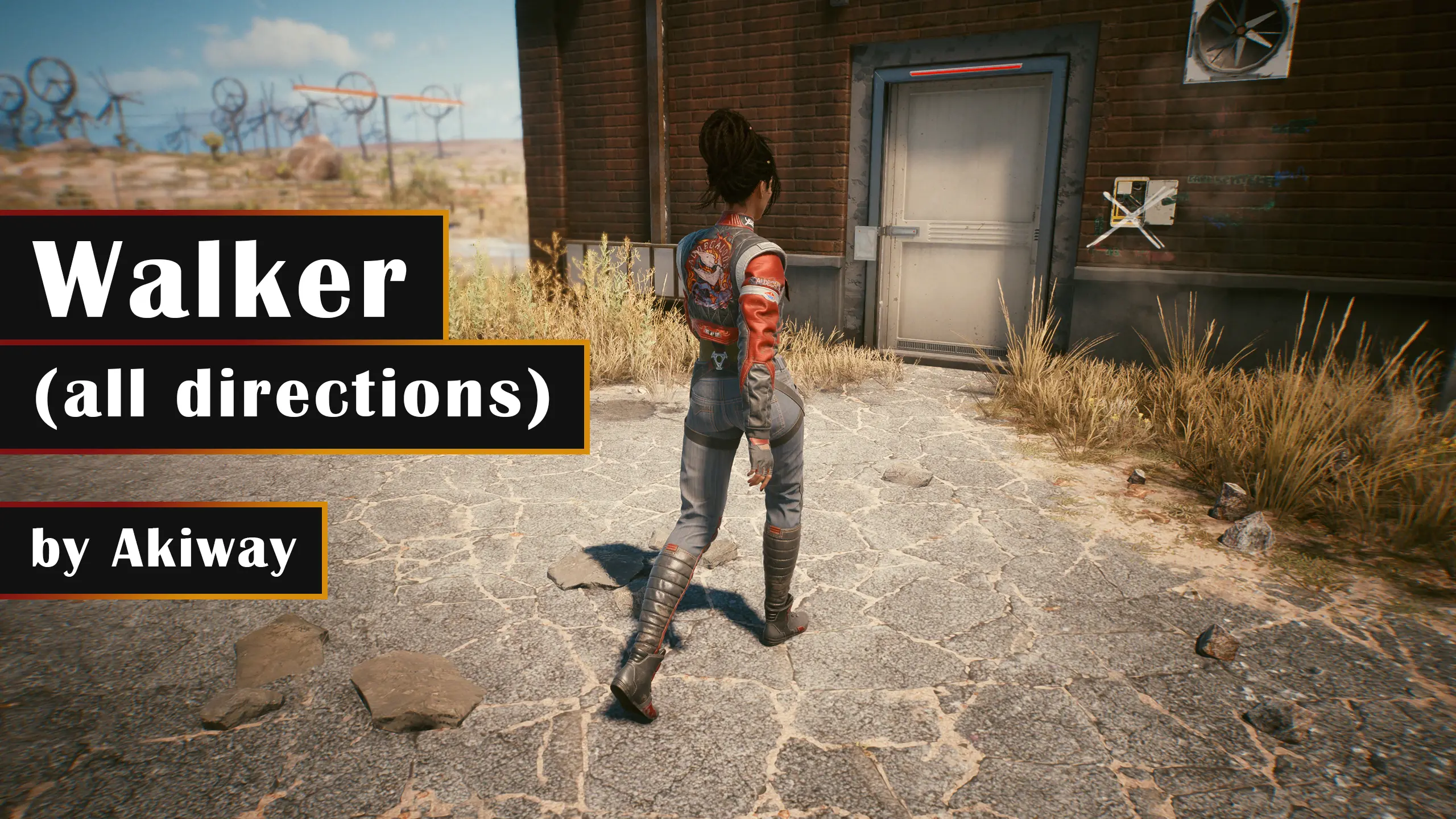
🔍 Analysis
- 👍 4.9% endorsement rate — high engagement, a strong quality signal
- 🏆 #277 of 455 Gameplay mods in this game by downloads
📋 About This Mod
Game version compatibility : 1. 3. 1 to 1. 5.+ (old files availables for versions before 1. 3)
In this mod:
✔️Walk in all 4 directions
✔️Walk in diagonals without speed difference
✔️Walk speed based on Panam's speed
✔️In-game configurable key (Adapted to all keyboards)
✔️Code explained
❌Hold Alt button, No toggle (workarounds available)
Tranlastions: English, French, Deutch, Polish & Spanish.
Speed reference:
I based the speed on the NPC Panam so you can walk along main NPCs during quests without overtaking them or be dumped. (Random NPCs in the city have variable movement speed that cannot be used as a reference).
Installation?
-
[]Download the file
[
]Open the folder \Cyberpunk 2077\r6\config[]Create a backup of the file inputUserMappings.xml
[]Edit the file and change both LeftX_Axis and LeftY_Axis mapping blocks with the ones in the downloaded file inputUserMappings.txt
[]Open the folder \Cyberpunk 2077\r6\config\settings\platform\pc
[]Create a backup of the file options.json
[]Edit the file, search for "crouchToggle" (Ctrl+F), and put the content of the downloaded file options.txt between the "crouchToggle" block and the "switchItem" block.
[]In the same file, increment all following "order" lines by 1 (these go from 9 to 34, these should then go from 10 to 35).
[]You're good to go
PS: for those using the drag-n-drop version, be aware that using this method might override any other mod previously added that changes your settings (as Better Controls Menu).
Usage?
Just hold the Alt key (or the one you chose) while walking.
Customize the key:
Launch your game, in your settings, under Key bindings, find <NOT LOCALIZED>Walk (Hold) and set the key to whatever you want.
?Alternative to toggle the button:
- []You might run an AutoHotkey script that toggle the key.
- Some peripheral softwares provide a function to toggle (or to create a macro to toggle) the walk button. (e.g. Corsair software, Logitech GHub, ...)
How it works⚙️[/
Walker (all directions) is a small gameplay mod for 7 Days to Die that lets you walk in all directions, including diagonals, by holding the Alt key (rebindable in-game). It's compatible with version 1.3.1 but is useless in version 2.0 and later. With 631 endorsements and 12,911 downloads, it's a niche utility for players on older versions.
✨ Key Features
📊 Pros & Cons
✅ Pros
- Simple and effective for its purpose—no more awkward diagonal movement restrictions.
- Community-tested with 631 endorsements and over 12k downloads, so it's proven to work for many.
- Key rebinding is built-in, so you can set it to whatever feels natural.
⚠️ Cons
- Completely useless on game version 2.0+—if you're on the latest patch, this mod does nothing.
- Last updated in February 2022, so it's been over three years without an update.
- Only affects walking, not sprinting or other movement—so it's a narrow fix.
For 7 Days to Die players still on version 1.3.1 who want smoother diagonal movement without modding complexity. Skip it if you're on version 2.0 or later, or if you expect it to affect sprinting.
💡 Beginner Tips
- Make sure you're on game version 1.3.1—this mod won't work on 2.0+.
- After installing, launch the game and go to key bindings to set the Alt key to your preference.
- If you're using a mod manager, ensure it's placed in the correct mods folder for your game version.
📊 Mod Details
- Game
- Cyberpunk 2077 Mods
- Author
- Akiway
- Version
- 1.3
- Downloads
- 12,911
- Endorsements
- 631
- Category
- Gameplay
- Created
- 12/28/2020
- Updated
- 2/13/2022
🔧 How to Install Cyberpunk 2077 Mods
Download from Nexus.
📖 Full step-by-step install guide for Cyberpunk 2077 →
Visit the official mod page for specific installation instructions for this mod.
🎮 Need cheat codes or console commands? Check ur gaming wiki for Cyberpunk 2077 commands, item IDs, and more.
Keep browsing — more Cyberpunk 2077 mods await