Simple Realistic for Cyberpunk 2077 (Extreme Edition)
⚪ Last updated 2021⚠️ Install Order · 6 steps
Install in this order, then this mod last — most mods fail to load without their framework and dependencies in place.
Preview
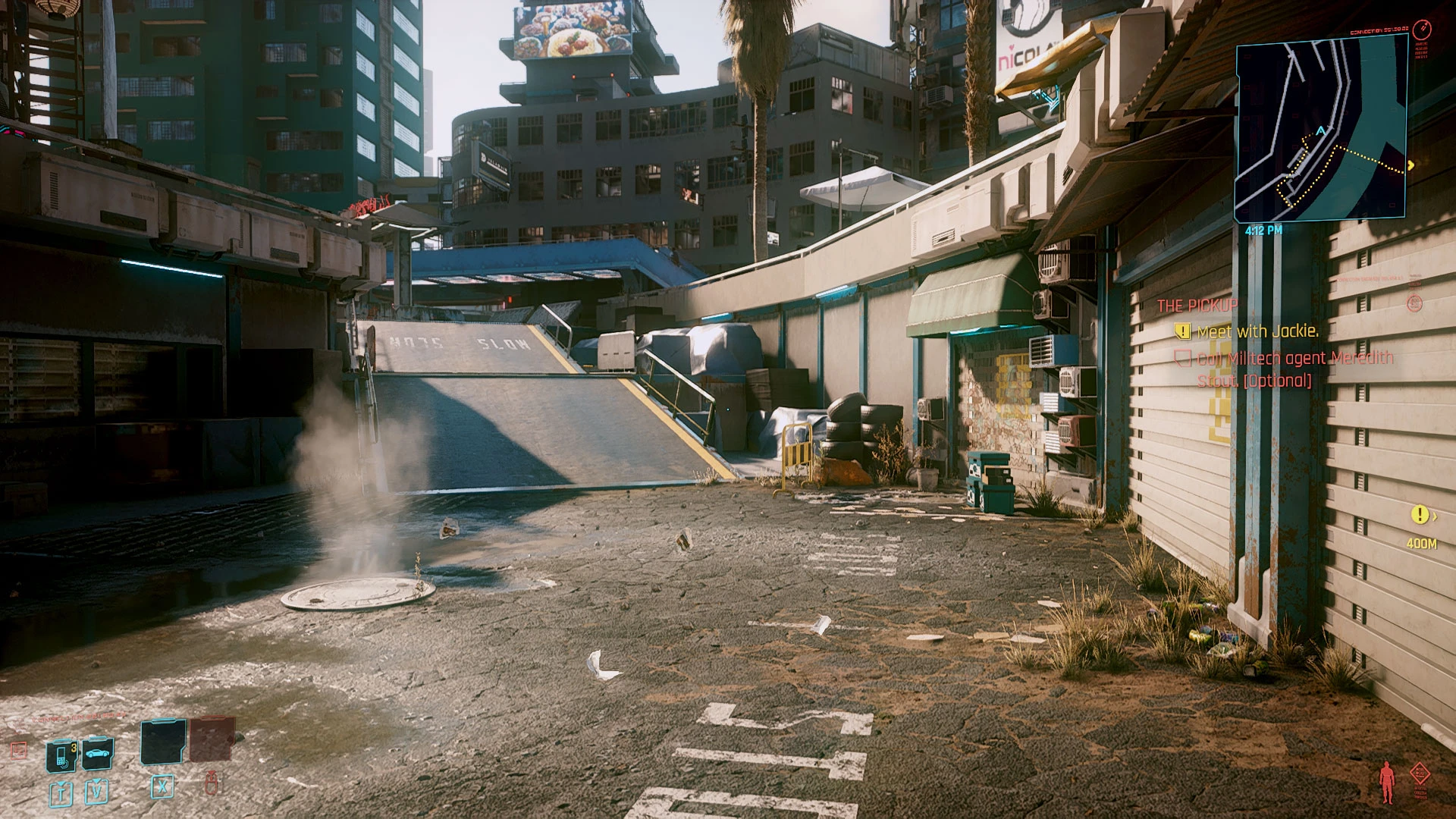
🔍 Analysis
- 👍 4.9% endorsement rate — high engagement, a strong quality signal
- 🏆 #166 of 185 Visuals and Graphics mods in this game by downloads
📋 About This Mod
CREDITS:
CD Projekt RED (for created this great game)
Timothy Lottes (EPIC)
Reshade Team (Crosire, CeeJay, Marty McFly, Thalixte, Ganossa/Hawk, Bacondither, Ioxa, Otis, Jose Negrete, et al. ~ https://reshade.me )
What is this?
A simple Reshade custom shaders for Cyberpunk 2077
This shading makes Cyberpunk 2077 extremely brighter with stronger lighting effects.
NOTE:
- It's based on Reshade 4. 7.x framework, but may not work properly with other Reshade standard shaders; therefore please clean-up your previous Reshade files before apply this mod. You don't have to run Reshade installer, just extract all folder and files to proper location as shown on the screenshot below.
- for the best result please turn OFF Noise Grain, Chromatic Aberration and Motion Blur insidein-game Graphic Settings. If you have Turing card or newer, then you may set DLSS to "auto"
- This version is NOT aimed for performance wise. If you aiming for performance wise, you may try the lite edition from here:
https://www.nexusmods.com/cyberpunk2077/mods/77
- This version also still in Beta version. You can give your feedback and request features though my Patreon page.
- This version is NOT included 3D Stereoscopic mode (3D Stereoscopic mode only available in version 1. 03D, as in 1. 05 the lighting so much different, and may cause "cross talk"/ghosting effect in 3D stereoscopic mode).
How to install:
- Clean-up your previous all Reshade files and configuration (if you already installed it) from Cyberpunk2077 folder before install this mod
- Extract these files into where your game executable (Cyberpunk2077.exe) resides. The files and folder structure are as shown in this screenshot example
below. Where green high-lighted is Cyberpunk exe file, and grey high-lighted are my mod folders and files :
- Run the game!
Command Keys:
- INSERT : Toggle Effects ON/OFF (default: ON)
- END : to Show up Reshade UI, so you can adjust Color Saturation, Light Intensity, Dark Level and Sharpness to fit your monitor/your liking.
- PgDn : to activate border effect (new in v1. 09b)
I hope you like it! :)
Chris Rubino
📊 Mod Details
- Game
- Cyberpunk 2077 Mods
- Author
- Chris Rubino
- Version
- 1.09b
- Downloads
- 3,781
- Endorsements
- 185
- Category
- Visuals and Graphics
- Created
- 12/31/2020
- Updated
- 3/31/2021
🔧 How to Install Cyberpunk 2077 Mods
Download from Nexus.
📖 Full step-by-step install guide for Cyberpunk 2077 →
Visit the official mod page for specific installation instructions for this mod.
🎮 Need cheat codes or console commands? Check ur gaming wiki for Cyberpunk 2077 commands, item IDs, and more.
Keep browsing — more Cyberpunk 2077 mods await