Restore v2.0 Double Jump Sound
🟠 Updated over a year ago⚠️ Install Order · 6 steps
Install in this order, then this mod last — most mods fail to load without their framework and dependencies in place.
Preview
🔍 Analysis
- 👍 1.0% endorsement rate
- 🏆 #49 of 65 Audio mods in this game by downloads
📋 About This Mod
DESCRIPTION
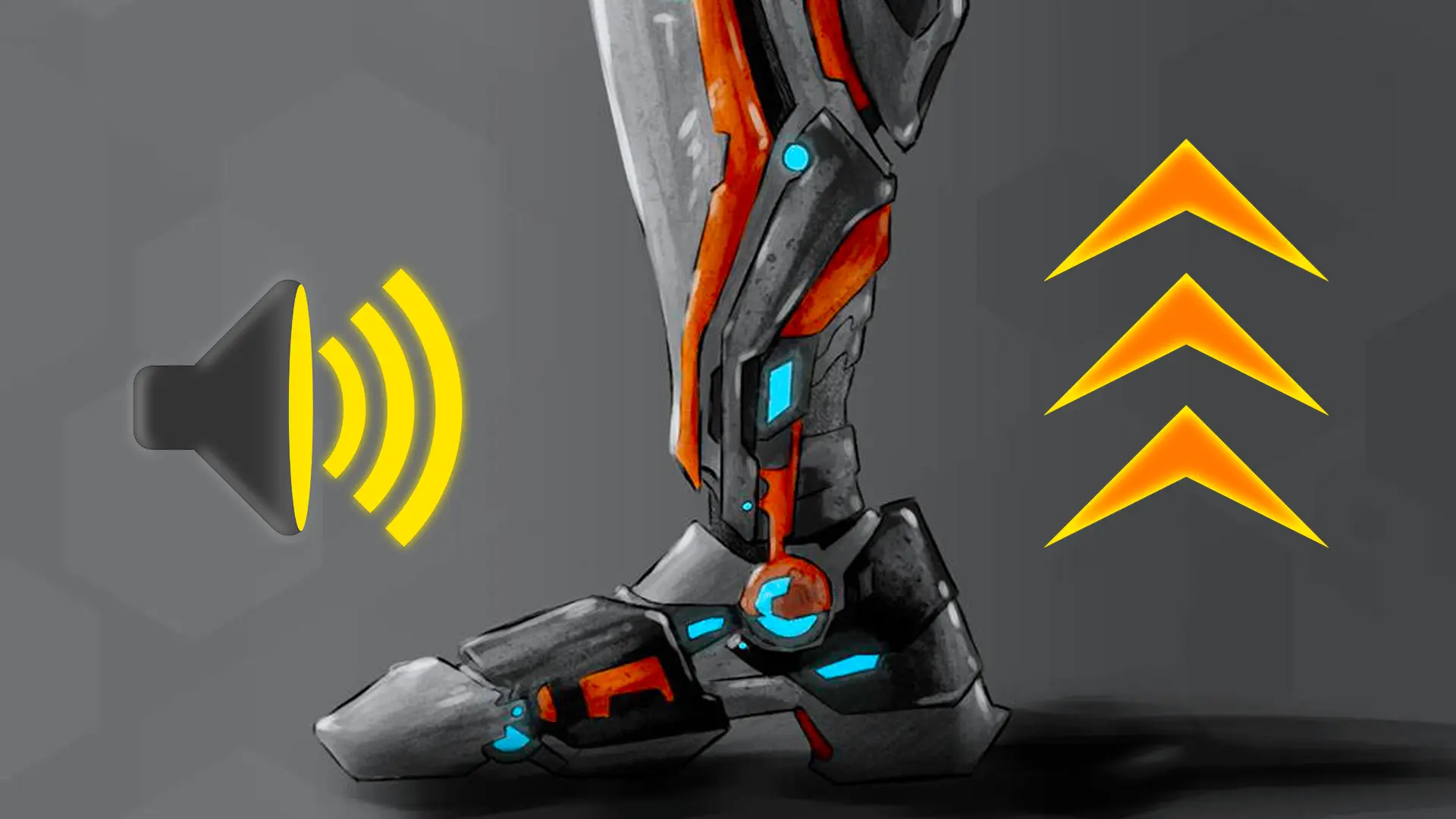
This mod will restore the original sound from game v2. 0 for both Double Jump and Charge Jump cyberware.
Known issue: because of technical limitations from game v2. 1 I had to remove some equipment sound effects of the Senkoh gun in order to create this mod.
REQUIREMENTS
-
[]Game version: v2. 3.
[
]Phantom Liberty: working, but the content of the DLC is not affected yet.
Simply extract the ZIP archive into the game folder.INSTALLATION
COMPATIBILITY
This mod is poorly compatible with other audio mods.
Impacted files: eventsmetadata.json, OPUSPAK/OPUSINFO files.
Feel free to contact me in case something does not work as expected so I can investigate.SUPPORT
Use the POSTS tab and describe your issue with as many details as you can.
MY MODS
[]Mute TV Ads
[]Mute TV News
[]Quieter TV Ads
[]Remove TV Ads
[]Quieter TV News
[]Mute V's Footsteps
[*]Mute V's Pain Voice[
Restores the original v2.0 sound effects for Double Jump and Charge Jump cyberware in Cyberpunk 2077. A small audio mod with 105 endorsements and over 10k downloads, last updated July 2025. For players who prefer the classic jump sounds over the current ones.
✨ Key Features
📊 Pros & Cons
✅ Pros
- Niche fix that brings back the classic jump sounds (105 endorsements)
- Over 10k downloads shows real demand for this audio tweak
- Lightweight and focused—does exactly what it says, nothing more
⚠️ Cons
- Only affects two specific sounds—if you wanted more audio changes, this isn't it
- Last updated July 2025—may not work with future game patches
For Cyberpunk 2077 players who miss the original v2.0 jump sounds and want that classic audio back. Skip if you're looking for broader audio overhauls or gameplay changes—this is purely a sound restoration.
💡 Beginner Tips
- Make sure to place the mod files in the correct game directory (usually 'Cyberpunk 2077/archive/pc/mod') to ensure the sounds load properly.
- If you're using other audio mods, check for conflicts—this mod replaces specific sound files, so overlapping mods might override each other.
- After installing, test both Double Jump and Charge Jump in-game to confirm the sounds are restored.
📊 Mod Details
- Game
- Cyberpunk 2077 Mods
- Author
- YG
- Version
- 3
- Downloads
- 10,768
- Endorsements
- 105
- Category
- Audio
- Created
- 12/8/2023
- Updated
- 7/20/2025
🔧 How to Install Cyberpunk 2077 Mods
Download from Nexus.
📖 Full step-by-step install guide for Cyberpunk 2077 →
Visit the official mod page for specific installation instructions for this mod.
🎮 Need cheat codes or console commands? Check ur gaming wiki for Cyberpunk 2077 commands, item IDs, and more.
Keep browsing — more Cyberpunk 2077 mods await