ReActif Engine Tweaks
🟡 Updated this year⚠️ Install Order · 6 steps
Install in this order, then this mod last — most mods fail to load without their framework and dependencies in place.
Preview
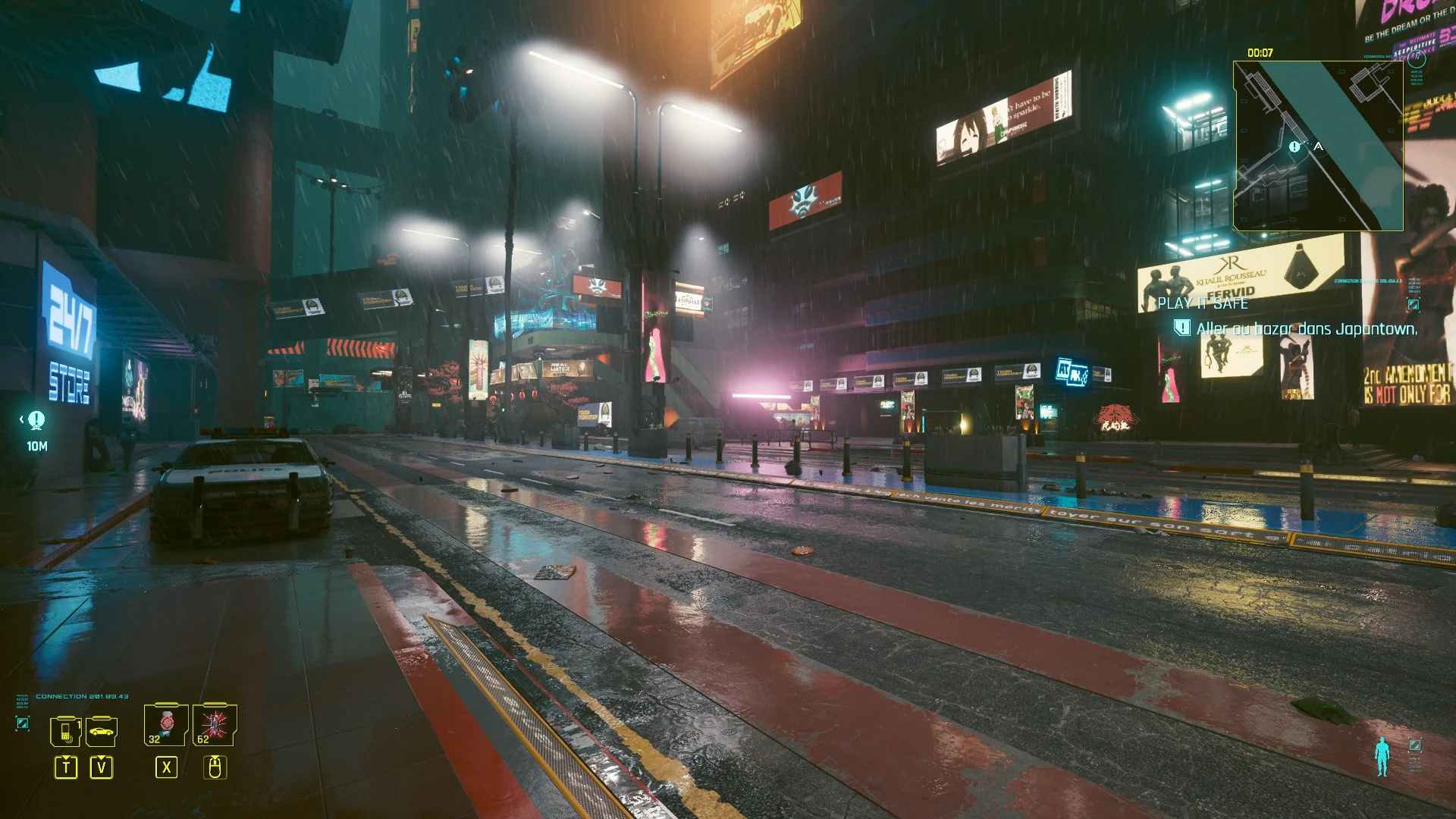
🔍 Analysis
- 👍 2.6% endorsement rate — high engagement, a strong quality signal
- 🏆 #38 of 171 Miscellaneous mods in this game by downloads
📋 About This Mod
Various game optimizations (for average PC Gamer)
Various game optimizations for average PC Gamer
After months of playing and testing various changes to the game engine INI settings to fix/improve certain behaviors in the game.
Based on several optimizations created by others (list at the bottom of the description), I kept only the points that seemed most notable (from
my point of view) and I confronted the various values to keep only those that (in my opinion and feedback obtained) were consistent and not
identical to those by default. And above all, the goal is not, like others, to boost absolutely everything that can be boosted, but just to focus on some
aspects that on an average configuration were not at the level of expectations.
Free to those who had version 1. 1 and who find that the changes in version 1. 2 do not suit them to return to version 1. 1
(I do not want to make multiple versions that could lead to confusion)
NB: There are no changes related to raytracing.
For your information, here is the configuration used when creating these changes:
-
[]CPU: Intel i7 6800 (6 cores at 3. 4-3. 8 Ghz but 2 cores blocked for virtual machine)
[
]GPU: Nvidia GTX 1080Ti (11 Gb)[]RAM: 64 Gb (but about 40 Gb is used as virtual disk)
[]HDD: Mechanical disk at 7200rpm (for gaming)
OPTIMIZATIONS
-
[]Distance of appearance (Rendering, Streaming).
[
]Generation of the crowd and its behavior.[]Vehicle traffic and behavior.
[]Vehicle physics.
[]Shadows, Fog, Occlusion, LOD improvements.
INSTALLATION
-
[]Copy the ZIP file in the Cyberpunk 2077 root folder.
[]Unzip the archive directly into this folder (do not unzip into a folder named after the archive).
[]Accept the request to overwrite the file already present (in case of an update only)
YOU WANT HELP
If you have any suggestions, or things to let me know, I'll be happy to add them to the list of what is reported to me to see if I can do something.
And if I find a solution, remembering that I'm not an expert, I'll share it first with the people concerned to get their feedback on their configuration
and if it's conclusive, I'll add it either to the main file or in an alternative file.
DETAILS OF THE INI FILE
See in the following Pastebin because here some parts of the code are modified by the BBcode parser
https://pastebin.com/L9pW1v27
INI FILES USED AS REFERENCES
INI settings and EXE parameters list
-
[]Copy the ZIP file in the Cyberpunk 2077 root folder.
-
[]Distance of appearance (Rendering, Streaming).
📊 Mod Details
- Game
- Cyberpunk 2077 Mods
- Author
- ReActif
- Version
- 1.3
- Downloads
- 2,982
- Endorsements
- 79
- Category
- Miscellaneous
- Created
- 11/24/2022
- Updated
- 11/13/2025
🔧 How to Install Cyberpunk 2077 Mods
Download from Nexus.
📖 Full step-by-step install guide for Cyberpunk 2077 →
Visit the official mod page for specific installation instructions for this mod.
🎮 Need cheat codes or console commands? Check ur gaming wiki for Cyberpunk 2077 commands, item IDs, and more.
Keep browsing — more Cyberpunk 2077 mods await