Persistent UI elements
⚪ Last updated 2021⚠️ Install Order · 6 steps
1🛠️ Cyber Engine Tweaks — Cyber Engine Tweaks (CET) Download ↗
2🛠️ RED4ext — RED4ext (native plugin loader) Download ↗
3🛠️ redscript — redscript (scripting framework) Download ↗
4🧩 ArchiveXL — ArchiveXL (archive loader) Download ↗
5🧩 TweakXL — TweakXL (tweak framework) Download ↗
6🧩 Codeware — Codeware (UI framework) Download ↗
Install in this order, then this mod last — most mods fail to load without their framework and dependencies in place.
Preview
🔍 Analysis
- 👍 5.3% endorsement rate — high engagement, a strong quality signal
- 🏆 #107 of 153 User Interface mods in this game by downloads
📋 About This Mod
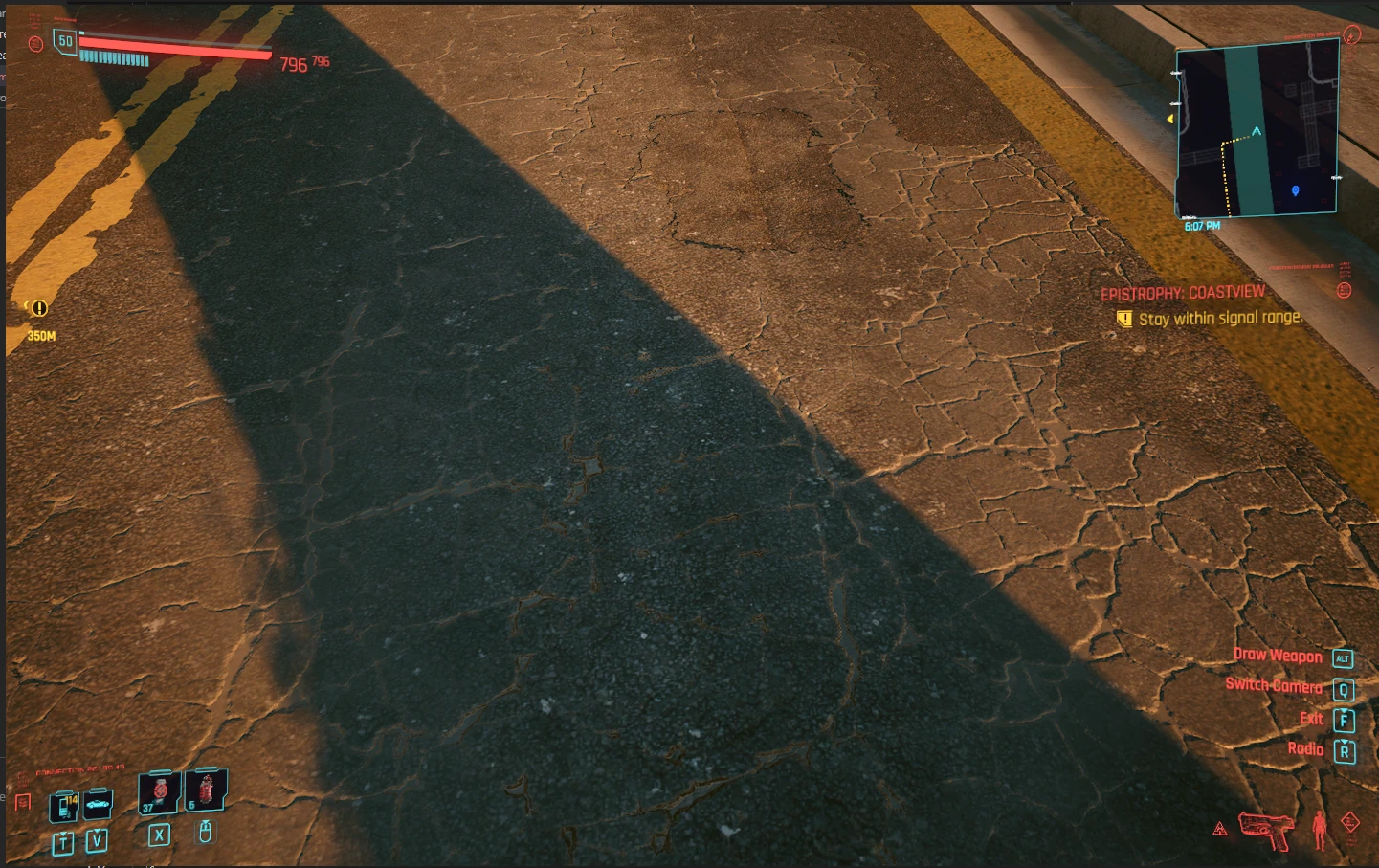
This mod stops the HP/STA/OXY bar from hiding (Each element is a separate scripts )
Simple but effective,
These 3 tiny mods allow your UI elements to be persistent.
-
[]Download redscript
[
]Install Redscript[]Download this mod
[]Place scripts of choice in scripts folder.
- Profit.
📊 Mod Details
- Game
- Cyberpunk 2077 Mods
- Author
- Offline-WolvenKit
- Version
- 1.0
- Downloads
- 861
- Endorsements
- 46
- Category
- User Interface
- Created
- 4/11/2021
- Updated
- 4/11/2021
🔧 How to Install Cyberpunk 2077 Mods
Download from Nexus.
📖 Full step-by-step install guide for Cyberpunk 2077 →
Visit the official mod page for specific installation instructions for this mod.
🎮 Need cheat codes or console commands? Check ur gaming wiki for Cyberpunk 2077 commands, item IDs, and more.
Keep browsing — more Cyberpunk 2077 mods await