HGIG HDR blackfloor fix
⚪ Last updated 2024⚠️ Install Order · 6 steps
Install in this order, then this mod last — most mods fail to load without their framework and dependencies in place.
Preview
🔍 Analysis
- 👍 3.6% endorsement rate — high engagement, a strong quality signal
- 🏆 #59 of 219 Miscellaneous mods in this game by downloads
📋 About This Mod
My guide/fix has become obsolete dowload this: https://www.nexusmods.com/cyberpunk2077/mods/13912CDPR has done some efforts making HDR a better experience than SDR currently offers.But there is still the issue of raised blacks.This reshade
This mod is ideal for people on Oled screens who run HGIG in windows + HGIG capable screens (tv and monitors)
This is meant for HDR PQ (default when running HDR and DLSS)
People who use different panel techniques (TN, IPS, VA etc) will likely still benefit, but the results might differ.
This fix will likely not work 100% as intended on people who run different tone mapping, but can still be usable and adjustable. I'll ad a video tutorial + description if this is wanted (I'll await some input)
I assume you have set up windows correctly though the HDR calibration app also available in the Microsoft store inside of Windows. And I assume you have tone mapping set to HGIG in your screen/tv's menu.
All that is left to do is set the Peak brightness in game, to your screens max luminous values discovered in the HDR calibration app.
For my setup this is 790 (10 more than my screen is capable of because of personal preference) I play this game on a LG OLED C9.
I set the tone mapping in game to 1 for accurate results, some mods on the nexus deviate from this, so you will have to input a different value if you run any of these.
Anything higher changes the default look of the game and raises the blacks more, so if you still have raised blacks this is likely why, and you will have to adjust the values.
Installation:
- Download and install reshade by clicking on Cyberpunk, Dx11: reshade
You only need the minimum required during installation, so you can skip/de-select all additional fx.
- Download and install Liliums HDR reshade shaders: HDR reshade shaders 2023. 11. 03
Extract these files in Cyberpunk 2077\bin\x64\reshade-shaders, overwrite when asked.
- Download my ReShadePreset.ini and place in Cyberpunk 2077\bin\x64\
This needs to be in the SAME folder as cyberpunk2077.exe to work
Remove these files/folders from Cyberpunk 2077\bin\x64\
- ReShade.ini
- ReShade.log
- ReShadepreset.ini
- folder/ reshade-shaders
That's it, you should now have a proper black floor. I personally don't like to have to run reshade, but this is the only way so far that I have been able to fix this issue in a satisfactory way. :(
plz Fix CDPR
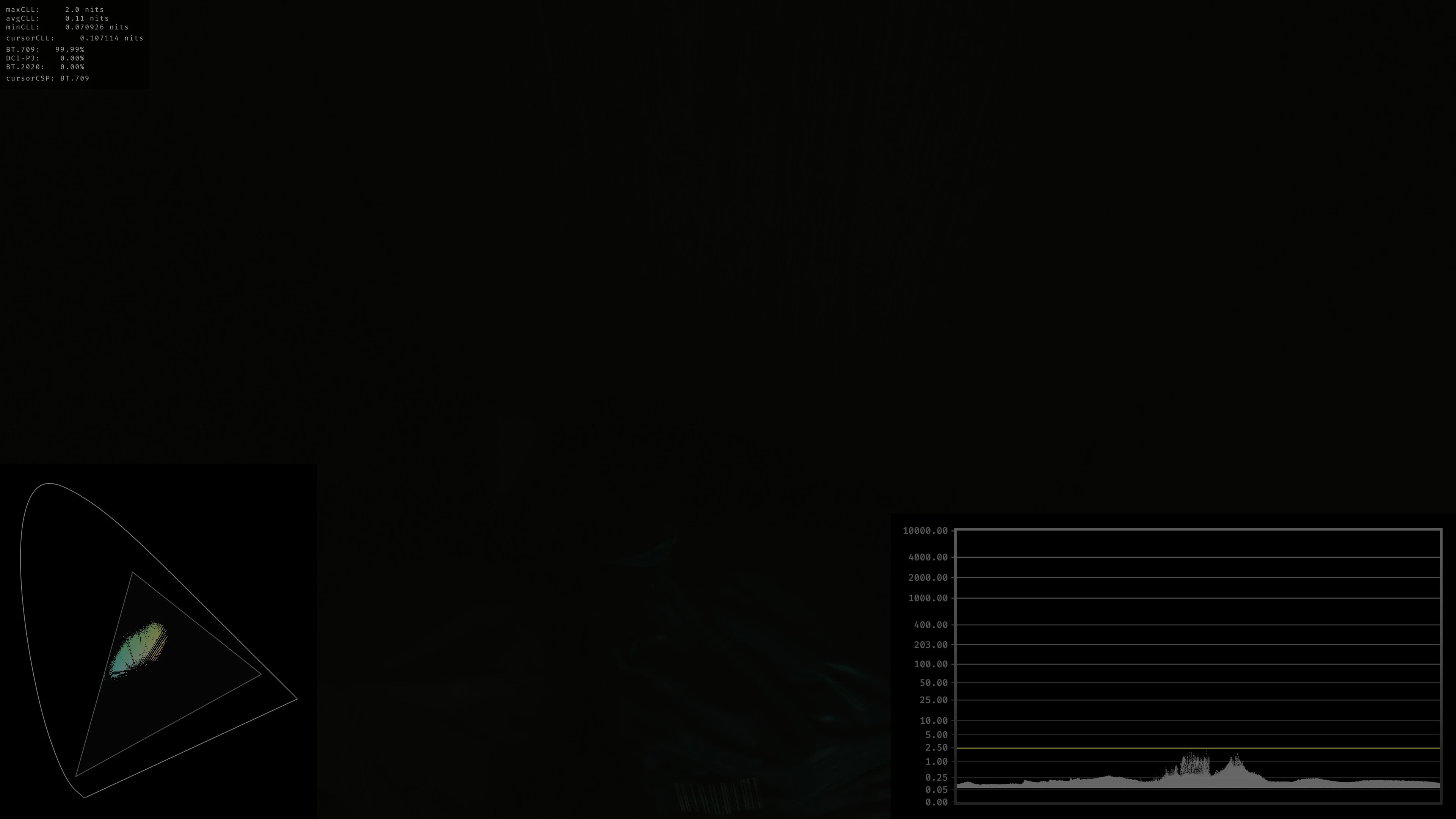
You can toggle the fix by pressing -END- on the keyboard, -HOME- opens up the reshade window. You can de-slect performance mode, activate the HDR analysis tool, and adjust the settings to your liking.
YRGB seems to clamp the tone map to rec 709 (which is default), I would keep it in this format if you wish to stay within the "vanilla" look.
Any other will make the colors map differently, and the results might vary (could be better/ to your liking or not, it very much depends on your screens capabil
📊 Mod Details
- Game
- Cyberpunk 2077 Mods
- Author
- Me
- Version
- 1.0
- Downloads
- 1,239
- Endorsements
- 45
- Category
- Miscellaneous
- Created
- 12/8/2023
- Updated
- 3/28/2024
🔧 How to Install Cyberpunk 2077 Mods
Download from Nexus.
📖 Full step-by-step install guide for Cyberpunk 2077 →
Visit the official mod page for specific installation instructions for this mod.
🎮 Need cheat codes or console commands? Check ur gaming wiki for Cyberpunk 2077 commands, item IDs, and more.
Keep browsing — more Cyberpunk 2077 mods await