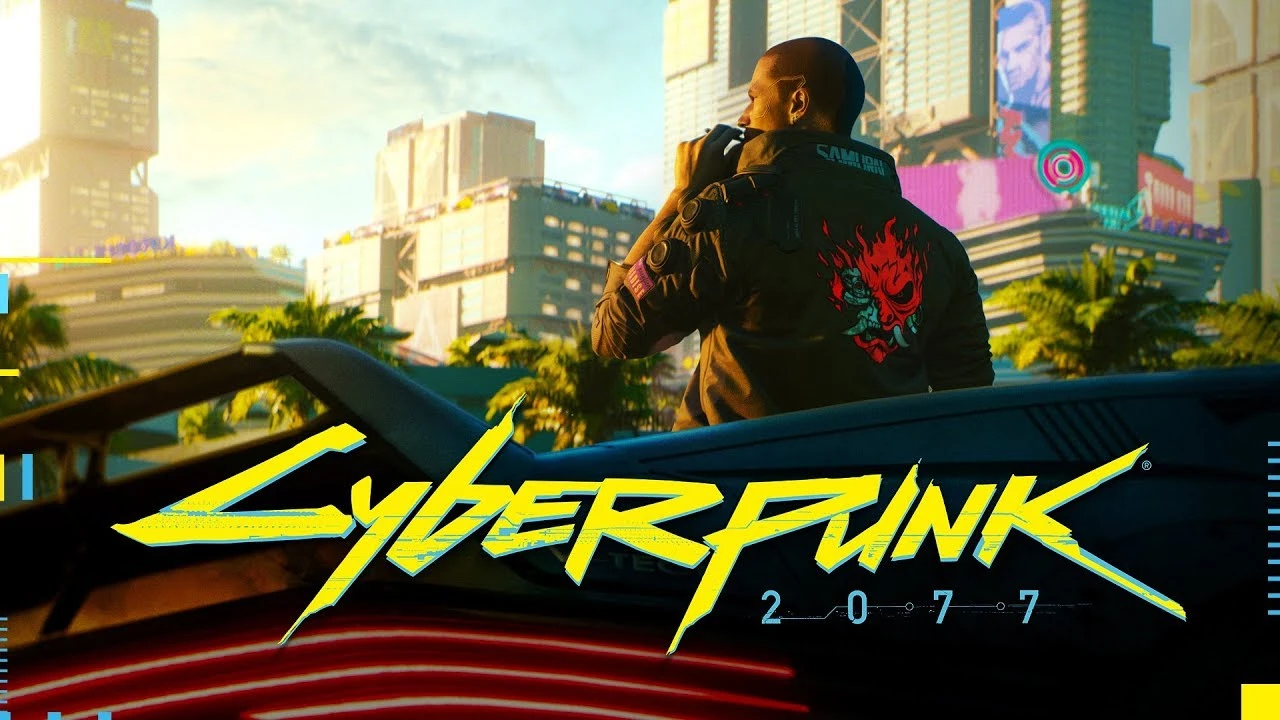
Cyberpunk 2077 E3 2018 Trailer - Main Menu Theme
⚪ Last updated 2021⚠️ Install Order · 6 steps
Install in this order, then this mod last — most mods fail to load without their framework and dependencies in place.
Preview
🔍 Analysis
- 👍 4.7% endorsement rate — high engagement, a strong quality signal
- 🏆 #84 of 135 Audio mods in this game by downloads
📋 About This Mod
OVERVIEW
Replaces the original main menu theme with the one from E3 2018.
INSTALLATION
Extract the . RAR file and place the included .archive file(s) inside the following folder(s) depending on your preferred gaming platform:
Steam:
\SteamLibrary\steamapps\common\Cyberpunk 2077\archive\pc\mod
GOG:
\GOGLibrary\Games\Cyberpunk 2077\archive\pc\mod
Epic Games:
\EpicLibrary\Cyberpunk 2077\archive\pc\mod
PS: If the "mod" folder doesn't exist you have to create it yourself.
How To Uninstall:
Delete "basegame_spoilerhyper" from Cyberpunk 2077\archive\pc\mod.
OTHER INFORMATION
- Tested on Cyberpunk 2077's latest game version.
CREDITS
CD Projekt Red
Support all modders by joining the Cyberpunk 2077 Modding Discord!🤖 AI-enhanced — based on mod dataThis audio mod replaces Cyberpunk 2077's main menu theme with the iconic track from the E3 2018 trailer. It's a simple, nostalgic swap for fans of the original reveal. With 193 endorsements and 4,124 downloads, it's a niche but appreciated choice for those who prefer the pre-release vibe.
✨ Key Features
Replaces the original main menu theme with the E3 2018 trailer music.Simple audio replacement mod, no additional files or dependencies required.📊 Pros & Cons
✅ Pros
- Nostalgic pick for fans of the E3 2018 reveal (193 endorsements).
- Lightweight and straightforward—just drop in and enjoy.
- Downloads show steady interest (4,124) for a niche audio swap.
⚠️ Cons
- Only changes the main menu theme—no other audio is touched.
- Last updated in April 2021—may not be tested with the latest game patches.
🎯 Is This For You?
For Cyberpunk 2077 players who loved the E3 2018 trailer and want that hype back every time they boot the game. Skip if you're looking for broader audio overhauls or if you're fine with the current menu music.📦 Install:Easy· Under 1 minute💡 Beginner Tips
- Make sure to back up the original audio file before replacing it, so you can revert if needed.
- Check if the mod requires a specific file path—look for a 'mods' folder or direct replacement in the game's archive.
- If the game updates, the mod may break; reinstall after major patches.
📊 Mod Details
- Game
- Cyberpunk 2077 Mods
- Author
- Spookie
- Version
- 1.0
- Downloads
- 4,124
- Endorsements
- 193
- Category
- Audio
- Created
- 4/15/2021
- Updated
- 4/15/2021
🔧 How to Install Cyberpunk 2077 Mods
Download from Nexus.
📖 Full step-by-step install guide for Cyberpunk 2077 →
Visit the official mod page for specific installation instructions for this mod.
🎮 Need cheat codes or console commands? Check ur gaming wiki for Cyberpunk 2077 commands, item IDs, and more.
Keep browsing — more Cyberpunk 2077 mods await