Customizable Tees - Regular - Cropped - Muscle - Dynamic AXL - multiple colors and logos including P
🟠 Updated over a year ago⚠️ Install Order · 6 steps
Install in this order, then this mod last — most mods fail to load without their framework and dependencies in place.
Preview
🔍 Analysis
- 👍 1.8% endorsement rate — high engagement, a strong quality signal
- 🏆 #250 of 631 Armour and Clothing mods in this game by downloads
📋 About This Mod
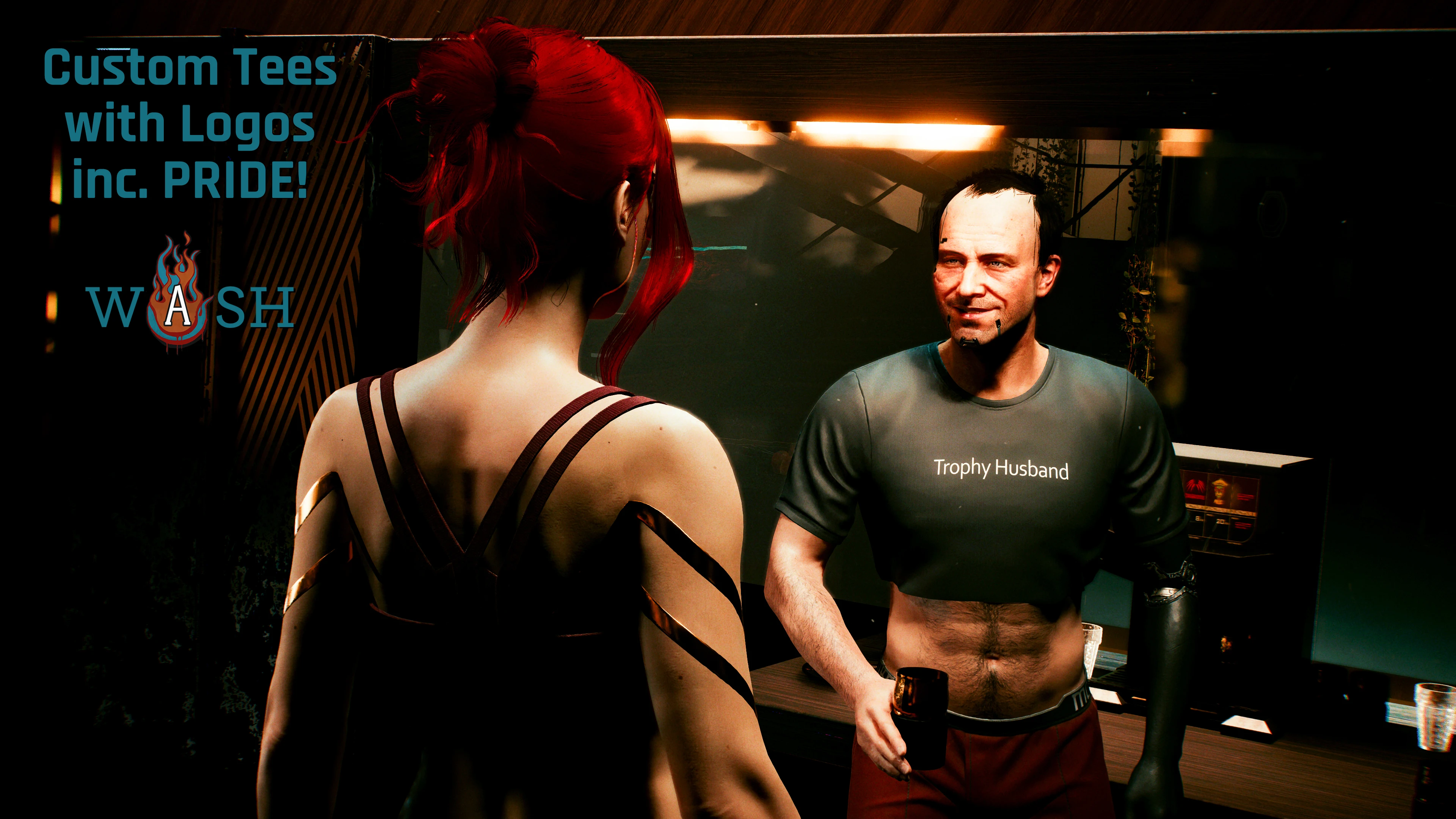
Allows the use of multiple logos and shirt colors at once via Dynamic Archive XL. Mix and match without needing to restart the game to load a different tee!
A framework that allows multiple colors and logos on the casual tee via ArchiveXL! Adds the plain tee via Archive XL in regular, cropped, and muscle tee versions; ten shirts each with ten colors. Also allows usage of multiple tee logos/decals! Customize the color of the tee to match the logo.
Available Logos
There are a bunch that I made under Optional Files, including the Pride tees from my previous set, plus more pride flags. Logos that are made by other users can be found above in Requirements under the "Mods requiring this file" section.
2. 0 Installation Guide
1. Install the base mod
2. Install decals, up to 10! -- one per Tee. EX: wash_custom_tee__01_Lizzies.archive; wash_custom_tee__02_NFTs.archive... and so on
3. Get your custom spawn codes, or search in the readme to find the one you want.
How to make your custom spawn code:
1. Pick a shirt style:
Game. AddToInventory("Items.wash_custom_tee_COLOR_DECAL")
Game. AddToInventory("Items.wash_custom_tee_cropped_COLOR_DECAL")
Game. AddToInventory("Items.wash_custom_tee_muscle_COLOR_DECAL")
2. Pick a color from the list of colors. Replace COLOR in the spawn code with the color you pick.
Game. AddToInventory("Items.wash_custom_tee_hot_pink_DECAL")
Game. AddToInventory("Items.wash_custom_tee_cropped_eggplant_DECAL")
Game. AddToInventory("Items.wash_custom_tee_muscle_blue_DECAL")
Colors options:
3. Pic a decal. Replace DECAL with the decal you want.
Game. AddToInventory("Items.wash_custom_tee_hot_pink_01")
Game. AddToInventory("Items.wash_custom_tee_cropped_eggplant_02")
Game. AddToInventory("Items.wash_custom_tee_muscle_blue_10")
Decal options: 01,02,03,04,05,06,07,08,09,10
Check Optional Files and the "Mods requiring this file" section to find more logos.
Decal archives MUST be higher in load order than the framework archive to work. If you rename any files, make sure the framework appears last.
Troubleshooting
📊 Mod Details
- Game
- Cyberpunk 2077 Mods
- Author
- wash
- Version
- 2.1.1
- Downloads
- 5,965
- Endorsements
- 105
- Category
- Armour and Clothing
- Created
- 6/24/2023
- Updated
- 5/8/2025
🔧 How to Install Cyberpunk 2077 Mods
Download from Nexus.
📖 Full step-by-step install guide for Cyberpunk 2077 →
Visit the official mod page for specific installation instructions for this mod.
🎮 Need cheat codes or console commands? Check ur gaming wiki for Cyberpunk 2077 commands, item IDs, and more.
Keep browsing — more Cyberpunk 2077 mods await