Clean Up Compatibility Patch
🟠 Updated over a year ago⚠️ Install Order · 6 steps
Install in this order, then this mod last — most mods fail to load without their framework and dependencies in place.
Preview
🔍 Analysis
- 👍 4.1% endorsement rate — high engagement, a strong quality signal
- 🏆 #145 of 171 Miscellaneous mods in this game by downloads
📋 About This Mod
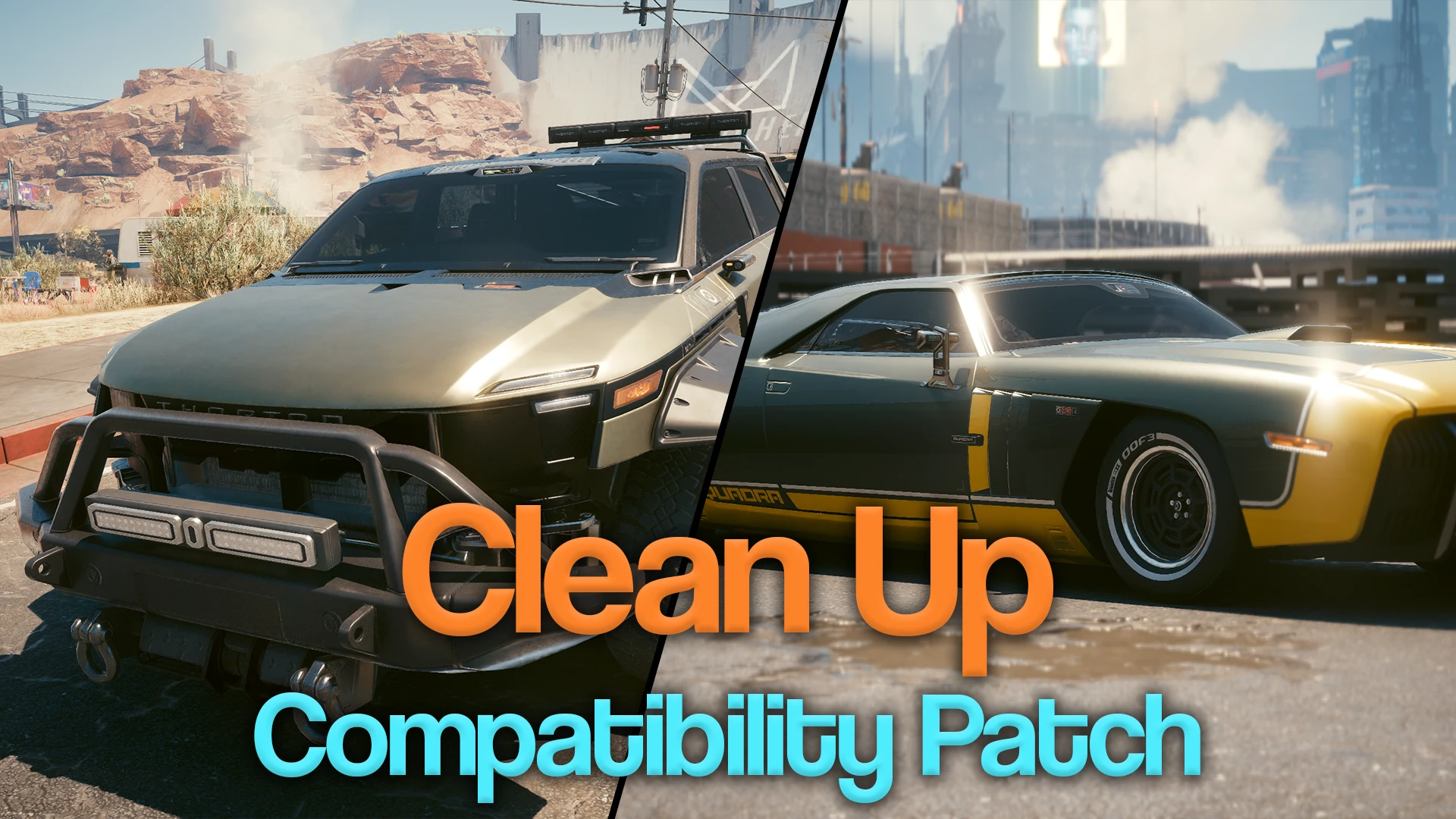
A compatibility patch for the "Clean Up" vehicle mods.
(Works with Patch 2. 3)
A small patch to ensure that some graphical assets don't get mashed up or overwritten when using more than one of my "Clean Up" vehicle mods.
Currently used alongside:
-
[]Clean Up R-7 Charon (Logo and Flame Remover) (v1. 0. 3+)
[
]Clean Up Merrimac Warlock (NUSA Flag and Oatmeal Paintjob Remover) (v1. 0. 2+)Why do I need this mod?
If you're using more than one of my "Clean Up" vehicle mods, chances are that a graphical asset (vehicle call menu picture, AutoFixer listing, etc) won't reflect the changes made to the actual vehicle due to some load order shenanigans.
Why is this a separate mod to the vehicle mods themselves?
I originally bundled the necessary image files in with Clean Up Charon and Clean Up Warlock, but it quickly became apparent that doing it this way leads to confusion as you end up having to install two or more patches over the top of each other, it's not clear if all vehicle mods have to have their own patches applied, etc.
Keeping it all in one place makes it a lot easier to add new vehicle mods in the future too!
What's the deal with these graphics anyway?
CDPR uses a lot of combined images in Cyberpunk 2077, and tells the game to only show a section of the image as and when needed. Think of it like a huge sheet of stickers, with the game plucking one or two off as needed.
This is used a lot for Codex images, vehicle call menu pictures, AutoFixer photos, that sort of thing. Having different mods affect different parts of the sheet all at the same time just doesn't work, as only one mod's change can actually make it through to the game at one time.
Manual installation
-
[]Extract the contents of the .zip archive into your Cyberpunk 2077 directory
Any feedback is much appreciated! Please also report any weirdness using the Bugs board via the tab at the top.
Check out my other mods:
- [
[]Clean Up Merrimac Warlock (NUSA Flag and Oatmeal Paintjob Remover)
[]Clean Up Thrax Jefferson
- Rollin' In Dogtown - Jumbotron Rickroll
-
[]Extract the contents of the .zip archive into your Cyberpunk 2077 directory
📊 Mod Details
- Game
- Cyberpunk 2077 Mods
- Author
- ChunkeeMunkee
- Version
- 1.0.5
- Downloads
- 1,718
- Endorsements
- 70
- Category
- Miscellaneous
- Created
- 2/1/2024
- Updated
- 7/19/2025
🔧 How to Install Cyberpunk 2077 Mods
Download from Nexus.
📖 Full step-by-step install guide for Cyberpunk 2077 →
Visit the official mod page for specific installation instructions for this mod.
🎮 Need cheat codes or console commands? Check ur gaming wiki for Cyberpunk 2077 commands, item IDs, and more.
Keep browsing — more Cyberpunk 2077 mods await