Better Xbox Gamepad Vibration
⚪ Last updated 2021⚠️ Install Order · 6 steps
Install in this order, then this mod last — most mods fail to load without their framework and dependencies in place.
Preview
🔍 Analysis
- 👍 4.5% endorsement rate — high engagement, a strong quality signal
- 🏆 #93 of 107 User Interface mods in this game by downloads
📋 About This Mod
A custom Xinput DLL which uses the Windows.Gaming.Input API for better vibration, which has better support for Xbox One controllers, including impulse triggers.
A custom Xinput DLL rewritten using the Windows. Gaming. Input API which has better support for Xbox One S, Xbox Series S/X controllers, including impulse triggers.
This DLL just converts normal vibrations to trigger vibrations.
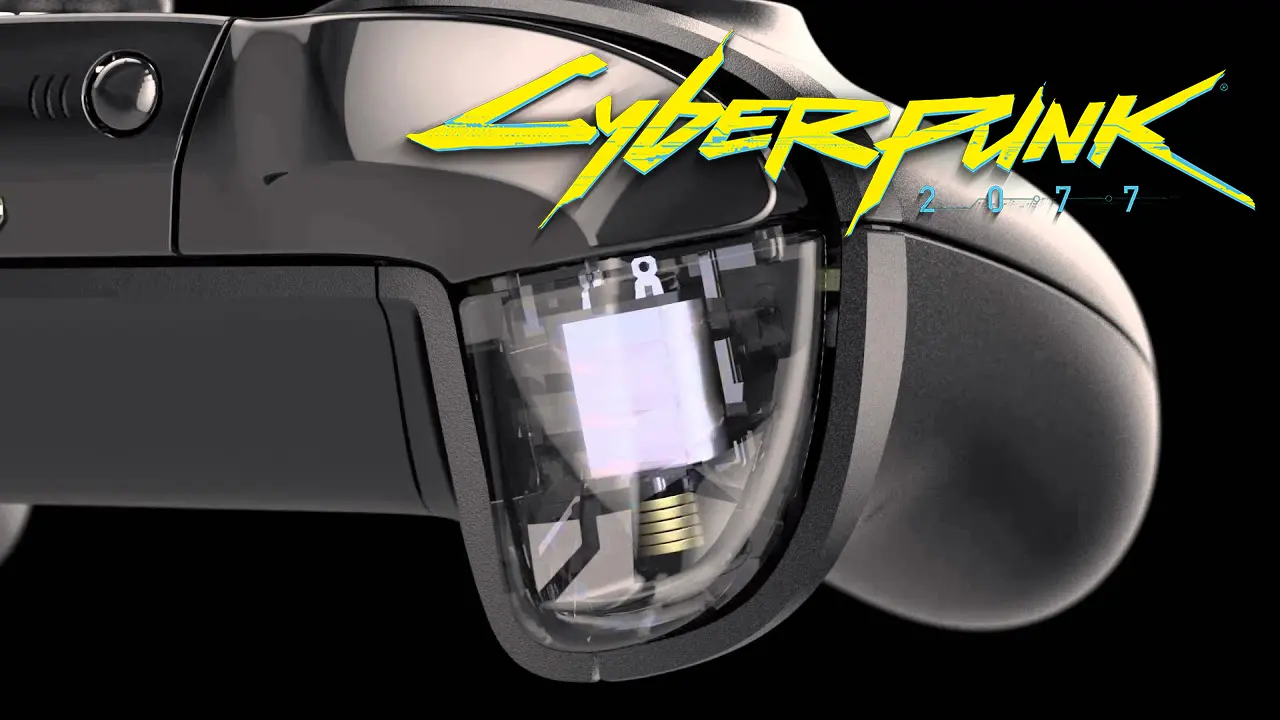
What is Impulse triggers? (Xbox One S, Xbox Series S/X Controller)
Each trigger features independent rumble motors called "Impulse Triggers", which allows developers to program directional vibration. One trigger can be made to vibrate when firing a gun, or both can work together to create feedback that indicates the direction of an incoming hit.
Windows. Gaming. Input API requires Windows 10 to work.
Installation
1. Make backup original xinput1_3.dll
2. Copy files to into the folder with game executable (...\Cyberpunk 2077\bin\x64)
To adjust vibration strength of motors and triggers, change strength for the corresponding side in X1nput.ini (e.g. LeftStrength=0. 5).
Trigger vibration strength ranges from 0. 0 to 1. 0
📊 Mod Details
- Game
- Cyberpunk 2077 Mods
- Author
- Xinput by Araghon007
- Version
- 1
- Downloads
- 3,888
- Endorsements
- 175
- Category
- User Interface
- Created
- 1/8/2021
- Updated
- 1/8/2021
🔧 How to Install Cyberpunk 2077 Mods
Download from Nexus.
📖 Full step-by-step install guide for Cyberpunk 2077 →
Visit the official mod page for specific installation instructions for this mod.
🎮 Need cheat codes or console commands? Check ur gaming wiki for Cyberpunk 2077 commands, item IDs, and more.
Keep browsing — more Cyberpunk 2077 mods await