Advanced Functions for the Mouse Right Button
⚪ Last updated 2020⚠️ Install Order · 6 steps
Install in this order, then this mod last — most mods fail to load without their framework and dependencies in place.
Preview
🔍 Analysis
- 👍 7.1% endorsement rate — high engagement, a strong quality signal
- 🏆 #41 of 138 User Interface mods in this game by downloads
📋 About This Mod
The main goal is to make RMB more functional and useful while UI navigation.
Advanced Functions for the Mouse Right Button
In my opinion, using the RMB while UI navigation is unreasonably small.
Why try to assign multiple extra keyboard keys for different functions, then add those keys to exceptions in config files, and so on?
When all of these several functions can easily be assigned to just one key, on which your finger already lies by the way - the right mouse button.
I think that's handier, isn't it?
-
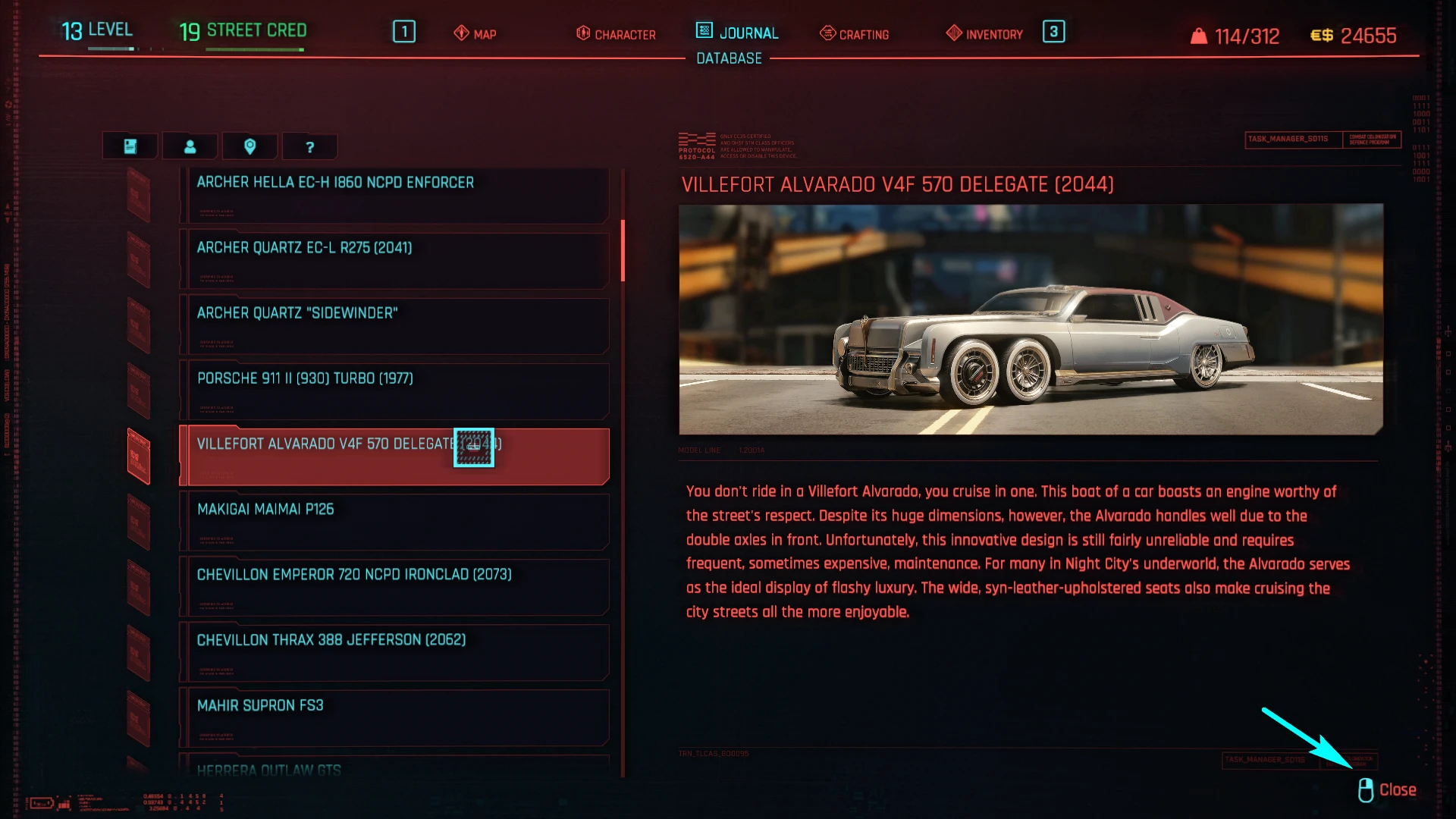
[]for a small example, now the inventory management can be easily carried out using only the mouse and without being distracted by pressing Esc to return to the previous menu.
Of course, this is a matter of habit, so the choice is yours.
====================================================================================
The list of functions where RMB can be used additionally with already assigned default key ( for your choice ) or instead of some other keys:
- [
[]Cancel ( instead of "C" )
[]Close tutorial ( instead of "C" )
[]Cancel popup ( instead of "C" )
[]Stop Device Control ( instead of "C" )
- Exit Braindance ( instead of "X" )
Attention:
- for the "world_map_menu_track_waypoint" function the "Q" key assigned by default
- for the "world_map_menu_rotate_mouse" function the holding "Middle Mouse Button" key assigned by default
====================================================================
Check out some screenshots
Before installation makes sure to back up inputUserMappings.xml, then unpack the archive and paste the file into:
/Cyberpunk 2077/r6/config,
and confirm overwriting.
And of course, it can be easily merged with other mod(s) that also edits inputUserMappings.xml by using Notepad++ with Compare plugin.
======================================================================================
My other mods for Cyberpunk 2077:
Brennan Apollo Custom Paint Job Pack
Change Your Favorite Cars
📊 Mod Details
- Game
- Cyberpunk 2077 Mods
- Author
- fuxsart
- Version
- 1.00
- Downloads
- 2,728
- Endorsements
- 193
- Category
- User Interface
- Created
- 12/25/2020
- Updated
- 12/27/2020
🔧 How to Install Cyberpunk 2077 Mods
Download from Nexus.
📖 Full step-by-step install guide for Cyberpunk 2077 →
Visit the official mod page for specific installation instructions for this mod.
🎮 Need cheat codes or console commands? Check ur gaming wiki for Cyberpunk 2077 commands, item IDs, and more.
Keep browsing — more Cyberpunk 2077 mods await