Bureau of Control - Reshade
⚪ Last updated 2022Preview
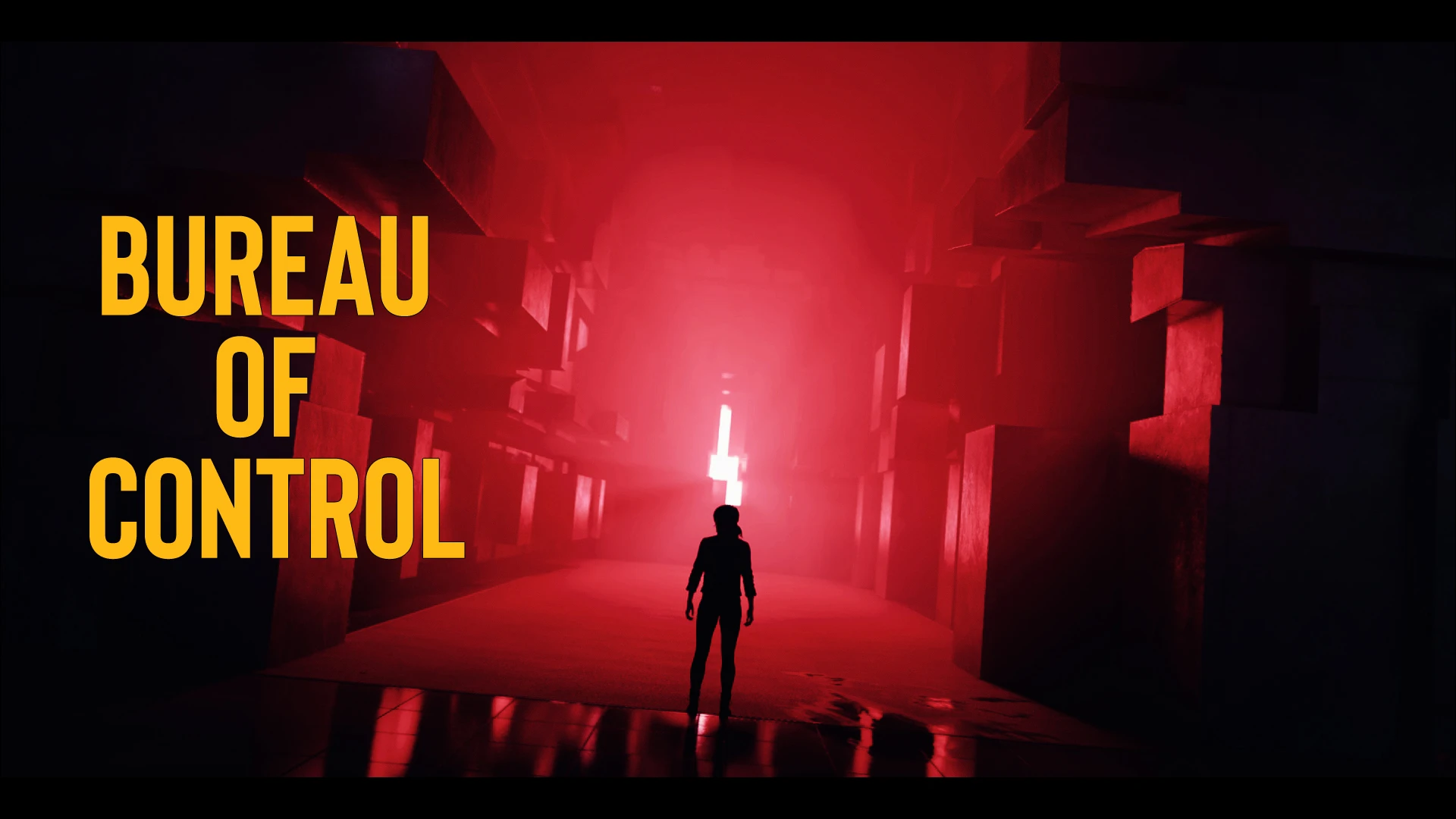
🔍 Analysis
- 👍 5.8% endorsement rate — high engagement, a strong quality signal
- 🏆 #6 of 19 Visuals and Graphics mods in this game by downloads
📋 About This Mod
Reshade focuses on color, sharpening and contrast perception
Bureau of Control - Reshade was made using Gamma set to default !
-- Installation --
1) Download and Install last version (4. 9. 1) of Reshade with ALL PACKAGES on https://reshade.me/ in your game directory
2) Download, and place my "Reshade-shaders" Pack with my preset in your game directory
3) Launch the game
4) Press and finish the installation
5) Select Bureau of Control - Reshade in preset
Assassin's Creed Odyssey - Gaia - Reshade
Assassin's Creed Origins
The Division - Filmic Virus - Reshade
Control - Bureau of Control - Reshade
Cyberpunk 2077 - Darknight Reshade -
Just a Dream - Bioshock Infinite
Horizon Zero Dawn - Frostbolt - Reshade
Resident Evil 3 - Fear Me Reshade -
Resident Evil 2 - Dark Umbrella Reshade -
Horror Night Reshade - Resident Evil 7
Resident Evil 0 - Genesis Reshade
Resident evil Remake - Back to Mansion Reshade
Mafia Definitive Edition - Shot and Reshade
📊 Mod Details
- Game
- Control Mods
- Author
- kyOuZz_-
- Version
- 1.0
- Downloads
- 1,511
- Endorsements
- 87
- Category
- Visuals and Graphics
- Created
- 2/4/2021
- Updated
- 1/31/2022
🔧 How to Install Control Mods
Download from the official mod page and follow its install instructions. Use a mod manager where supported.
📖 Full step-by-step install guide for Control →
Visit the official mod page for specific installation instructions for this mod.
🎮 Need cheat codes or console commands? Check ur gaming wiki for Control commands, item IDs, and more.
Keep browsing — more Control mods await