Simple UI
⚪ Last updated 2017Preview
🔍 Analysis
- 👍 1.9% endorsement rate — high engagement, a strong quality signal
- 🏆 #38 of 66 User Interface mods in this game by downloads
📋 About This Mod
This version of Simple UI is for A16 only and will not work with any other game version.
Simple UI
By: stedman420
If you like my work please take the time to endorse it
Description
This mod is my humble attempt at yet another UI mod.
This mod will work with Alpha 16. 1 (b1) Stable, Alpha 16. 2 (b7) Stable, Alpha 16. 3 Stable (b12), or Alpha 16. 4 Stable (b8)
This mod is and always will be pure xml edits only.
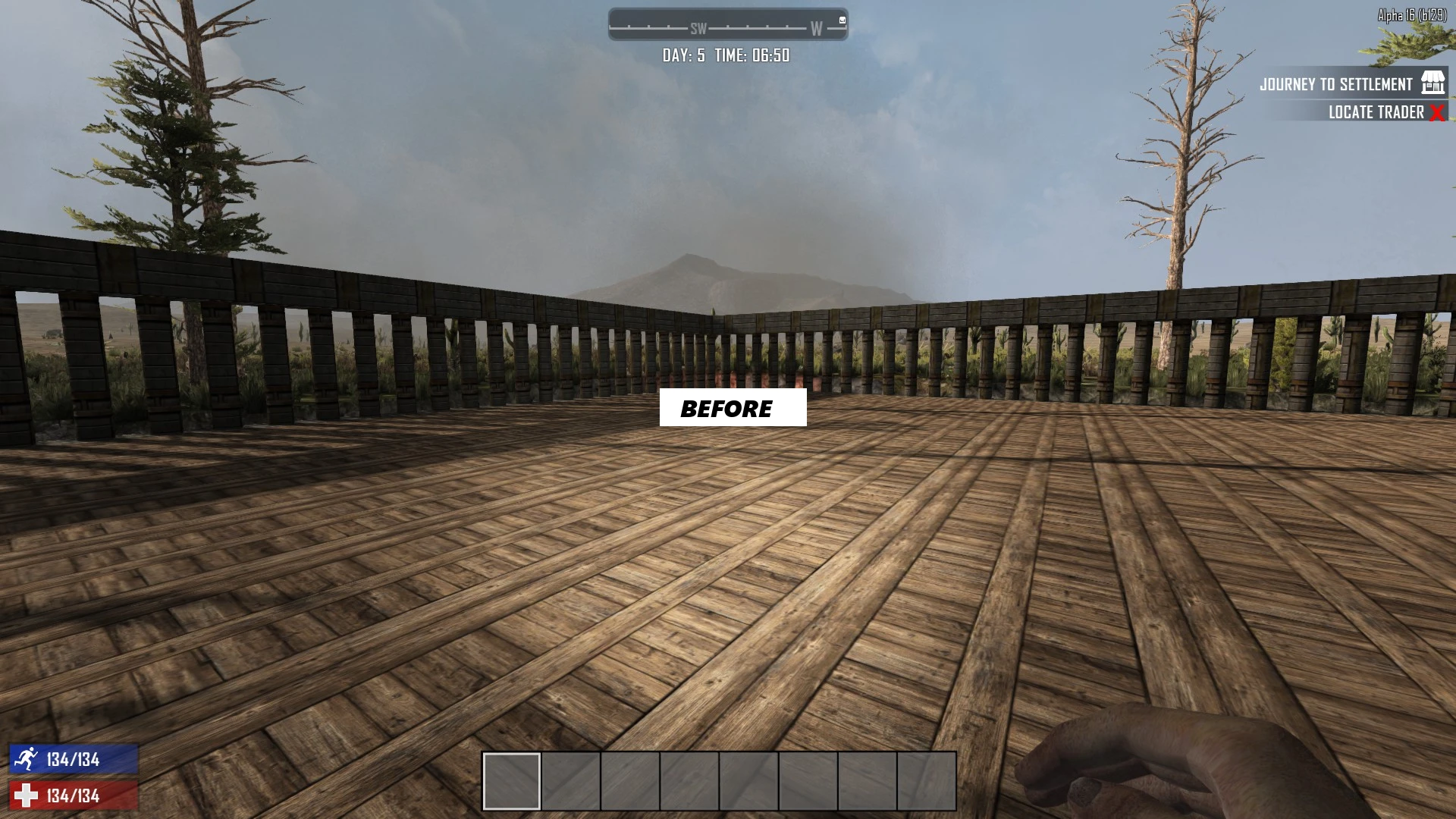
This mod adds some extra HUD bars and info to the UI as well as rework the toolbelt and increase player built storage, minibike storage, forge input, crafting queue, and all workstation outputs.
For a version with a bigger backpack try Simple UI Plus
Here's a list of some of the changes.
-
[]Food and Water bars added to the bottom left HUD. (below health)
- [
-
[]Enlarged toolbelt slots.
- [
-
[]Toolbelt backround is now a very transparent black.
- [
-
[]Toolbelt holding color is now green.
- [
-
[]Player level with icon added to the top left of the toolbelt.
- [
-
[]Zombie kill counter with icon added to the top right of the toolbelt.
- [
-
[]Added an outline to the quest tracker.
- [
-
[]Outside temp, and Elevation added to the right of day and time under the compass.
- [
-
[]Increased forge input from 2 spaces to 3 spaces.
- [
-
[]Increased all workstation outputs from 6 spaces(3x2) to 9 spaces(3x3).
- [
[*]Increased minibike storage size
Simple UI is a user interface mod that adds extra HUD bars and information, reworks the toolbelt, and increases storage capacities for player-built structures, minibikes, and forges. It has 307 endorsements and 16,248 downloads, with a last update in October 2017.
✨ Key Features
📊 Pros & Cons
✅ Pros
- 307 endorsements indicate community approval.
- 16,248 downloads show moderate popularity.
- Enhances UI and storage without overhauling the game.
⚠️ Cons
- Last updated in 2017, may not be compatible with newer game versions.
- Category is User Interface, so it may not appeal to players seeking gameplay changes.
This mod is for players who want a cleaner, more informative HUD and increased storage for building and vehicles. It suits those who prefer UI tweaks over major gameplay overhauls. Players on older game versions or who avoid outdated mods should skip it.
💡 Beginner Tips
- Always back up your save files before installing UI mods.
- Check mod compatibility with your game version before downloading.
- Read the mod's description for any specific installation instructions.
📊 Mod Details
- Game
- 7 Days To Die Mods
- Author
- RevenantWit
- Version
- 0.9
- Downloads
- 16,248
- Endorsements
- 307
- Category
- User Interface
- Created
- 6/27/2017
- Updated
- 10/30/2017
🔧 How to Install 7 Days to Die Mods
Use Vortex or manual. Most mods go in /Mods/ folder.
📖 Full step-by-step install guide for 7 Days to Die →
Visit the official mod page for specific installation instructions for this mod.
🎮 Need cheat codes or console commands? Check ur gaming wiki for 7 Days to Die commands, item IDs, and more.
Keep browsing — more 7 Days to Die mods await