Stallion
⚪ Last updated 2024Preview
🔍 Analysis
- 👍 0.0% endorsement rate
- 🏆 #4 of 10 Car, Skin, Gameplay mods in this game by downloads
📋 About This Mod
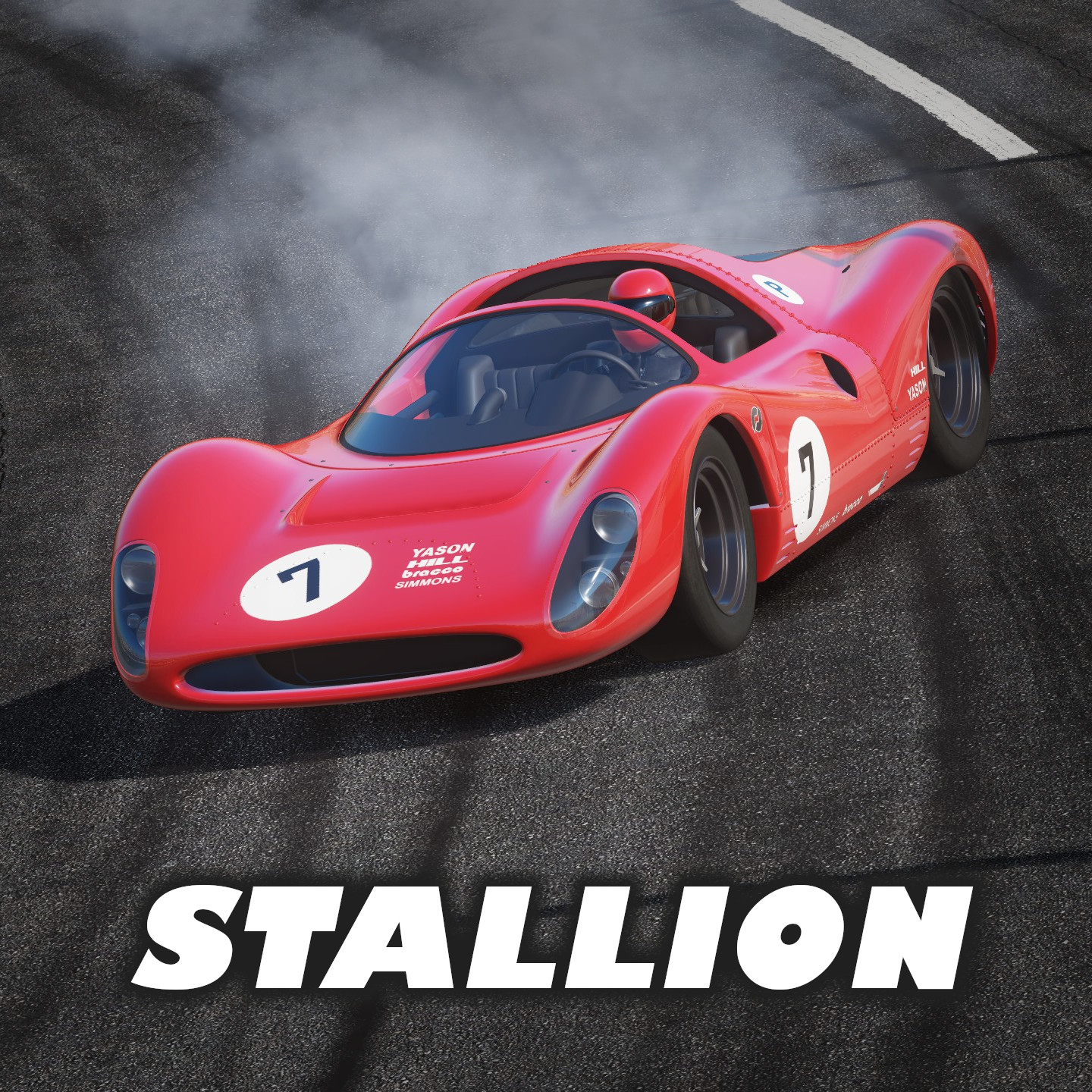
The Stallion adds an elegant, yet monstrous 60's era Le Mans car to Wreckfest that comes complete with an array of skins, liveries, and tires. Tuning is fully supported for A/B/C class and is complimented by custom physics tweaks to create a unique, grounded driving experience. Installation 1) Hit the big green subscribe button above 2) Launch Wreckfest, navigate to the "Misc" tab, then to "Mods" 3) Find the entry called "Stallion" and check the box beside it 4) Restart the game 5) Navigate to the garage and the Stallion will be in your garage by default! Gameplay Single-Player + AI To drive with a field of AI's in the Stallion follow the simple steps below: 1) Go to Custom Event 2) In Event Options, set AI Vehicle to one of "Stallion - A/B/C Class" Painting / Customization The Primary car colour alters the driver helmet. This is not visible in the paint shop but changes are visible during races. The 3 livery colours alter the car's body as usual. If you wish to create your own skins, the car's UV-map is accessible here: Steam\steamapps\workshop\content\228380\2816599340\data\vehicle\stallion\art Credits bergaan: Wreckfest sponsors / logos for liveries Codemasters: Sound samples Manteln Community: Custom event skins
📊 Mod Details
- Game
- Wreckfest Mods
- Author
- 76561198087554759
- Version
- N/A
- Downloads
- 13,232
- Endorsements
- 0
- Category
- Car, Skin, Gameplay
- Created
- 6/4/2022
- Updated
- 1/10/2024
🔧 How to Install Wreckfest Mods
Subscribe on Steam Workshop. Mods auto-download and install. Launch the game to activate.
📖 Full step-by-step install guide for Wreckfest →
Visit the official mod page for specific installation instructions for this mod.
🎮 Need cheat codes or console commands? Check ur gaming wiki for Wreckfest commands, item IDs, and more.
Keep browsing — more Wreckfest mods await