WolfensteinTNO_ReShade
⚪ Last updated 2019Preview
🔍 Analysis
- 👍 4.7% endorsement rate — high engagement, a strong quality signal
📋 About This Mod
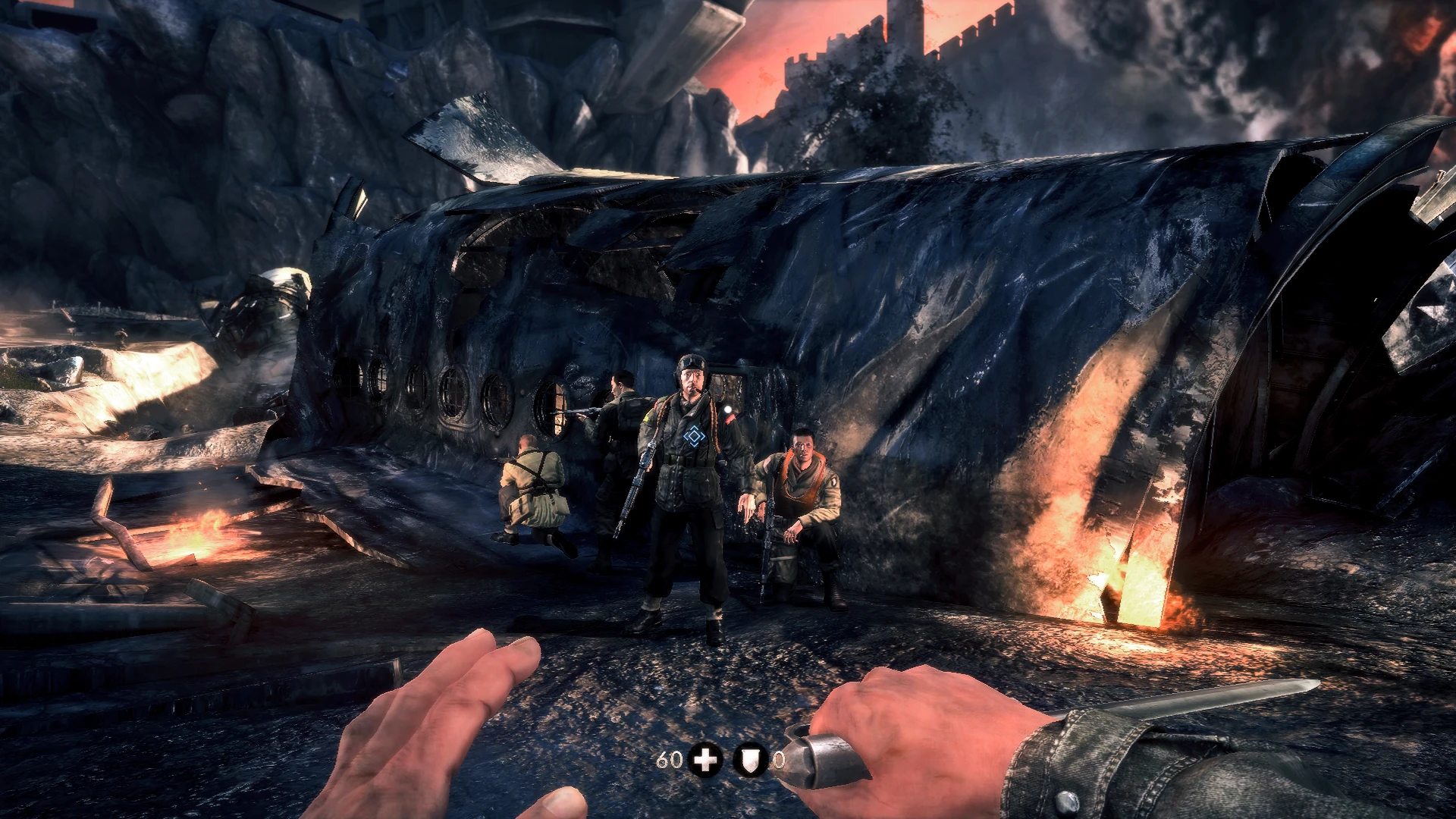
A ReShade Preset that aims to improve the game's hdr & provide color correction
This is just the .ini file. You will need the latest version of ReShade to use this. You canget it here: https://reshade.me....
To install my file, simply place it in your Wolfenstein: The New Order Data Folder, where the .exe is located.
To install Reshade to your game: steps 1.) Download latest version of ReShade & launch it
2.) Select the Wolfenstein: The New Order .exe
3.) Select the game's API, it is OpenGL
4.) Select all . FX files & click okay to install them
5.) Close ReShade
6.) Before launching the game, go into your Wolfenstein: The New Order Data Folder & rename the OpenGL file to d3d11.
To open the ReShade menu in-game, press the Home or pos1 key on your keyboard.
📊 Mod Details
- Game
- Wolfenstein The New Order Mods
- Author
- Jeff B
- Version
- V1
- Downloads
- 1,461
- Endorsements
- 69
- Category
- Visuals and Graphics
- Created
- 5/30/2019
- Updated
- 5/30/2019
🔧 How to Install Wolfenstein TNO Mods
Download from the official mod page and follow its install instructions. Use a mod manager where supported.
📖 Full step-by-step install guide for Wolfenstein TNO →
Visit the official mod page for specific installation instructions for this mod.
🎮 Need cheat codes or console commands? Check ur gaming wiki for Wolfenstein TNO commands, item IDs, and more.
Keep browsing — more Wolfenstein TNO mods await