Wonderful World Reshade (WWR)
⚪ Last updated 2022Preview
🔍 Analysis
- 👍 3.5% endorsement rate — high engagement, a strong quality signal
- 🏆 #70 of 186 ReShade Preset mods in this game by downloads
📋 About This Mod
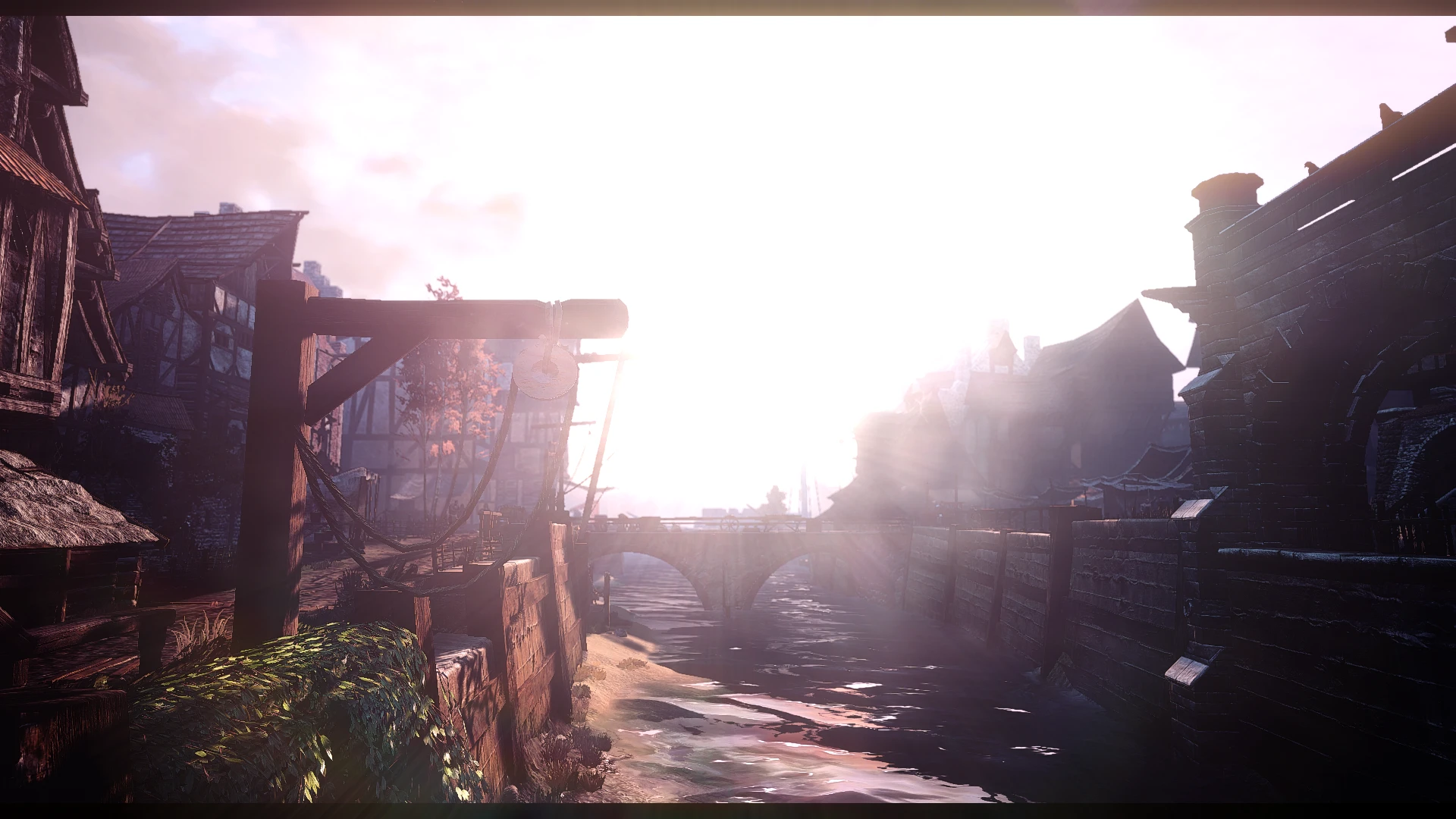
My task was to make Reshade, which will fill the world with new colors, with which I would once again go through the Great Game - The Witcher III.
I really like the picture I got at the end.
That Reshade is perfect for open space and north landscapes.
But before you plunge headlong into the whirlpool of adventure and interesting missions, I decided to present my creation to your great hands.
I tried to show in screenshots what the game will look like: “Before” and “After”.
First of all, you should download the file of my mod. You will be offered to download on a third-party resource - Home - Reshade.
Download it to The Witcher 3 / bin / x64 folder.
In Reshade installation menu you select the game launch file along the path The Witcher 3 / bin / x64.
Scroll down the list and select: Legacy standard effects. Wait for it to full load.
The next step is to enable my reshade in the game itself.
Launch the game, after loading the main menu, click on the - "home" button - the reside menu is turned on and on the top line, under the buttons of the windows of the reside, you click on the arrow (to the right of this line) and you have the choice of reshade configurations in the folder x64. (For old) Choose WWR Or WWRH.
At the moment, the mod has one new and two old versions - the standard WWR and with the addition of light and flowering WWRH (Hight).
If you want to change the statics of the game, download WWR. If you want to change the statics and add new lighting, download WWRH.
All you have to do is move my Reshade file to the x64 folder on TheWitcher3 \ bin \ x64 path.
I left you the option to turn effects on and off to make your eyes happy if you don't like something in my setting.
You can turn individual elements on and off using the NumPad 0-8 key.
You don't like DOF, and you turn it off in Reshade with the NumPad key.
📊 Mod Details
- Game
- Witcher3 Mods
- Author
- wodawoda
- Version
- 3
- Downloads
- 1,928
- Endorsements
- 67
- Category
- ReShade Preset
- Created
- 12/26/2019
- Updated
- 1/20/2022
🔧 How to Install The Witcher 3 Mods
Download from Nexus Mods.
📖 Full step-by-step install guide for The Witcher 3 →
Visit the official mod page for specific installation instructions for this mod.
🎮 Need cheat codes or console commands? Check ur gaming wiki for The Witcher 3 commands, item IDs, and more.
Keep browsing — more The Witcher 3 mods await