The End's Beginning - ReShade For Immersive Lighting NUDEL
⚪ Last updated 2020Preview
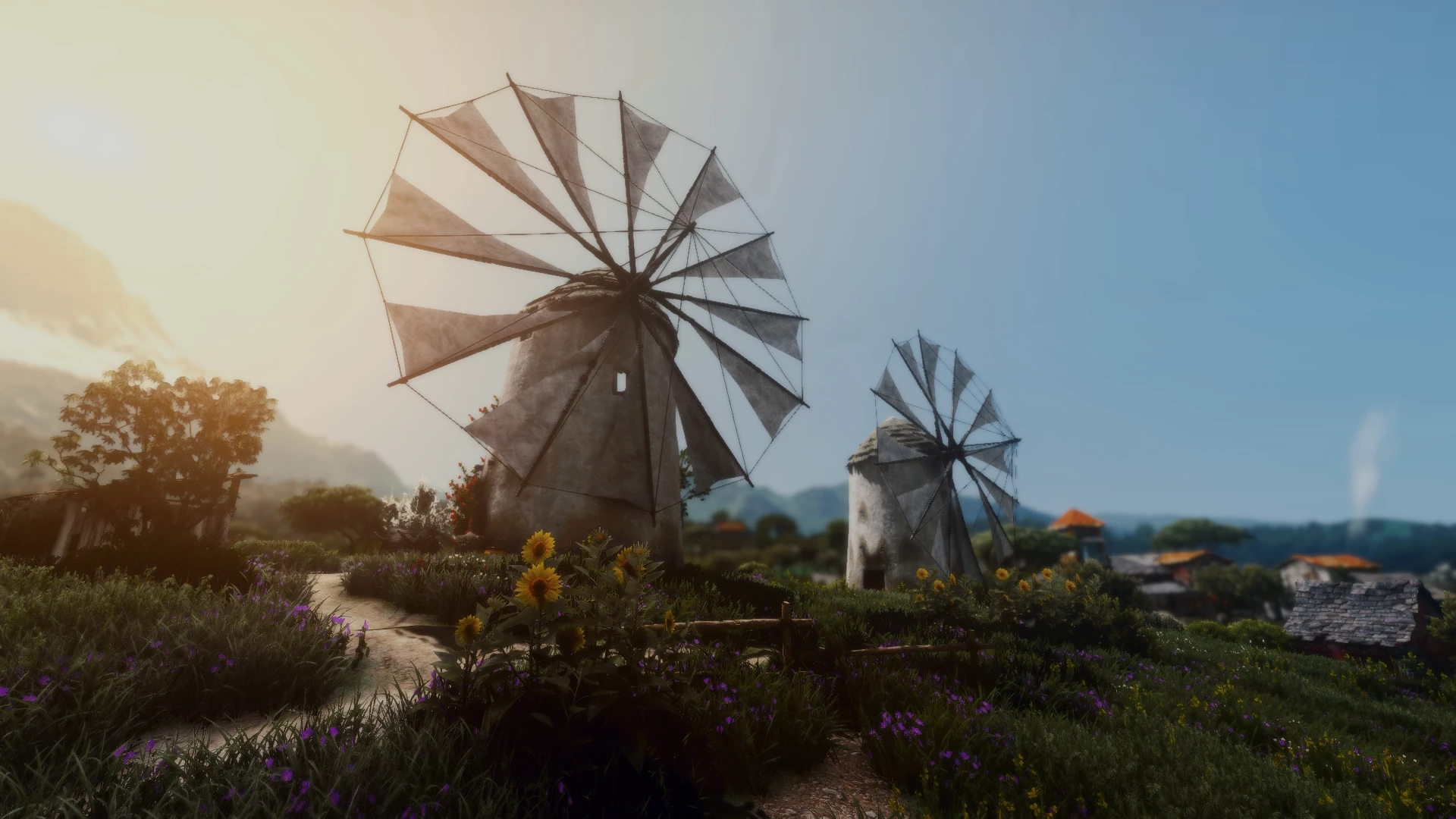
🔍 Analysis
- 👍 4.1% endorsement rate — high engagement, a strong quality signal
- 🏆 #53 of 186 ReShade Preset mods in this game by downloads
📋 About This Mod
This is my personal ReShade preset to be used with Immersive Lighting NUDEL version https://www.nexusmods.com/witcher3/mods/3953 by MrR0xRemember to also use the optional toussaint fix from the immersive lighting page.
2022 update: Reshade has been updated allot since I last updated this preset. You will probably notice duplicate effects, effects not loading correctly etc if you're using the most up to date version of ReShade. I plan on a new updated version of this preset in the near future so stay tuned but for the time being just use an older version of ReShade and the preset will work fine :)
Install options: (READ)
1. Install the latest version of ReShade from https://reshade.me/ Witcher 3 is Direct 3D 10/11/12 - When ReShade asks you to select effect packages
make sure you have the very top option STANDARD EFFECTS and the very bottom option LEGACY STANDARD EFFECTS- When installing the legacy effects it will pop up with the effects and some will be not ticked- hit uncheck twice so that they are all selected and ok to install.
2. Download my pre-set and unpack it
3. Copy and paste the preset into the Witcher 3 > Bin > x64 folder
4. Download and install Immersive Lighting NUDEL https://www.nexusmods.com/witcher3/mods/3953 by MrR0x
5. Launch game- You can open ReShade with the HOME button
6. Select The Ends Beginning pre-set in the ReShade menu
My pre-set does not have a DOF effect anymore- I'm using the Nvidia overlay as seen in my new screenshots
In game settings:
Anti-aliasing: ON
Sharpening: OFF
Depth of Field: Your preference as you may not want to use Nvidia overlay for DOF
Chromatic Aberration: OFF
vignetting: Your preference
Gamma: My Gamma is the last 5th of the slider near the end. You may need to play around with this depending on your monitors calibration. If the image is very dark then start to move slider to the right.
Performance: 10-15 FPS
Big Thanks to MrRox for Immersive Lightning
Recommended visual Mods: HD Rework Project By HalkHogan. Thank you for your endless hard work https://www.nexusmods.com/witcher3/mods/1021
Meadows by Maidenfan724. https://www.nexusmods.com/witcher3/mods/4757
New fires By Hyadum27 https://www.nexusmods.com/witcher3/mods/4757
Kind regards
📊 Mod Details
- Game
- Witcher3 Mods
- Author
- WithBlackjackAndHookers
- Version
- 2020
- Downloads
- 2,216
- Endorsements
- 91
- Category
- ReShade Preset
- Created
- 1/14/2020
- Updated
- 11/21/2020
🔧 How to Install The Witcher 3 Mods
Download from Nexus Mods.
📖 Full step-by-step install guide for The Witcher 3 →
Visit the official mod page for specific installation instructions for this mod.
🎮 Need cheat codes or console commands? Check ur gaming wiki for The Witcher 3 commands, item IDs, and more.
Keep browsing — more The Witcher 3 mods await