Environment Pack
🟠 Updated over a year agoPreview
🔍 Analysis
- 👍 0.0% endorsement rate
- ✅ Updated 118 days after the latest game patch — actively maintained
- 🏆 #15 of 32 Misc mods in this game by downloads
📋 About This Mod
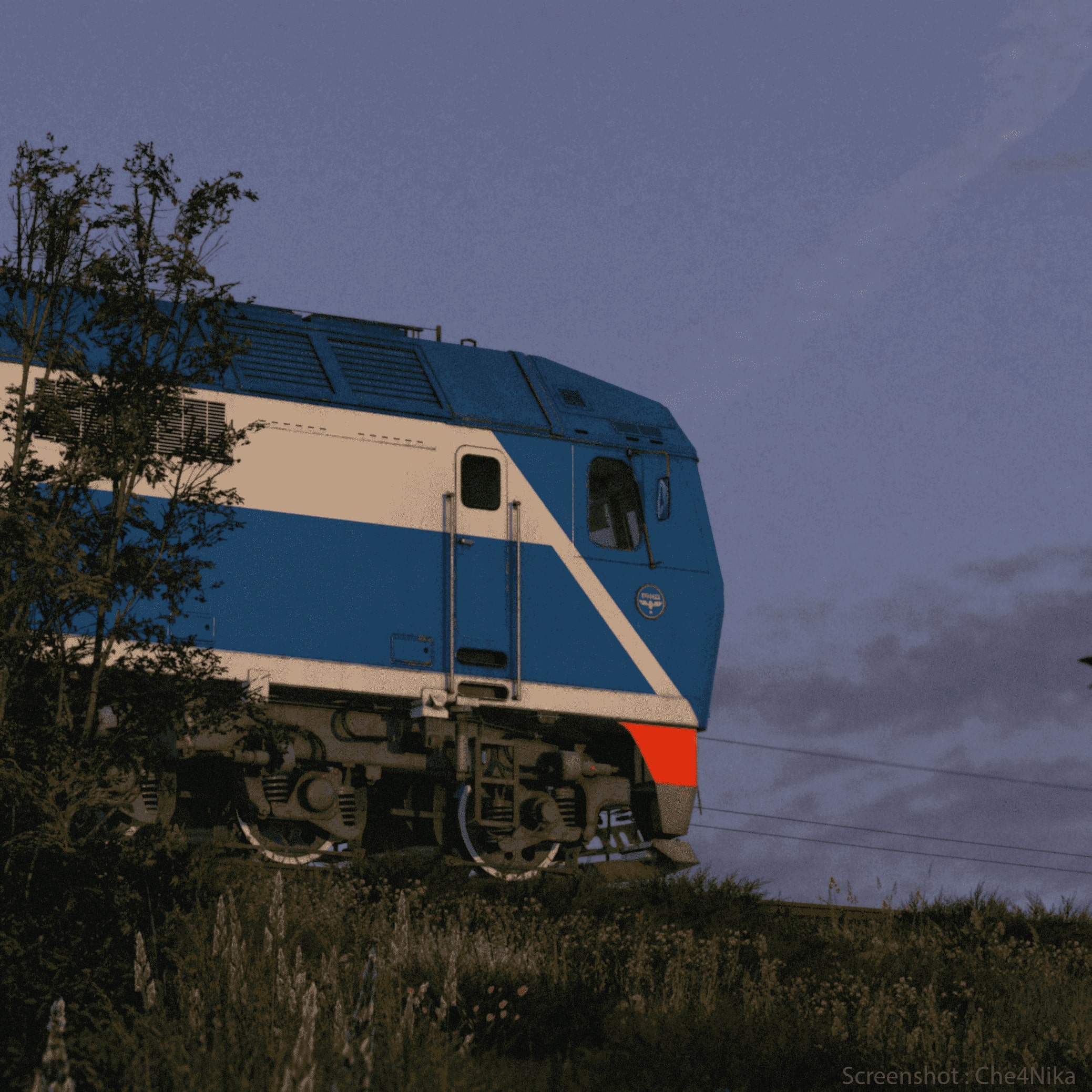
REQUIRES A NON- https://www.transportfever.net/filebase/entry/5942-natural-environment-professional-2 / Skybox Pack A small package that includes 24 different skyboxes, as well as different sounds for any skybox, which can be changed through the mod file, instructions below. Update list: 05/22/24: 2 new skyboxes have been added, the standard sounds of nature (water, birds, wind) have been changed. 09/06/24: 4 new skyboxes have been added, the sounds have been slightly changed 01/18/25: 6 new skyboxes have been added, different sounds have been added, for any skybox (how to change the instructions below) and the sound of nature has been changed 01/20/25: 2 new skyboxes added -------------------------------------------------- How do I turn on skyboxes? First, you need to enable the tab in the settings of the game itself. 'Debugging mode' ( in ADVANCED MODE ) . After that, in the game itself (on your map ), hold down the keys Alt + D ( Alt right , ENGLISH LAYOUT) , and click on the ENVIRONMENT tab, then click on 1 line ( where the skyboxes change ) and choose any one you like. ------------------------------------------------- What are the lower parameters responsible for in the environment section? General: Environment - you can use this tab to turn on any available skybox Ref. Brightness - responsible for brightness Sky rotation - rotates clouds (-180 to 180) Atmosphere: Rayleigh - responsible for the fog Mie - darkness in the distance H.-G.-fun. g is the density of fog Rayleigh scale height - Mie scale height - Water: Normal scale - undulation of the water ( 0 no waves - 1 wavy, etc. ) Prefer low freq. - turns off the current ( sort of ) Particle density - Extinction - Transparency of water ( 0 super transparent - 1 dark ) -------------------------------------------------- How to change the sounds of nature? 1 Go to the folder with the mod (my path to the folder) C:\Program Files (x86)\Steam\steamapps\workshop\content\1066780\3245174161\res\audio\effects\environment 2
📊 Mod Details
- Game
- Transport Fever 2 Mods
- Author
- 76561198317614530
- Version
- N/A
- Downloads
- 18,594
- Endorsements
- 0
- Category
- Misc
- Created
- 5/12/2024
- Updated
- 1/19/2025
🔧 How to Install Transport Fever 2 Mods
Subscribe on Steam Workshop. Mods auto-download and install. Launch the game to activate.
📖 Full step-by-step install guide for Transport Fever 2 →
Visit the official mod page for specific installation instructions for this mod.
🎮 Need cheat codes or console commands? Check ur gaming wiki for Transport Fever 2 commands, item IDs, and more.
Keep browsing — more Transport Fever 2 mods await