Ubuntu Font
⚪ Last updated 2013Preview
🔍 Analysis
- 👍 0.0% endorsement rate
📋 About This Mod
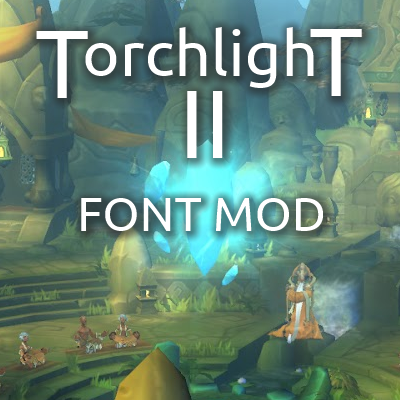
This mod changes the default fonts to the Ubuntu font for better readability. To be honest, I wasn't too thrilled to see the Arial font being used in the game. It's overused and just plain ugly in my opinion. Looks like something you'd use in a spreadsheet at work, not while you're having fun with a cool game. This mod aims to improve this by replacing the following fonts: arial.ttf (Arial) huge.ttf (AndrewBeckerAntique-Heavy) slingbold.ttf (Sling Bold) edo.ttf (Edo) The font I picked to replace them is the Ubuntu font (available for free at http://font.ubuntu.com). High readability and stylish to boot. Mod authors are free to use this in any mod or compilation they wish, no approval required. NOTE: This mod changes TARGET_HEALTH_BAR. LAYOUT, so might be incompatible with various HUD mods (such as SimpleHUD). If you want to use those mods in combination with this one just make sure to give the HUD mod a higher priority in the modlauncher. This way my alignment fixes will be lost but the HUD mod will work properly.
📊 Mod Details
- Game
- Torchlight Ii Mods
- Author
- 76561197962704757
- Version
- N/A
- Downloads
- 6,133
- Endorsements
- 0
- Category
- N/A
- Created
- 5/9/2013
- Updated
- 5/17/2013
🔧 How to Install Torchlight II Mods
Subscribe on Steam Workshop. Mods auto-download and install. Launch the game to activate.
📖 Full step-by-step install guide for Torchlight II →
Visit the official mod page for specific installation instructions for this mod.
🎮 Need cheat codes or console commands? Check ur gaming wiki for Torchlight II commands, item IDs, and more.
Keep browsing — more Torchlight II mods await