TimberLapse
🟡 Updated this yearPreview
🔍 Analysis
- 👍 0.0% endorsement rate
📋 About This Mod
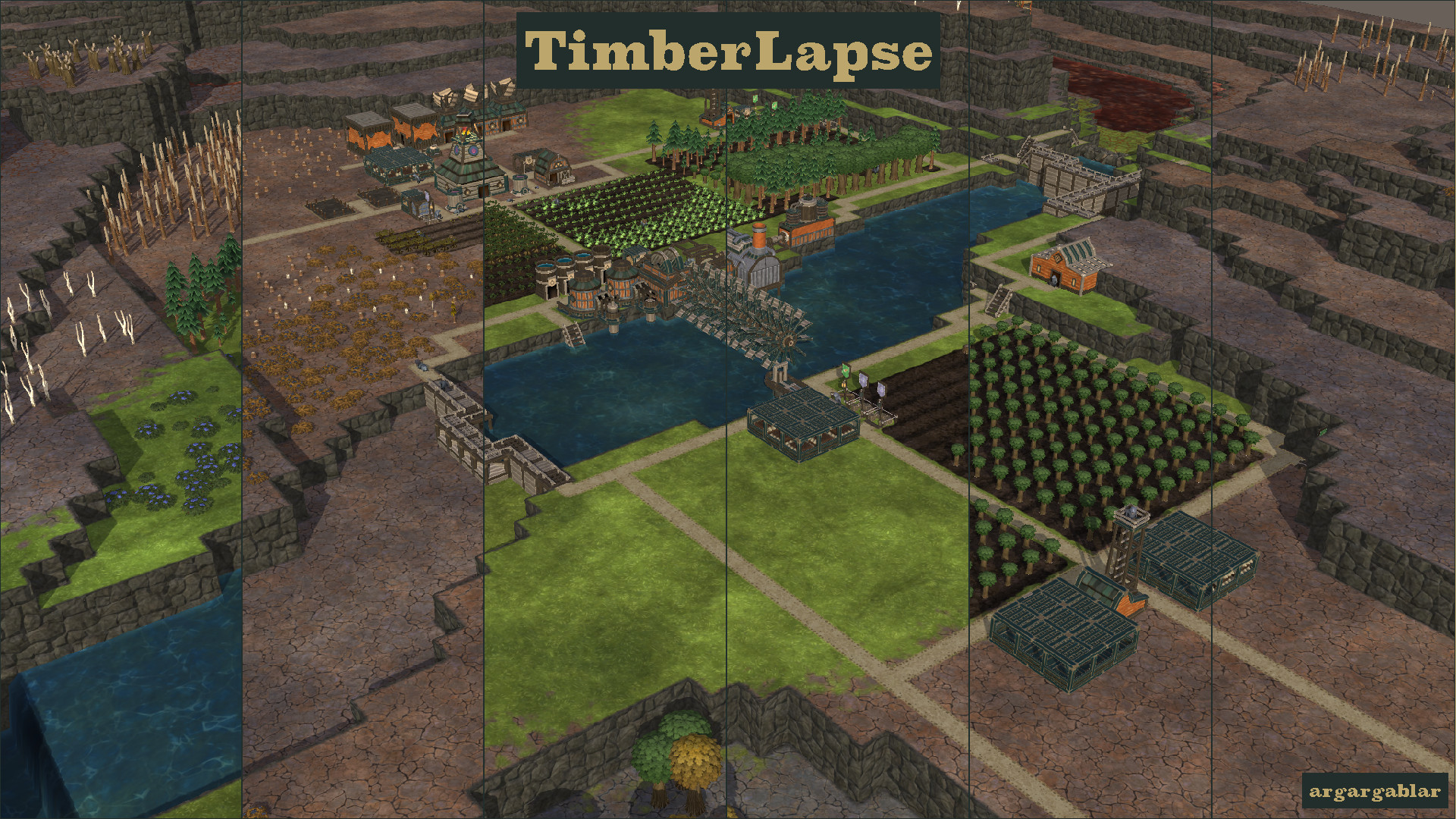
Overview Create a timelapse of your budding Timberborn settlement. Capture the growth over time with this updated version of the Timelapse Camera mod. Features Variable screenshot intervals ranging from 1 hour to once every cycle Multiple output formats (png, and jpg) Custom output directory selection Multiple output resolutions (Including support for custom resolutions) Multiple camera angles Manual screenshots Notes Screenshots use their own cameras which disable the UI and any active tools so you only have photos of the actual colony in progress. The sunlight is always "Daytime", the fog is disabled, and the shadows will follow the direction of the camera. Basic Usage By default Images are saved every 1 day at the highest resolution your monitor supports in PNG format. They are saved into a folder Documents\Timberborn\TimberLapse\ \ UI Set Cameras -- Camera Free Mode Enabled Add and Remove cameras Rename, Reposition, Check cameras Settings Enable/Disable screenshots Change screenshot Frequency Open more Mod settings Screenshot - Take a manual screenshot on every configured camera instantly Images -> Video This mod produces individual images. To make a video out of the files, a separate tool is required. Options for this include but are not limited to: ffmpeg mencoder imagemagick Known Issues/Quirks Draggable tools being used when a screenshot is taken will be canceled out due to limitations outside my control. If this becomes an issue, the best solution is to pause the game while using said tools. Higher resolutions and more frequent screenshots will cause a bit of a lag spike not unlike autosave. All cameras will always use the same resolution, file format, and frequency. This may be changed at a later date. Sometimes the shadows appear to be doubled up. I will look into this at some point. Clicking the UI buttons for the settings or camera setup back and forth can lead to weird stack of menus open. Clicking the Manual Screenshot button in the Camera Settings pa
📊 Mod Details
- Game
- Timberborn Mods
- Author
- 76561198015377637
- Version
- N/A
- Downloads
- 729
- Endorsements
- 0
- Category
- Mod, Update 1.1, Update 1.0, Update 0.7, Other
- Created
- 5/1/2025
- Updated
- 7/15/2026
🔧 How to Install Timberborn Mods
Subscribe on Steam Workshop. Mods auto-download and install. Launch the game to activate.
📖 Full step-by-step install guide for Timberborn →
Visit the official mod page for specific installation instructions for this mod.
🎮 Need cheat codes or console commands? Check ur gaming wiki for Timberborn commands, item IDs, and more.
Keep browsing — more Timberborn mods await