Faster Configurable Storages
🟡 Updated this yearPreview
🔍 Analysis
- 👍 0.0% endorsement rate
📋 About This Mod
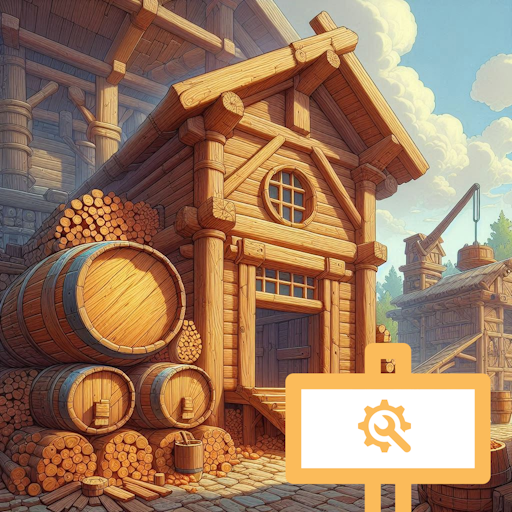
v7.0.0: now compatible to U7. This is the better version of my previous mod Configurable Storages, do not use both mods at the same time. Make all storages building larger or smaller: Piles, Warehouses and Tanks. By default, this mod increases the capacity by x2. To configure the value, go to Mod Settings (Main Menu -> Mods -> Settings button next to the mod name). You can also set it to 0.5 for example to make the game harder because all storages are at half capacity. You will not lose the items in the storage when reducing the capacity but you have to remove the excess items manually. Though with this one, you can only choose a global multiplier for all storages, the game does not freeze for 5s when loading with this map. The bug where the mod stopped working when reloading a save is also fixed. The UI bug where items stack up above the storage is not fixed but it's a UI bug only, when you building something on top of it, the bug would disappear. Mod source code (feel free to use it however you want): https://github.com/datvm/TimberbornMods
v7. 0. 0: now compatible to U7. This is the better version of my previous mod Configurable Storages, do not use both mods at the same time. Make all storages building larger or smaller: Piles, Warehouses and Tanks. By default, this mod increases the capacity by x2. To configure the value, go to Mod Settings (Main Menu -> Mods -> Settings button next to the mod name). You can also set it to 0. 5 for example to make the game harder because all storages are at half capacity. You will not lose the items in the storage when reducing the capacity but you have to remove the excess items manually. Though with this one, you can only choose a global multiplier for all storages, the game does not freeze for 5s when loading with this map. The bug where the mod stopped working when reloading a save is also fixed. The UI bug where items stack up above the storage is not fixed but it's a UI bug only, when you building something on top of it, the bug would disappear. Mod source code (feel free to use it however you want): https://github.com/datvm/TimberbornMods
📊 Mod Details
- Game
- Timberborn Mods
- Author
- 76561198010623560
- Version
- N/A
- Downloads
- 3,889
- Endorsements
- 0
- Category
- Mod, Update 1.0, Update 0.7, Cheats, Other, Buildings, Goods
- Created
- 1/30/2025
- Updated
- 11/18/2025
🔧 How to Install Timberborn Mods
Subscribe on Steam Workshop. Mods auto-download and install. Launch the game to activate.
📖 Full step-by-step install guide for Timberborn →
Visit the official mod page for specific installation instructions for this mod.
🎮 Need cheat codes or console commands? Check ur gaming wiki for Timberborn commands, item IDs, and more.
Keep browsing — more Timberborn mods await