HP Bar Writer
⚪ Last updated 2020Preview
🔍 Analysis
- 👍 0.0% endorsement rate
📋 About This Mod
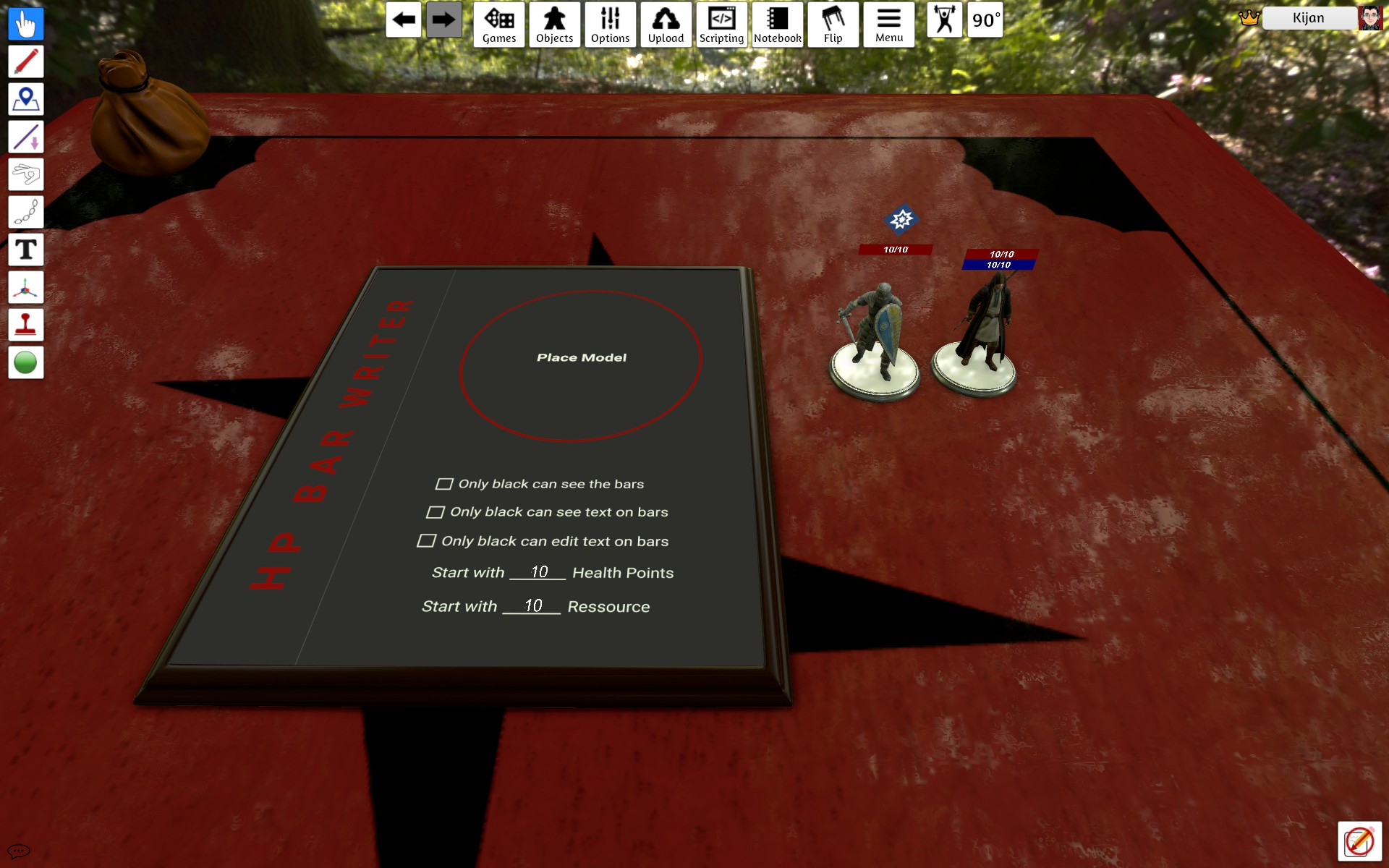
This is still WIP. HP Bar for Standees. It uses the UI Functions. Also supports status effects as floating images above the hp bar. You have to load the images as UI assets in the HP Bar Writer. Then save the game and load it again. After that dropp a figure on the Writer. when you now drop an object with the name of the image, on a figure that was dropped on the Writer, it should appear over the Figure. When the starting Ressource is 0 the bar will be hidden for newly dropped figures With a click on the middle of the HP Bar (probably zoomed in) open up the Buttons. There you can change the Max HP, Height of the Buttons, rotation of the bars, activate Buttons next to HP Bar and/or Base, let the HP go less then zero or more then max, activates/ deactivates the ressource bar. With a click on the right part of the HP Bar you can show or hide the + and - buttons. Option for player controlled Character. These will be not effected for only black sees or edits. Added a board for list all monster and remotely change value You can hide all Bars if you want to use only the tokens
📊 Mod Details
- Game
- Tabletop Simulator Mods
- Author
- 76561198052321238
- Version
- N/A
- Downloads
- 2,698
- Endorsements
- 0
- Category
- Scripting
- Created
- 6/5/2018
- Updated
- 1/4/2020
🔧 How to Install Tabletop Simulator Mods
Subscribe on Steam Workshop. Mods auto-download and install. Launch the game to activate.
📖 Full step-by-step install guide for Tabletop Simulator →
Visit the official mod page for specific installation instructions for this mod.
🎮 Need cheat codes or console commands? Check ur gaming wiki for Tabletop Simulator commands, item IDs, and more.
Keep browsing — more Tabletop Simulator mods await