No Late Customer
⚪ Last updated 2024Preview
🔍 Analysis
- 👍 2.5% endorsement rate — high engagement, a strong quality signal
- 🏆 #18 of 40 Customers mods in this game by downloads
📋 About This Mod
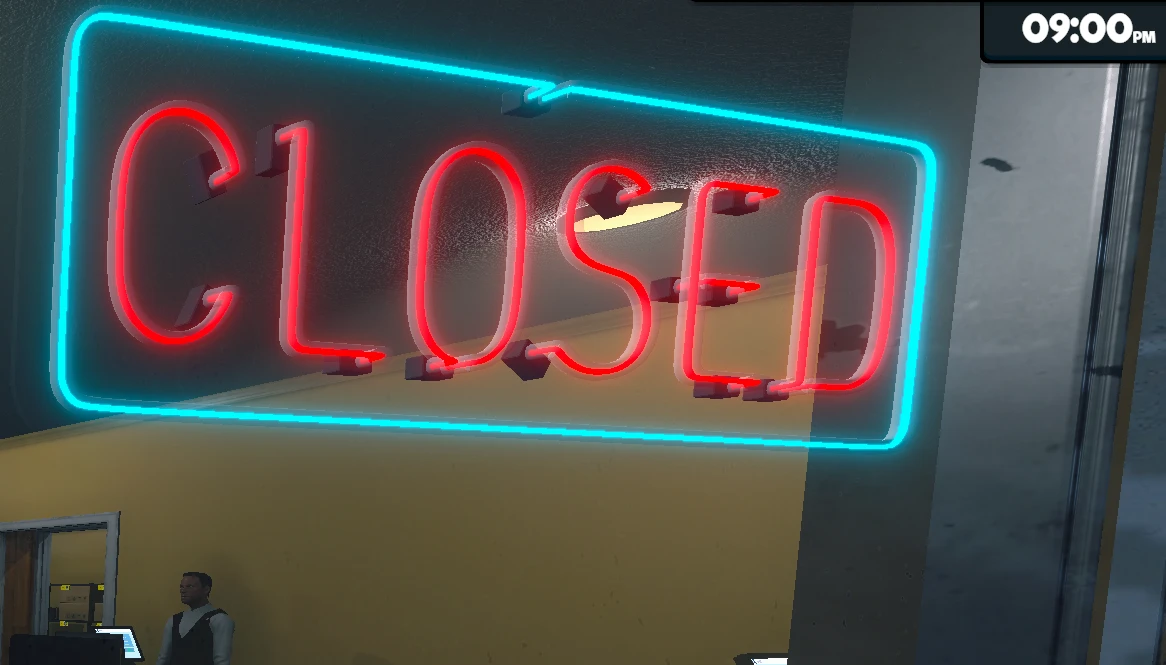
Change the last time to spawn customers and prevent customers from entering the store after 9:00 PM.客がスポーンする最終時間を設定し、21時以降の入店を防ぐMOD
How To Install
1. Install Tobey's BepInEx x MelonLoader Pack.
2. Download NoLateCustomer.zip from FILES tab and unzip it.
3. Open your game directory and go to Supermarket Simulator/BepInEx/plugins/ folder.
4. Put your NoLateCustomer.dll in the exacted file in that folder.
How To Use
Just install this mod.
By default, customers stop spawning after 7:00 PM, ensuring no late-night entries into your shop.
Configurable Option
You can change the last time for customers to spawn in NoLateCustomer.cfg (Supermarket Simulator/BepInEx/config)
BuyMeACoffee
[日本語/Japanese]
1. Tobey's BepInEx x MelonLoader Packをインストールする。
2. このページの「FILES」タブからNoLateCustomer.zipをダウンロードし、展開する。
3. Supermarket Simulator.exeがあるフォルダ内のBepInEx/pluginsを開く。
4. 手順2で展開したファイル内のNoLateCustomer.dllをpluginsフォルダ内にぶち込む。
MODをインストールするだけで客が閉店間際の時間にスポーンしなくなります。
デフォルトの設定では、19時で客の出現が止まります。
客がスポーンする最終時刻を設定で変更することができます。
Supermarket Simulator/BepInEx/configフォルダにあるNoLateCustomer.cfg内の設定を変えてください。
📊 Mod Details
- Game
- Supermarketsimulator Mods
- Author
- MiraculinYuzu
- Version
- 1.0.0
- Downloads
- 2,061
- Endorsements
- 51
- Category
- Customers
- Created
- 4/14/2024
- Updated
- 4/14/2024
🔧 How to Install Supermarket Simulator Mods
Download from Nexus Mods.
📖 Full step-by-step install guide for Supermarket Simulator →
Visit the official mod page for specific installation instructions for this mod.
🎮 Need cheat codes or console commands? Check ur gaming wiki for Supermarket Simulator commands, item IDs, and more.
Keep browsing — more Supermarket Simulator mods await