BZ Enhanced
⚪ Last updated 2021Preview
🔍 Analysis
- 👍 3.2% endorsement rate — high engagement, a strong quality signal
- 🏆 #1 of 18 Shader Presets mods in this game by downloads
📋 About This Mod
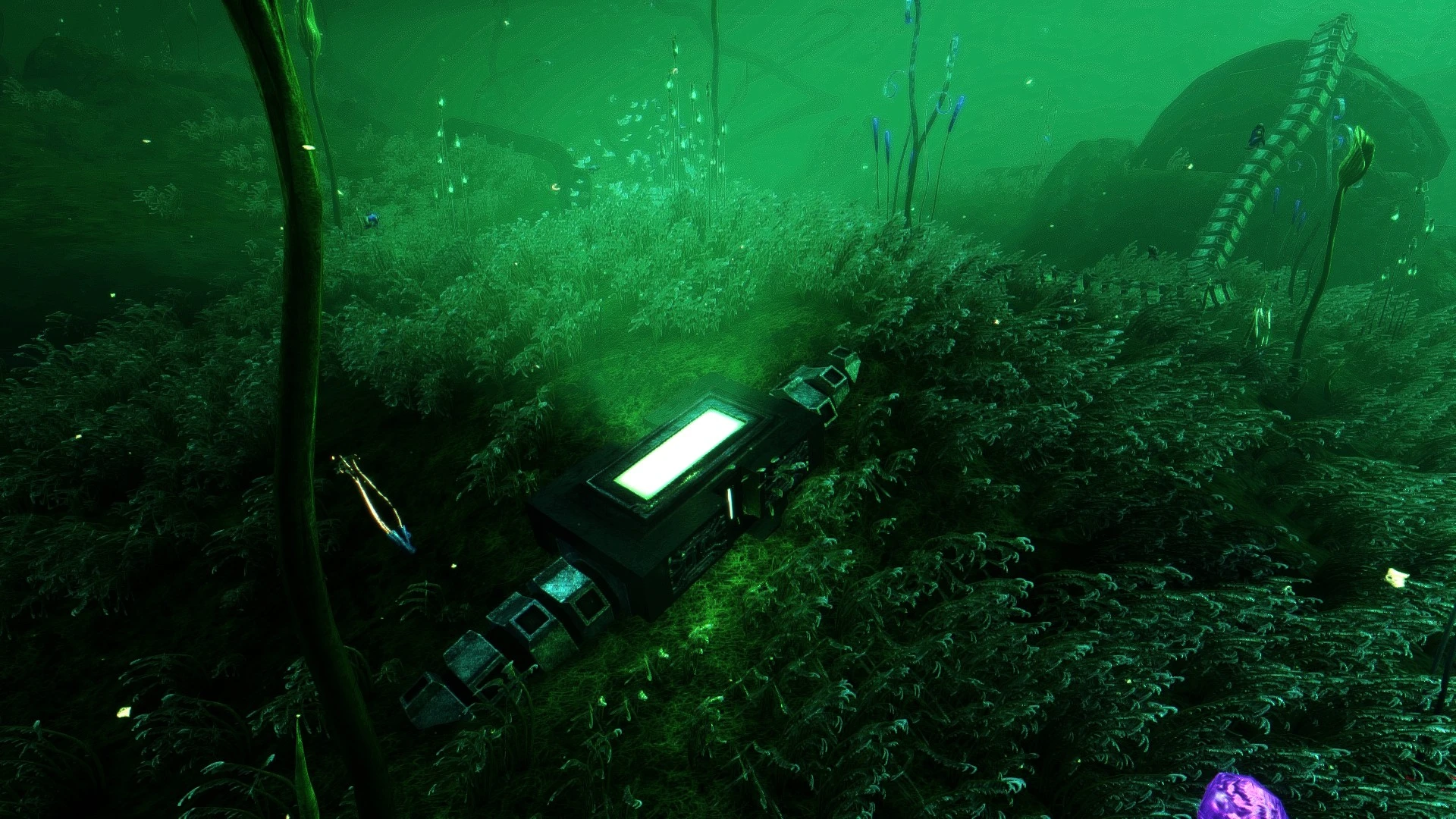
Gives Below Zero a more realistic look.
In this shader I tried to give BZ a more realistic look, while staying true to the natural look of the game.
How to install:
1. Drag the contents of BZEnhanced.rar into your SubnauticaZero directory (Steam/steamapps/common/SubnauticaZero).
2 - When in game press the HOME key to open the Shader menu.
3 - Select BZEnhanced.ini from the dropdown menu and press Select.
📊 Mod Details
- Game
- Subnauticabelowzero Mods
- Author
- MoshyGfx
- Version
- 1.0
- Downloads
- 14,875
- Endorsements
- 478
- Category
- Shader Presets
- Created
- 5/13/2021
- Updated
- 8/7/2021
🔧 How to Install Subnautica: Below Zero Mods
Download from Nexus Mods.
📖 Full step-by-step install guide for Subnautica: Below Zero →
Visit the official mod page for specific installation instructions for this mod.
🎮 Need cheat codes or console commands? Check ur gaming wiki for Subnautica: Below Zero commands, item IDs, and more.
Keep browsing — more Subnautica: Below Zero mods await