PLAYSTATION DUALSENSE PS Button Mod
⚪ Last updated 2024⚠️ Install Order · 1 step
Install in this order, then this mod last — most mods fail to load without their framework and dependencies in place.
Preview
🔍 Analysis
- 👍 4.1% endorsement rate — high engagement, a strong quality signal
- 🏆 #2 of 44 User Interface mods in this game by downloads
📋 About This Mod
THIS MOD:
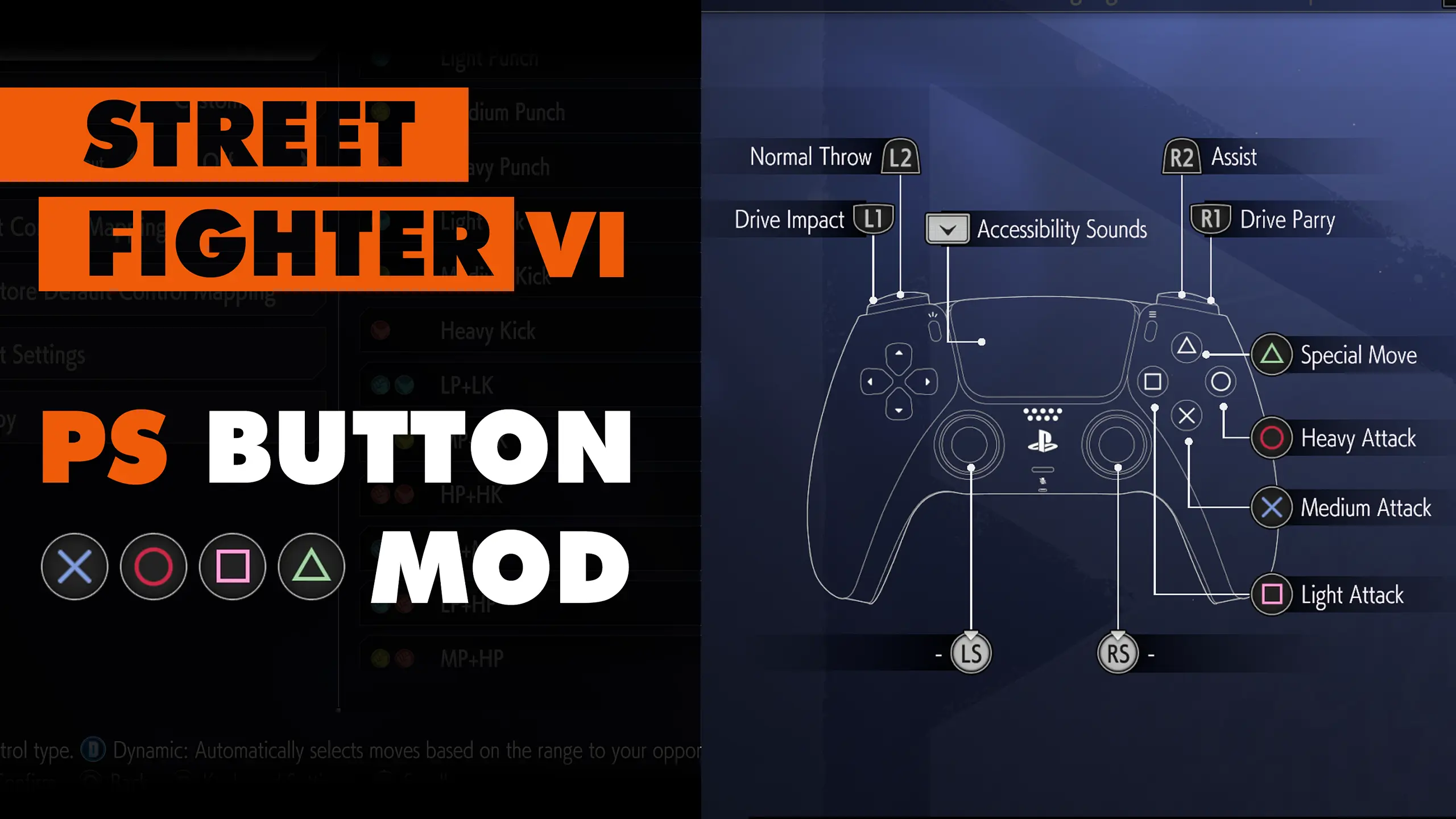
Swaps out the white DualSense button prompts and replaces them with Classic PS Colours (when using a controller).
UPDATE 2. 0:
Following the 'Ed Update', Capcom have added native support for DualSense button prompts!
This setting can be changed from the main menu at:
Multi-Menu > Options > Controls > Other Input Settings > Game Pad Button Icon Type > Type 2
This mod is now only needed if you'd prefer the classic PS colours instead of the default white.
INSTALLATION:
Please install using Fluffy Manager. The latest version supports the SF6:
http://www.fluffyquack.com/tools/modmanager.rar
This mod replaces the white DualSense button prompts in Street Fighter 6 with classic PlayStation colors. Following Capcom's native DualSense support update, it's now only needed if you prefer the classic colors over the default white. Requires Fluffy Manager for installation.
✨ Key Features
📊 Pros & Cons
✅ Pros
- Community favorite with 1,229 endorsements
- Nearly 30k downloads shows real demand
- Simple visual tweak for PS fans
⚠️ Cons
- Only cosmetic – no gameplay impact
- Requires Fluffy Manager, so extra setup if you don't use it
- May conflict with other UI mods that alter button prompts
For Street Fighter 6 players who use a DualSense controller and want the classic PlayStation button colors instead of the default white. Skip if you're fine with the default prompts or prefer a different color scheme.
💡 Beginner Tips
- Make sure you have the latest version of Fluffy Manager that supports SF6.
- After installing, check the in-game settings to ensure the button icon type is set to Type 2 for native DualSense prompts.
- If you don't see the classic colors, verify the mod is enabled in Fluffy Manager and that no other UI mods are overriding it.
📊 Mod Details
- Game
- Streetfighter6 Mods
- Author
- boycalledjames
- Version
- 2.0
- Downloads
- 29,730
- Endorsements
- 1,229
- Category
- User Interface
- Created
- 5/1/2023
- Updated
- 3/1/2024
🔧 How to Install Street Fighter 6 Mods
Download from Nexus Mods.
📖 Full step-by-step install guide for Street Fighter 6 →
Visit the official mod page for specific installation instructions for this mod.
🎮 Need cheat codes or console commands? Check ur gaming wiki for Street Fighter 6 commands, item IDs, and more.
Keep browsing — more Street Fighter 6 mods await