REFramework
🟠 Updated over a year agoPreview
🔍 Analysis
- 👍 2.1% endorsement rate — high engagement, a strong quality signal
- 🏆 #6 of 333 Miscellaneous mods in this game by downloads
📋 About This Mod
This version is only for SF6. If you want the builds of REFramework that work with the other RE Engine games, then go to the main repository.
Lua scripting system is disabled in online matches.
For up-to-date information, head to the GitHub page.
Reporting a bug
For information on the scripting and plugin API, check out the wiki
For examples of what the scripting system can do, check out the Example scripts and the many mods for Monster Hunter Rise making use of REFramework.
To install, simply extract dinput8.dll from the zip file into your SF6 game install folder.
Installing the upscaler branch is similar, but when you install
"UpscalerBasePlugin", extract the "PDPerfPlugin.dll" out of the folder
inside the zip file, and do not extract the folder itself. Make sure you
also follow the instructions on UpscalerBasePlugin's page about
installing your preferred upscaler DLLs.
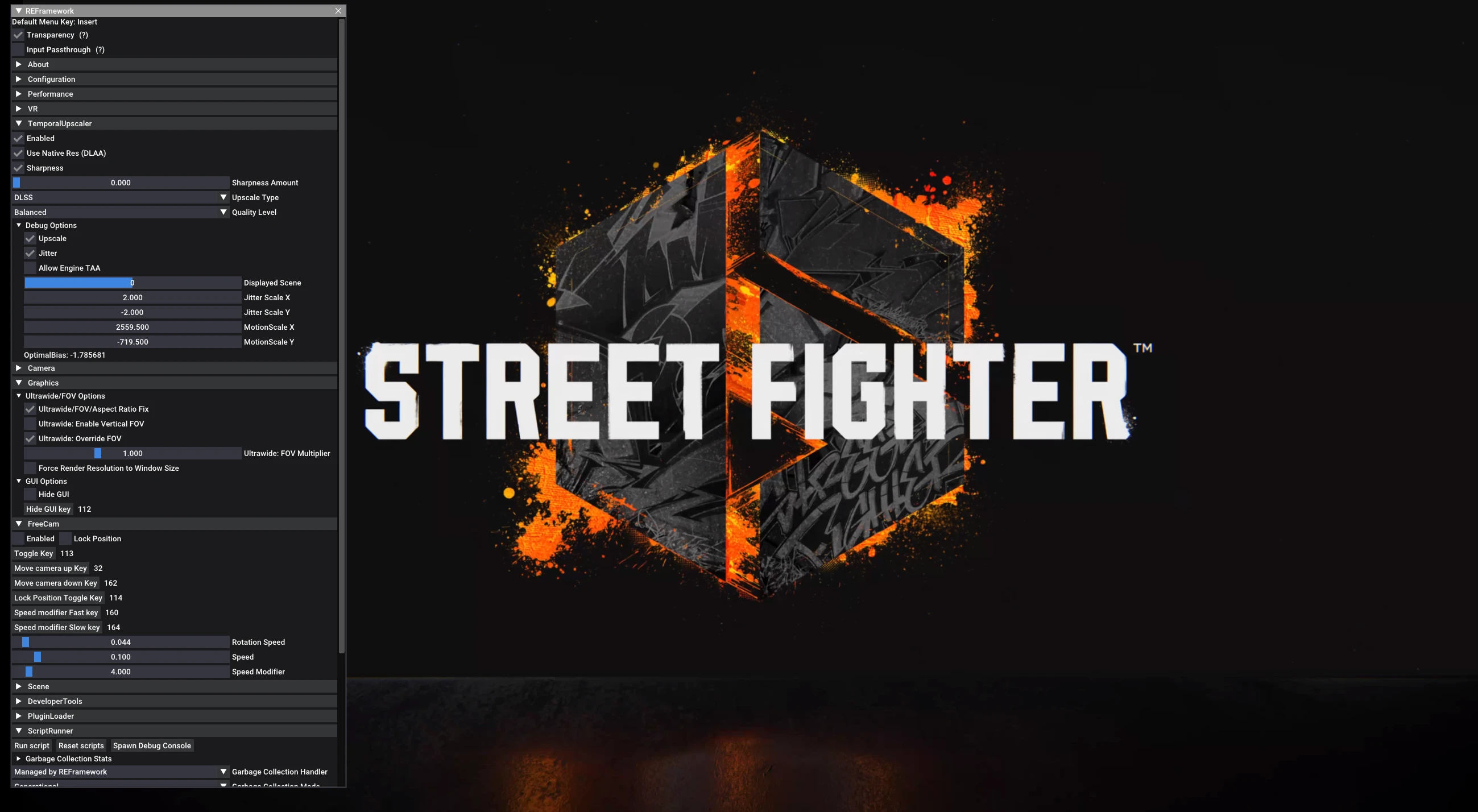
Once the upscaler branch is successfully installed, its settings can be found under "TemporalUpscaler" in the REFramework menu.
Scripts can be installed in the "reframework/autorun" folder.
Plugins can be installed in the "reframework/plugins" folder. Loose DLL files
with no REF functionality can be loaded in here too.
The menu can be toggled with the "Insert" key. The key can be changed under "Configuration".
This page may not be updated frequently. Use the GitHub page as an always up-to-date resource.
VR Troubleshooting
Modding Haven Discord
REFramework is a modding framework for RE Engine games, offering a Lua scripting API, built-in tools like FreeCam, Timescale, FOV, Ultrawide, and VR support, plus a ReShade crash fix. It's essential for mod developers and players seeking enhanced control and compatibility.
✨ Key Features
📊 Pros & Cons
✅ Pros
- Huge community trust with 1,608 endorsements
- All-in-one toolkit: FreeCam, timescale, FOV, ultrawide, VR
- ReShade crash fix is a lifesaver for stability
⚠️ Cons
- Requires some technical know-how to use scripting API
- VR support may be limited to specific RE Engine games
This is for mod developers who want a solid base to build their own scripts, and for players who want extra features like freecam or ultrawide support. If you're into RE Engine games and like tweaking your experience, this is a must-have.
💡 Beginner Tips
- Check if your game is RE Engine before installing, as REFramework only works with those titles.
- Use the built-in FreeCam and Timescale to explore levels or slow down gameplay for testing.
- If you're a modder, start with simple Lua scripts to learn the API before diving into complex mods.
📊 Mod Details
- Game
- Street Fighter 6 Mods
- Author
- praydog
- Version
- Nightly01179
- Downloads
- 76,794
- Endorsements
- 1,608
- Category
- Miscellaneous
- Created
- 6/7/2023
- Updated
- 6/6/2025
🔧 How to Install SF6 Mods
Use Fluffy Mod Manager.
📖 Full step-by-step install guide for SF6 →
Visit the official mod page for specific installation instructions for this mod.
🎮 Need cheat codes or console commands? Check ur gaming wiki for SF6 commands, item IDs, and more.
Keep browsing — more SF6 mods await