Automatic Occupancy Lights with Switch
⚪ Last updated 2024Preview
🔍 Analysis
- 🏆 #515 of 1087 IC Code mods in this game by downloads
📋 About This Mod
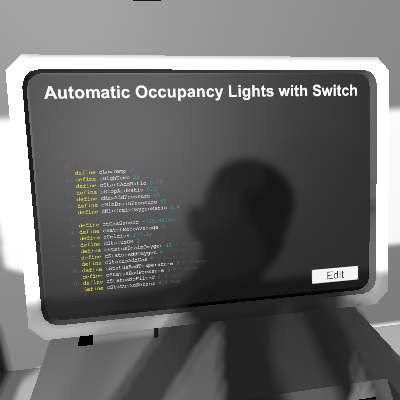
Automatically turn lights on/off based on occupancy sensors, with a switch to "power off". Setup: One occupancy sensor is needed per room where you want the lights to be on. All occupancy sensors will control all lights together. If you want seperate lights to turn on in separate rooms, you will need multiple IC10 chips running this script and name the sensors/lights differently (or have them on separate grids). At most 4 type-name combinations of lights are supported. Lights on/off logic: Both the switch and occupancy sensors are optional. If only the switch is present, it will solely determine the on/off status of lights. If only occupancy sensors are present, they will solely determine the on/off status of lights. An occupant in any room will turn on the lights. If both are present, the lights will turn off if either is negative, and will only turn on when both are positive. Pins: - d0 (optional): Switch. - d1 (optional): Set a occupancy sensor and all connected occupancy sensors with the same name will be used. If not set, all connected occupancy sensors will be used. - d2~d5 (optional): Set any light (or any appliance, really), and all lights of the same type and name will be controlled.
📊 Mod Details
- Game
- Stationeers Mods
- Author
- 76561198081103859
- Version
- N/A
- Downloads
- 83
- Endorsements
- 0
- Category
- IC Code
- Created
- 7/9/2024
- Updated
- 7/21/2024
🔧 How to Install Stationeers Mods
Subscribe on Steam Workshop. Mods auto-download and install. Launch the game to activate.
📖 Full step-by-step install guide for Stationeers →
Visit the official mod page for specific installation instructions for this mod.
🎮 Need cheat codes or console commands? Check ur gaming wiki for Stationeers commands, item IDs, and more.
Keep browsing — more Stationeers mods await