Deprecated: EnableHTMLTags(Now added inside 'XRepairsInOne' mod)
⚪ Last updated 2023Preview
🔍 Analysis
- 🏆 #285 of 345 Mod mods in this game by downloads
📋 About This Mod
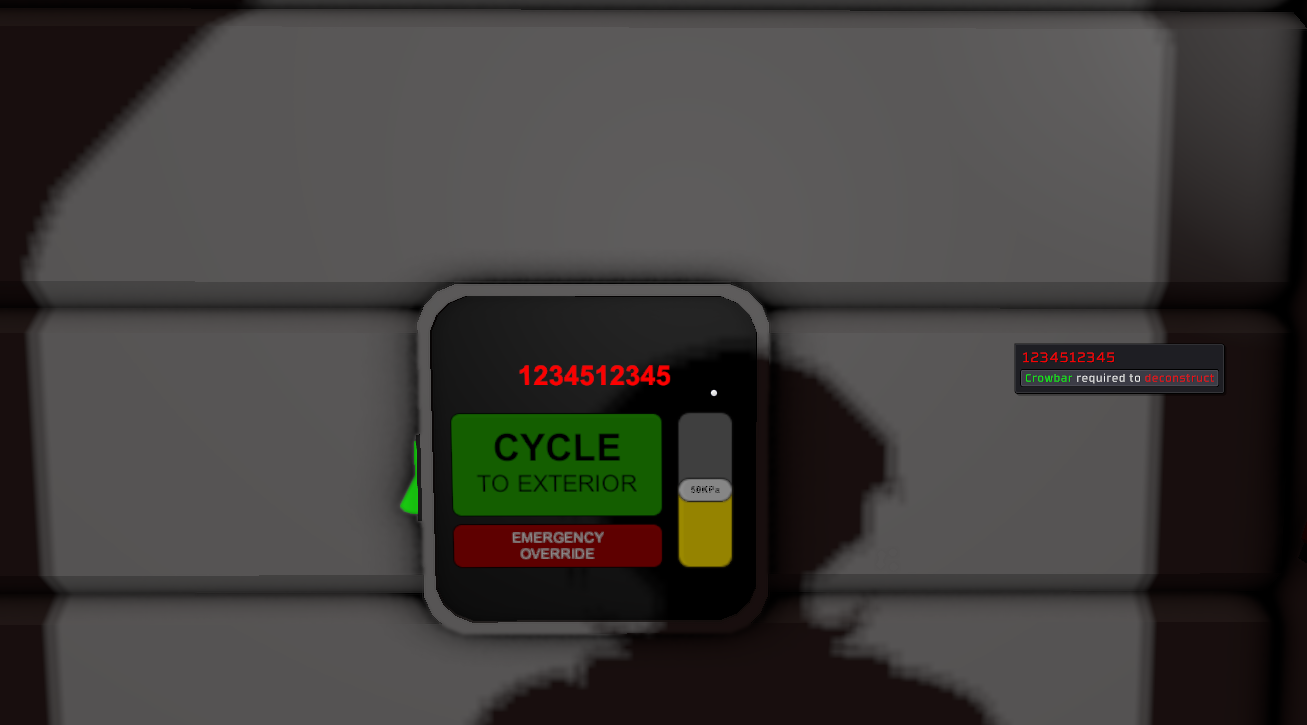
Deprecated! Now get 'XRepairsInOne' mod and enable patch for EnableHTMLTags. Enable HTML tags in names devices (return disabled feature!) Sources included. --- WARNING: This mod will not work unless you install Stationeers. Addons OR BepInEx 5.x. Read how to install Stationeers. Addons by clicking the link above. For BepInEx scroll down. --- Example: Rename console to (here image only - game error in Workshop menu if text...) BepInEx Install Instructions Click BepInEx 5.x Download the appropriate zip file, x64 for Windows, unix for Linux/Mac. In Steam right click on Stationeers, hover the mouse over "Manage" then, click on "Browse Local Files". Copy/extract the contents of the zip folder into your Stationeers directory. You should end up with a BepInEx folder inside your Stationeers directory like: Run the game once. Then exit. This will initilize BepInEx creating some new folders. Navigate to the BepInEx folder in your Stationeers directory. You should have "plugins" and "patchers" folders inside that directory like: Now we have to jump through some hoops to get BepInEx to work with Steam Workshop. To tell BepInEx to look in our workshop folders we need to make a symbolic link to that folder. A symbolic link is like a advanced shortcut. You only need to do this once to get all BepInEx workshop mods to work. Navigate to the plugins folders inside the BepInEx folder in your Stationeers directory. Copy the path to the plugins folder. Now run the command prompt as an administrator. Windows: Right click on the start menu, and select "Command Prompt (Admin)" Mac: Click the Launchpad icon in the Dock, type Terminal in the search field, then click Terminal. Linux: press the Ctrl+Alt+t keys at the same time. Type the drive letter of the Stationeers folder, followed by a : and press enter. Type cd follow by a space, then paste the copied path to the plugins folder and press enter. Now we need to find our workshop folder for Stationeers. From the Stationeers folder, nav
📊 Mod Details
- Game
- Stationeers Mods
- Author
- 76561198073885826
- Version
- N/A
- Downloads
- 39
- Endorsements
- 0
- Category
- Mod
- Created
- 1/25/2023
- Updated
- 2/10/2023
🔧 How to Install Stationeers Mods
Subscribe on Steam Workshop. Mods auto-download and install. Launch the game to activate.
📖 Full step-by-step install guide for Stationeers →
Visit the official mod page for specific installation instructions for this mod.
🎮 Need cheat codes or console commands? Check ur gaming wiki for Stationeers commands, item IDs, and more.
Keep browsing — more Stationeers mods await