Hotkey for using powers and many other functions
⚪ Last updated 2023⚠️ Install Order · 2 steps
Install in this order, then this mod last — most mods fail to load without their framework and dependencies in place.
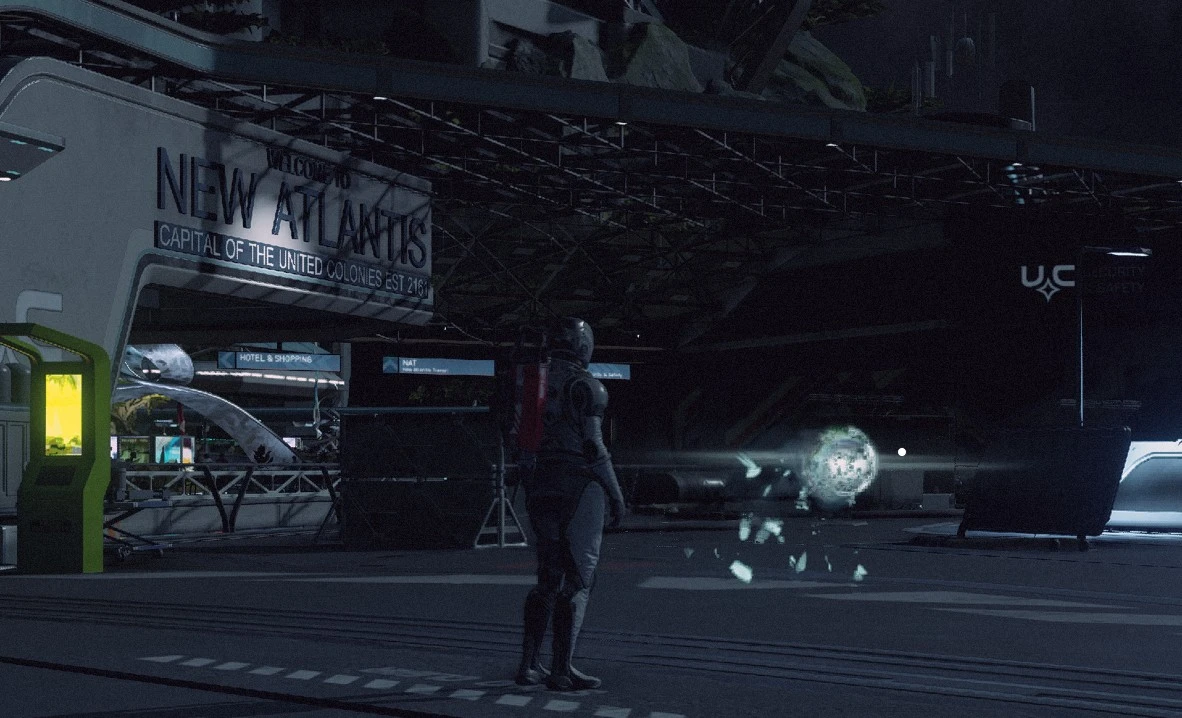
Preview
🔍 Analysis
- 👍 2.7% endorsement rate — high engagement, a strong quality signal
- 🏆 #332 of 551 Gameplay mods in this game by downloads
📋 About This Mod
This mod allow you to bind any key as a hotkey and you can press it to instantly use a star power or to do almost anything in the game.
This mod enables the vanilla console hotkey system in the game that otherwise disabled by default. With this system you can use any key on the keyboard as a hotkey and bind any console commands to it. You can then press a hotkey to cast a spell (use a superpower), to equip a power, a weapon or an armor, or consume an aid item, or to hide or show your armor, or to remove all the effects on you, and many many other functions.
Installation
1. If you don't have a "StarfieldCustom.ini" file in the "Documents\My Games\Starfield" folder, simply unzip and put the "StarfieldCustom.ini" file in the "Documents\My Games\Starfield" folder. If you already have a "StarfieldCustom.ini", copy all the sentences under in my "StarfieldCustom.ini" into your "StarfieldCustom.ini" (I don't know why I cannot past these sentences here, they always automatically changed after pasting). You can do this by directly edit the file, but if it is read-only, this is probably because you have a Starfield Configuration Tool or something, you can use it to set the "bUseConsoleHotkeys" value to be 1 and "sConsoleINI" value to be "StarfieldHotkeys.ini".
2. Unzip and put the "StarfieldHotkeys.ini" file in the "Documents\My Games\Starfield" folder.
3. Edit the "StarfieldHotkeys.ini" to bind hotkeys. The original one is my setting, you certainly would like to change it to meet your own demand. Here are some examples:
F2=player.cast 2c5a59 14 left ----- Press F2 to cast Solar Flare power. The "2c5a59" is the power ID. Replace it with other power IDs to use other powers. You can check the "AllpowerID" file in the optional files. 14 here is player ID, it is necessary, don't delete it.
F8=player.dispelallspells ----- Press F8 to remove all temporary effects on the player.
Shift-1=player.equipitem abf9 ------ Press Shift and 1 to use a med kit. "abf9" is the item ID.
Shift-2=player.equipitem 16758 ------ Press Shift and 2 to equip a cutter. "16758 " is the item ID.
Shift-3=player.equipspell 2c538c voice ------ Equip grav dash power. "2c538c" is the power ID.
Shif-C=player.pa 13008 ------- Press Shift and C to dash forward (This is the grav dash animation).
Shift-X=player.pa 13008;player.cast 2c538c 14 left ------- Use grav dash (Both animation and effect).
You can also find a lot more functions in "https://www.nexusmods.com/fallout4/articles/192/" here. But that mod was made for fallout4 and many functions do not work in starfield.
The Hotkeys can have key modifiers. They are: Shift-, Ctrl-, Alt-, Shift-Ctrl-, Shift-Alt-, Ctrl-Alt-, Shift-Ctrl-Alt-. You can bind the vanilla hotkeys (by default 1-0) with key modifiers, and they won't interfere with each other.
You can assign multiple comma
📊 Mod Details
- Game
- Starfield Mods
- Author
- HCL
- Version
- V1.0
- Downloads
- 1,783
- Endorsements
- 49
- Category
- Gameplay
- Created
- 9/12/2023
- Updated
- 9/12/2023
🔧 How to Install Starfield Mods
Download from Nexus.
📖 Full step-by-step install guide for Starfield →
Visit the official mod page for specific installation instructions for this mod.
🎮 Need cheat codes or console commands? Check ur gaming wiki for Starfield commands, item IDs, and more.
Keep browsing — more Starfield mods await