Achievements Enabler
🟢 Updated this monthPreview
🔍 Analysis
- 👍 1.3% endorsement rate — high engagement, a strong quality signal
- 🏆 #2 of 67 Utilities mods in this game by downloads
📋 About This Mod
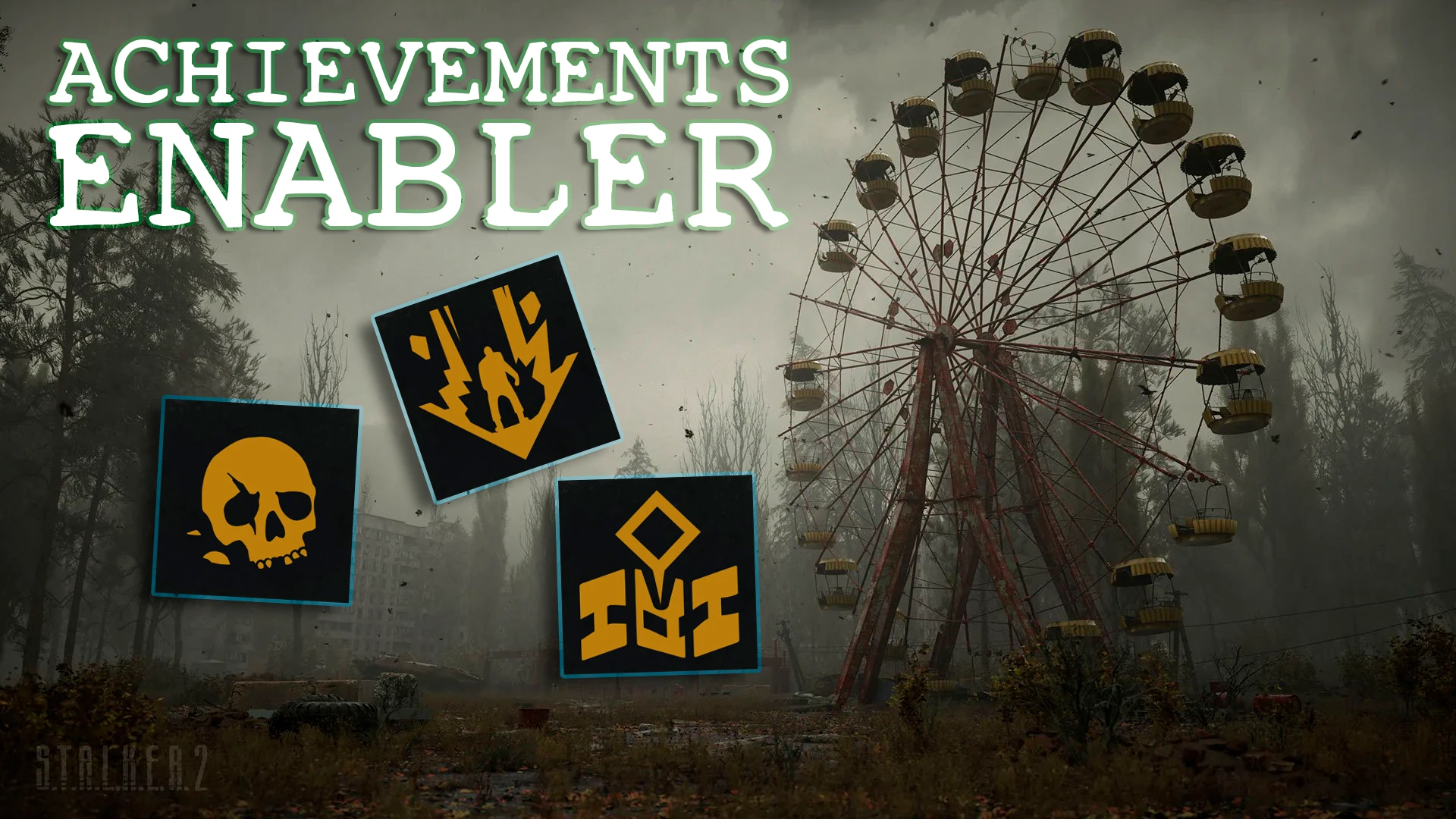
Deadly anomalies, dangerous mutants, anarchists and bandits, as well as GSC disabling achievements for installed mods... None of them will stop Duty on its triumphant march towards saving the planet!
If this "mod for mods" made your time in the Zone more comfortable, please consider endorsing it.
Feedback and reproducible bug reports are always welcome.
If Windows Defender or another antivirus reports S2AE, please make sure to read the dedicated article about recent false-positive detections before reporting it: Windows Defender / Antivirus False Positives
And if possible, I would really appreciate it if you could also submit the "detected" dll file to Microsoft using the instructions in the same article. The more legitimate submissions they receive, the better chance there is that Defender will stop treating future S2AE builds as something suspicious for no reason.
A short video guide covering the installation process and showcasing some of S2AE's optional features. The video was created on game version 2. 0. 4 and S2AE version 2. 1. 0, so some details may differ in future versions.
Невеликий відеогайд зі встановлення та демонстрації деяких опціональних можливостей S2AE. Відео було створене на версії гри 2. 0. 4 та S2AE 2. 1. 0, тому в майбутніх версіях деякі деталі можуть відрізнятися.
wjnW1w-iPdE
ENGLISH
S2AE has always been, is, and always will be, first and foremost, an Achievement Enabler. I will NEVER move away from that philosophy, and S2AE will NEVER be distributed with unrelated features enabled by default.
In the default configuration distributed with the mod, the overlay renderer and every optional gameplay/QoL feature are disabled. Their installers are not called: their signatures are not scanned, their hooks are not created, and their runtime code does not run.
Fully bypasses the achievement block for regular ~Mods and Workshop/mod.io content while keeping the game's own progress and storefront synchronization. Version 2. 1 also adds save recovery, inventory sorting, adjustable carry weight and day length, movement and interface QoL, a native in-game console, and individual screen-effect intensity controls. The optional in-game overlay is disabled by default; see Installation below if you want to use it.
Most of the extra options were made for myself in the first place: I don't want to install a hundred separate mods, replace blueprints, or repack game files just to change a couple of tiny things. So I put the useful small stuff in one place and implemented it at runtime wherever possible. It is easier to switch on and off, easier to test after an update, and much less likely to fight with mods that replace game assets. Use what you need and ignore the rest.
Every feature checks that the game parts it needs are actually available. If an update changes something, the affected feature should show as unavailable instead of blindly using outdated data and crashing the game.
Installation
-
[]Extract winmm.dll and S2AE.cfg from the archive.[/]
[]If another mod already uses winmm.dll, simply rename the S2AE DLL to version.dll, winhttp.dll, dwmapi.dll, wininet.dll, or uiautomationcore.dll. Xbox/Game Pass also supports dbghelp.dll. Install only one S2AE DLL.[/]
[]Existing users may keep their current S2AE.cfg or merge the new options instead of overwriting customized settings.[/]
[]Steam/GOG: place both files in Stalker2\Binaries\Win64, next to the shipping executable.[/]
[]Xbox/Game Pass: place both files in Content\Stalker2\Binaries\WinGDK.[/]
[]If Windows shows an Unblock checkbox in the DLL properties, enable it and apply the change.[/]
[]Launch the game. A successful startup creates S2AE.log beside the DLL.[/]
Linux / Steam Proton
These steps were clarified by Linux users, but I currently have no suitable Linux setup to verify them personally.
1. Place both winmm.dll and S2AE.cfg
Achievements Enabler removes the achievements block added in patch 1.5 for games like 7 Days to Die, allowing players to earn achievements while using mods from the ~Mods folder, Steam Workshop, or mod.io. With 1,885 endorsements and 128,773 downloads, it's a popular utility for modded playthroughs.
✨ Key Features
📊 Pros & Cons
✅ Pros
- Community-approved with 1,885 endorsements
- Massive download count (128k+) shows it's widely used
- Covers all mod sources: local, Workshop, and mod.io
⚠️ Cons
- Only relevant if you care about achievements—if you don't, it's useless
- May need updates with future game patches to stay functional
- Potential compatibility risk with other mods that alter achievement checks
For 7 Days to Die players who use mods but still want to unlock achievements. Perfect for achievement hunters who don't want to disable mods. Skip if you don't care about achievements or play vanilla only.
💡 Beginner Tips
- Place the mod in your 7 Days to Die Mods folder (or use the mod launcher) to ensure it loads correctly.
- If you're on Steam, make sure the mod is enabled in the mod manager before launching the game.
- Test with a single mod first to confirm achievements unlock before adding more mods.
📊 Mod Details
- Game
- Stalker2heartofchornobyl Mods
- Author
- Antrix
- Version
- 2.1.4
- Downloads
- 185,680
- Endorsements
- 2,502
- Category
- Utilities
- Created
- 7/12/2025
- Updated
- 9/12/2026
🧩 Commonly Used Together
Users add these mods to the same collections — a real compatibility signal, not an AI guess.
🔧 How to Install S.T.A.L.K.E.R. 2: Heart o Mods
Download from Nexus Mods.
📖 Full step-by-step install guide for S.T.A.L.K.E.R. 2: Heart o →
Visit the official mod page for specific installation instructions for this mod.
🎮 Need cheat codes or console commands? Check ur gaming wiki for S.T.A.L.K.E.R. 2: Heart o commands, item IDs, and more.
Keep browsing — more S.T.A.L.K.E.R. 2: Heart o mods await