SOTF Menu (Deprecated)
⚪ Last updated 2023This mod may not work until the author updates it. Check for an update, or see the rollback guide.
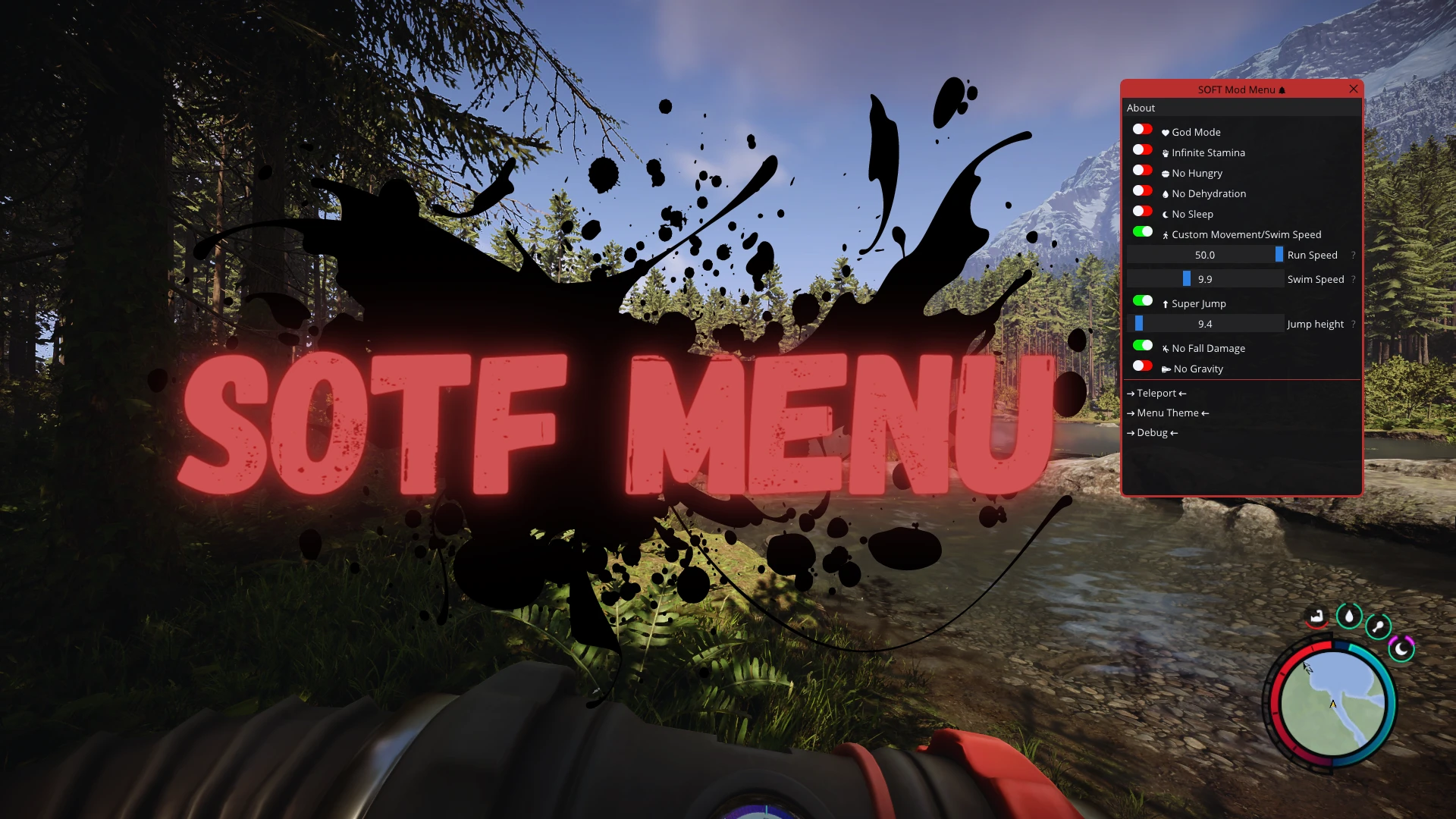
Preview
🔍 Analysis
- 👍 1.1% endorsement rate — high engagement, a strong quality signal
- 🏆 #9 of 86 Miscellaneous mods in this game by downloads
📋 About This Mod
A basic Sons Of The Forest in game mod menu with various options like infinite stamina, teleport and so on.
Mod menu is outdated!
Use my latest one: https://www.nexusmods.com/sonsoftheforest/mods/116
Antiviruses may flag one ore more files as malicious but it's completely normal for these type of mods.
How to install:
-
[]Download version 0. 1. 0 of the mod
[
]Extract the "SOTFmenu" folder wherever you want[]Download version 0. 2. 0 and 0. 7. 7 of the mod, replace the SOTFmenu.dll in the v 0. 1. 0 with the 0. 7. 7 (which is the latest) and copy the "images" folder from the 0. 2. 0 version into Copy\SOTF (always in the 0. 1. 0 package)
[]Run "SOTF Copy Folder.exe" to auto-copy the "SOTF" folder located in the "Copy" folder to the Documents folder or manually do it
[]Run "Edit Menu Config.exe" and set the game .exe path if different from the steam default one
[][optional] Change the default open/close key and show/hide terminal window in the other opened config.ini file
How to use:
-
[]Run "Launch SOTF Mod Menu.exe" to run the game with the Mod Menu (Steam should preferably already opened to not cause the mod to load before the game has been opened) or inject the dll with whatever injector you like
[
]Default open key is letter PRead next!
[]Overlay programs like MSI Afterburner/RTSS can interfere with the menu, so I made it automatically close these two when loading but if you have other similar programs you should close them
[]When opening the mod menu for the first time the cursor will get stuck in the center, to free it press the windows key or alt+tab than reclick on the game. Pausing the game and other behaviors can cause the cursor to get stuck again when opening the mod menu, so when it does that just repeat the same process as above
[]Try not to open the menu while moving or doing something in game because the player will continue to do what's doing. If the player continue to walk in a direction just keep pressed the opposite key to that direction to freeze the player and open the mod menu, than release the key, close the menu and spam WASD or space for a bit
[]The game must be set to borderless window mode, fullscreen caus
-
[]Run "Launch SOTF Mod Menu.exe" to run the game with the Mod Menu (Steam should preferably already opened to not cause the mod to load before the game has been opened) or inject the dll with whatever injector you like
📊 Mod Details
- Game
- Sons Of The Forest Mods
- Author
- ImAxel0
- Version
- 0.7.7
- Downloads
- 10,755
- Endorsements
- 115
- Category
- Miscellaneous
- Created
- 4/27/2023
- Updated
- 10/2/2023
🔧 How to Install Sons of the Forest Mods
Download from the official mod page and follow its install instructions. Use a mod manager where supported.
📖 Full step-by-step install guide for Sons of the Forest →
Visit the official mod page for specific installation instructions for this mod.
🎮 Need cheat codes or console commands? Check ur gaming wiki for Sons of the Forest commands, item IDs, and more.
Keep browsing — more Sons of the Forest mods await