zeraENB - for CoT - NAT - Dolomite Weathers - Surreal Lighting - Vivid Weathers - Vanilla Weather
⚪ Last updated 2017⚠️ Install Order · 7 steps
Install in this order, then this mod last — most mods fail to load without their framework and dependencies in place.
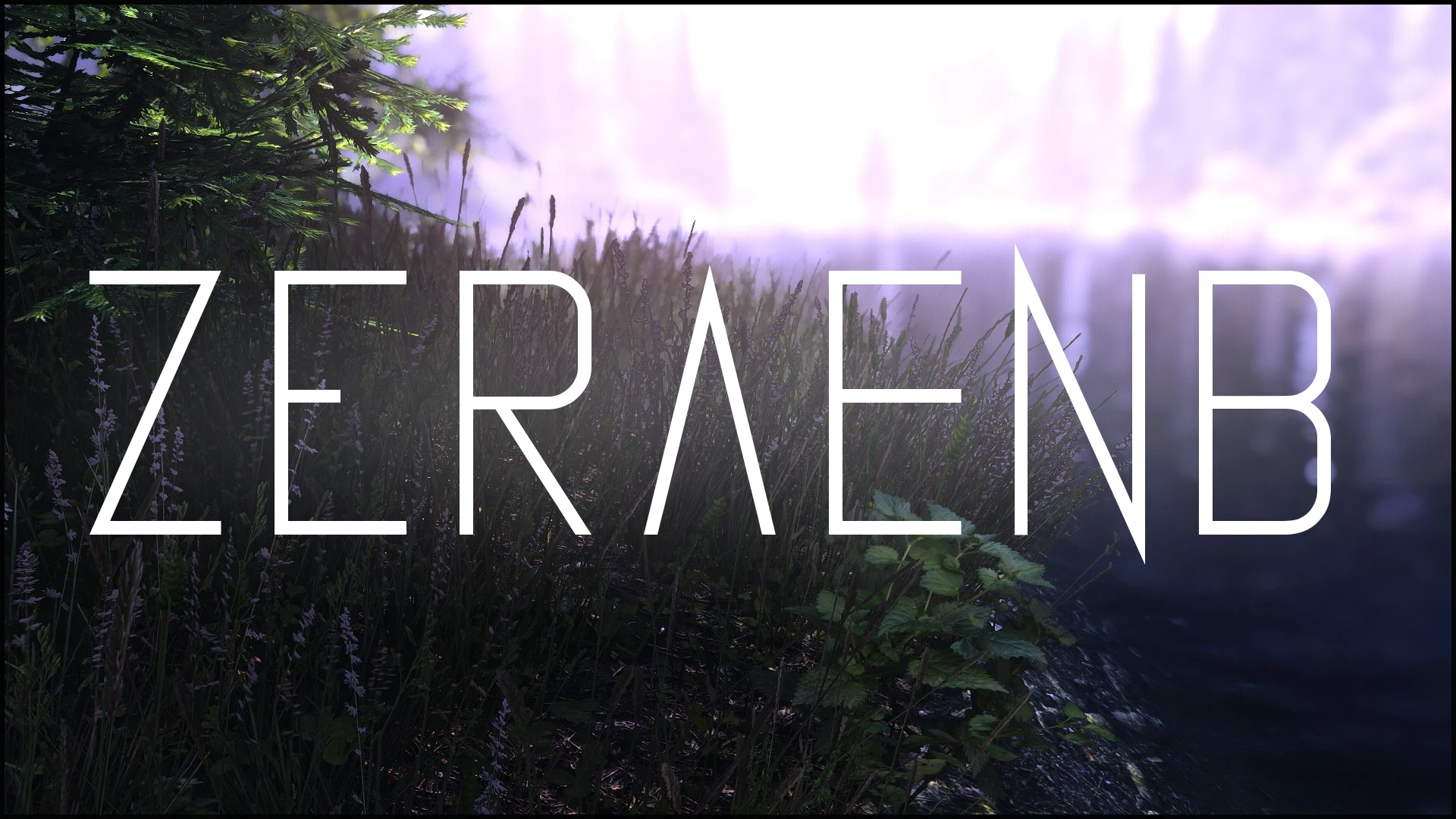
Preview
🔍 Analysis
- 👍 4.5% endorsement rate — high engagement, a strong quality signal
- 🏆 #7 of 16 Presets - ENB and ReShade mods in this game by downloads
📋 About This Mod
eTsLhi7uKcw W8gtkl1p70c1X8YfqFstUY _qhkDq-xQCc 5oH88BCpaxA hHRDsICekaU
1. Download ReShade from here. 2. Run the EXE-File and select your SkyrimSE.exe from your Skyrim Special Edition game folder (".../steamapps/common/skyrim special edition"). Select DirectX10+, click 'Yes', click 'Ok', wait for the download. When it says 'Done' you can close the window. 3. Download the ENB binaries v0. 310 from here. 4. Extract all files within the 'Wrapper' folder to your Skyrim Special Edition game folder (".../steamapps/common/skyrim special edition").
-----------------------------------------------------------------------------------------------------
!!! IF YOU DON'T WANT TO USE VANILLA WEATHER AND/OR YOU DON'T ALREADY HAVE INSTALLED !!!
- Choose your favorite weather mod compatible with this preset. Download it from the appropriate mod site. Follow the instructions for installing as stated from the author.
5. Download my ENB preset and extract all files contained in the appropriate folder of the archive into your Skyrim Special Edition game folder (".../steamapps/common/skyrim special edition"). Overwrite all files if asked!!!
6. Go ingame and open the ReShade menu with Shift+F2. Click 'Continue', select the '+' and type in 'zera.ini' and confirm with Enter. Click on 'Continue' and on 'Finish'. 7. You are done, enjoy!
Bethesda - Game & Development Boris Vorontsov - ENB Binaries Marty McFly - Depth of Field Tapioks - ENB DNI Crosire - ReShade Shader Collection Ganossa - Ambient Light Shader (ReShade) Ioxa - Clarity Shader
zeraENB is a Skyrim Special Edition ENB preset designed to work with multiple weather mods including Climates of Tamriel, Dolomite Weathers, Natural Atmospheric Tamriel, Surreal Lighting, Vivid Weathers, and vanilla weather. It requires ReShade and ENB binaries v0.310. With 657 endorsements and 14,527 downloads, it offers a customizable visual overhaul with depth of field options.
✨ Key Features
📊 Pros & Cons
✅ Pros
- Solid community track record with 657 endorsements and over 14k downloads
- Flexible for weather mod users—covers most popular weather overhauls
- Gives you control over depth of field with multiple options
⚠️ Cons
- Last updated in 2017, so it may not be fully compatible with the latest Skyrim SE patches or ENB versions
- Requires manual installation of ReShade and ENB binaries, which can be fiddly for newcomers
- Potential conflicts with other ENB presets or mods that alter weather or lighting
For Skyrim SE players who want a cinematic ENB look and already use one of the listed weather mods. If you're into tweaking visuals and don't mind a manual setup, this is a solid choice. Skip if you prefer a one-click install or use a weather mod not listed.
💡 Beginner Tips
- Make sure you download the correct ENB binaries version (v0.310) and extract the Wrapper folder contents directly into your Skyrim SE root folder.
- If you use a weather mod, install it first, then extract the matching preset folder from zeraENB to overwrite the ENB files.
- Test different depth of field presets in-game using the ENB GUI (Shift+Enter) to see which looks best for your setup.
📊 Mod Details
- Game
- Skyrim Mods
- Author
- Zeratem
- Version
- 0.1
- Downloads
- 14,527
- Endorsements
- 657
- Category
- Presets - ENB and ReShade
- Created
- 4/11/2017
- Updated
- 4/11/2017
🔧 How to Install Skyrim Mods
Download from Nexus.
📖 Full step-by-step install guide for Skyrim →
Visit the official mod page for specific installation instructions for this mod.
🎮 Need cheat codes or console commands? Check ur gaming wiki for Skyrim commands, item IDs, and more.
Keep browsing — more Skyrim mods await