VioLens - A Killmove Mod SE
⚪ Last updated 2022This mod may not work until the author updates it. Check for an update, or see the rollback guide.
⚠️ Install Order · 8 steps
Install in this order, then this mod last — most mods fail to load without their framework and dependencies in place.
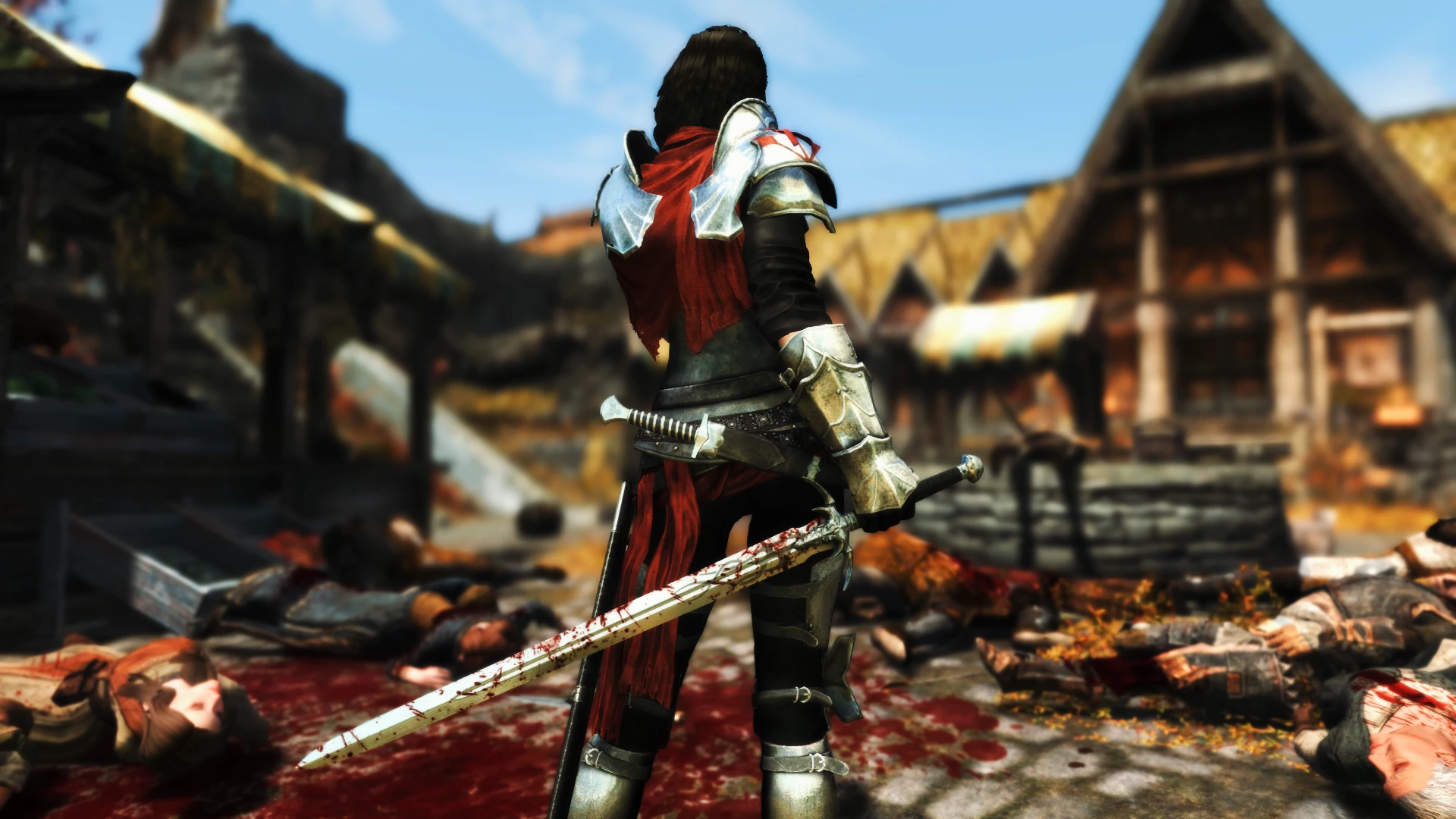
Preview
🔍 Analysis
- 👍 1.2% endorsement rate — high engagement, a strong quality signal
- 🏆 #2 of 30 Combat mods in this game by downloads
📋 About This Mod
Features
Melee
Customized: Allows You to select Killmoves for each weapon on the Customize Killmoves Page.
Matched: Killmoves triggered by You and NPCs will match the corresponding weapon types.
Mixed: Killmoves triggered by You and NPCs will be a mix of different weapon types.
Off: Killmoves can not be triggered by You or NPCs.
Advancing Killmoves
Places previously unused Killmoves into the Killmove rotation and can be toggled off or be set to only trigger on the Last Enemy.
Killmove Chance
Set how often you want Melee Killmoves to occur.
Dragon Killmove Chance
Set how often you want Melee Killmoves to occur on Dragons.
Camera View
Vanilla: Randomly triggers both 1st Person and 3rd Person Killmoves.
1st Person: Only triggers 1st Person Killmoves.
3rd Person: Only triggers 3rd Person Killmoves.
3rd Person Last: Only triggers 1st Person Killmoves until the Last Enemy, which will trigger a 3rd Person Killmove.
3rd Person Static: A simple 3rd Person View Camera with no angle changes or slow motion.
3rd Person Static Last: 3rd Person Static Camera will only play on your final enemy.
Smart: Killmoves will match whichever camera view you're using.
Smart Static: The 3rd Person View will use the Static Camera.
Static Cinematic: 3rd Person Camera View will trigger only on the final enemy, Static Camera will play the rest of the time.
Camera Setting
3rd Person Slow Motion On: Slow Motion will play during Killmoves.
3rd Person Slow Motion Off: No Slow Motion will play during killmoves.
VATS Off: Disables 3rd Person Killmove Cinematic Cameras and Ranged Killmoves.
Last Enemy Restriction
Melee Killmoves will only trigger when your target is the only enemy left.
Player Killmove Immunity
NPCs and Dragons cannot perform killmoves on you.
Decapitations
Can be turned off completely, require Savage Strike/Devastation Blow to activate, or be turned on without any restrictions.
Decapitation Chance
Set how often you want Decapitations to occur.
Mace Decapitations
Toggle them On o
VioLens - A Killmove Mod SE gives players in-game control over both ranged and melee killmoves in Skyrim Special Edition. It requires SkyUI, SKSE64, and JContainers SE for the profile system. With over 75,000 endorsements and 6.3 million downloads, it's a highly popular combat customization tool.
✨ Key Features
📊 Pros & Cons
✅ Pros
- Massive community trust: 75,759 endorsements and 6.3 million downloads.
- Gives you direct control over killmoves, a feature many combat mods overlook.
- Works for both ranged and melee, so archers and warriors both benefit.
⚠️ Cons
- Requires SkyUI, SKSE64, and JContainers SE — setup is more involved than a simple drop-in mod.
- Last updated in January 2022, so it may not be fully compatible with the latest Skyrim SE patches.
For Skyrim players who want to fine-tune killmove frequency and behavior without dealing with console commands. If you're tired of killmoves triggering at the wrong times or want to disable them entirely, this is your mod. Skip if you prefer a vanilla experience or don't want to install multiple dependencies.
💡 Beginner Tips
- Make sure you have SKSE64 installed and launch the game through skse64_loader.exe, not the default launcher.
- Use a mod manager like MO2 or Vortex to handle the dependencies and load order automatically.
- If you don't want the profile system, you can skip JContainers SE, but you'll lose profile saving.
📊 Mod Details
- Game
- Skyrim Mods
- Author
- Reko
- Version
- 2.30
- Downloads
- 6,273,790
- Endorsements
- 75,759
- Category
- Combat
- Created
- 10/28/2016
- Updated
- 1/12/2022
🔧 How to Install Skyrim Mods
Download from Nexus.
📖 Full step-by-step install guide for Skyrim →
Visit the official mod page for specific installation instructions for this mod.
🎮 Need cheat codes or console commands? Check ur gaming wiki for Skyrim commands, item IDs, and more.
Keep browsing — more Skyrim mods await