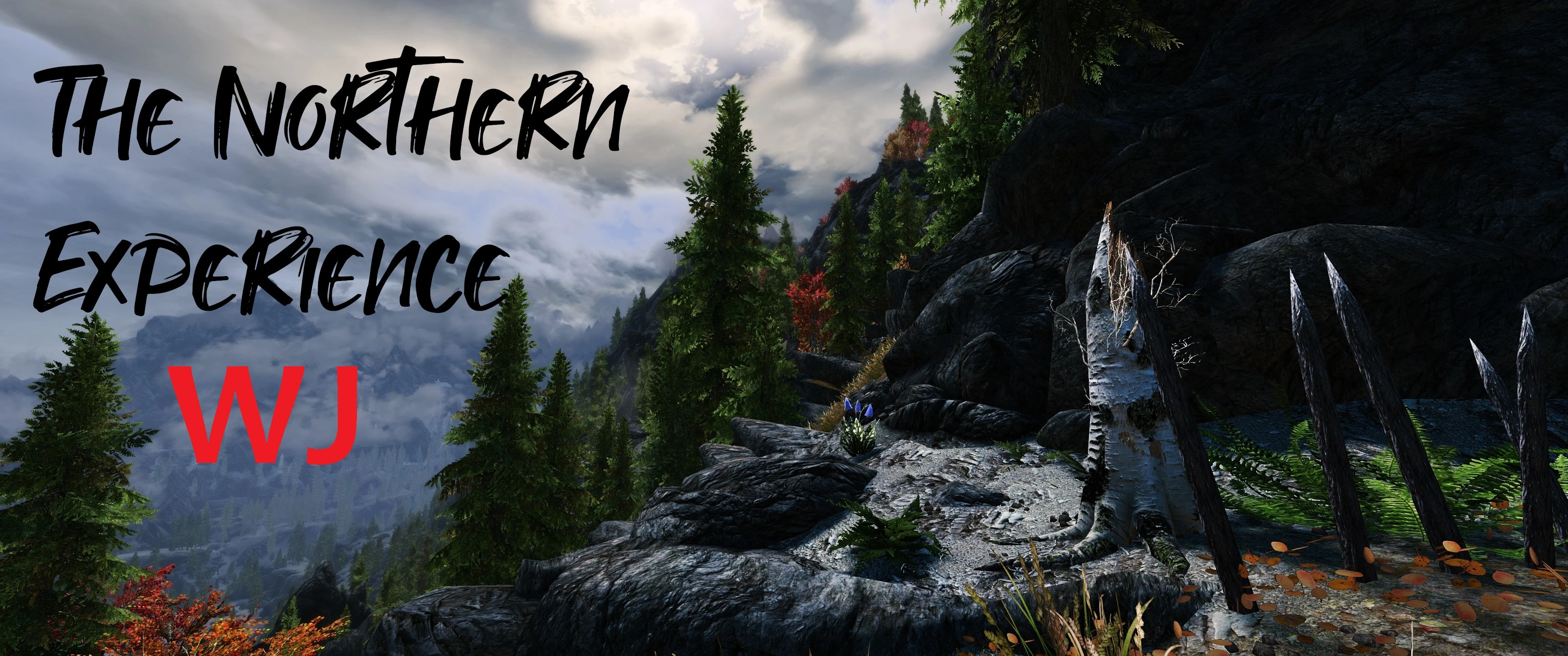
The Northern Experience - Wabbajack Version
🟡 Updated this year⚠️ Install Order · 5 steps
Install in this order, then this mod last — most mods fail to load without their framework and dependencies in place.
Preview
🔍 Analysis
- 👍 0.4% endorsement rate
- 🏆 #15 of 31 Modders Resources mods in this game by downloads
📋 About This Mod
Pre-Installation
Microsoft Visual C++ Redistributable Package
You should already have this. If not - you can find it HERE, under "Visual Studio 2015, 2017, 2019, and 2022". Download X64 version.
. NET 5. 0 Runtime
You can find it HERE. Download x64 version for desktop apps.
Disable Automatic Updates
One of the most important things to do at start is to disable automatic updates on Steam. Like you all know, Bethesda releases from time to time their Creation Club mods with a game update for these and this is really problematic. Each update breaks the compatibility with SKSE and a lot of its plugins. So we want to avoid it!
HOW TO DO IT: Go to your Steam Library. Find the Elder Scrolls V: Skyrim Special Edition. Right-click it and select Properties. Go to the Updates and set on Automatic updates on "Only update this game when I launch it".
English Language
Open the Steam Properties window, navigate to the Language tab and select English from the dropdown menu. TNE doesn't support any other language.
First time with Mod Organizer 2?
If you're not sure how to install mods, hide files, etc. - tutorials with some basic stuff.
Gameplay
You can check what's included in TNE on my Nexus mod page - The Northern Experience - Skyrim Modding Guide.
Quick Guide for Optional Mods
Optional (not included in WJ installer), but HIGHLY recommended:
Eremite Camping and Combat for Campfire
A Campfire add-on with perks for the constant travel, permanent campsite builder, or no-armor warrior monk.
Download: Eremite Camping and Combat v2. 25 (Main File)
Left panel: Put it under Campfire - TNE Profile (Survival section); Right panal: Put it under TrueHel.esp;
After Installation
MCM Menu Setup
That should be everything. Have fun!
SUPPORT ONLY ON DISCORD
A curated Wabbajack mod list for Skyrim that delivers a Gothic-inspired adventure experience. With 77 endorsements and nearly 22,000 downloads, it's a niche but popular resource for players seeking a hand-picked, atmospheric setup.
✨ Key Features
📊 Pros & Cons
✅ Pros
- Solid download count (21,978) shows real interest from the community
- Wabbajack integration means you can get the whole list installed without manual hassle
- Gothic theme is a refreshing change from the usual fantasy setups
⚠️ Cons
- Only 77 endorsements, so it's not heavily vetted by the community
- No detailed feature list, so you're flying blind on what's actually included
- As a mod list, it may conflict with your existing mods if you're not starting fresh
For Skyrim players who want a complete, themed overhaul without building a load order from scratch. If you're into dark, Gothic atmospheres and trust Wabbajack to handle the heavy lifting, this is worth a shot. Skip if you prefer to hand-pick every mod or want a more traditional fantasy vibe.
💡 Beginner Tips
- Make sure you have a fresh Skyrim installation and a Wabbajack account before starting
- Check the Wabbajack gallery for any required setup steps like setting your game path
- If you're new to mod lists, follow the Wabbajack readme carefully to avoid missing steps
📊 Mod Details
- Game
- Skyrim Mods
- Author
- mnikjom
- Version
- 1.8.1.4
- Downloads
- 21,978
- Endorsements
- 77
- Category
- Modders Resources
- Created
- 6/17/2022
- Updated
- 6/29/2026
🔧 How to Install Skyrim Mods
Download from Nexus.
📖 Full step-by-step install guide for Skyrim →
Visit the official mod page for specific installation instructions for this mod.
🎮 Need cheat codes or console commands? Check ur gaming wiki for Skyrim commands, item IDs, and more.
Keep browsing — more Skyrim mods await