Take All Loose Gold and Arrows
⚪ Last updated 2021⚠️ Install Order · 5 steps
Install in this order, then this mod last — most mods fail to load without their framework and dependencies in place.
Preview
🔍 Analysis
- 👍 4.3% endorsement rate — high engagement, a strong quality signal
- 🏆 #86 of 118 Gameplay mods in this game by downloads
📋 About This Mod
Check Out My Other Mods
Description
Le version can be found here.
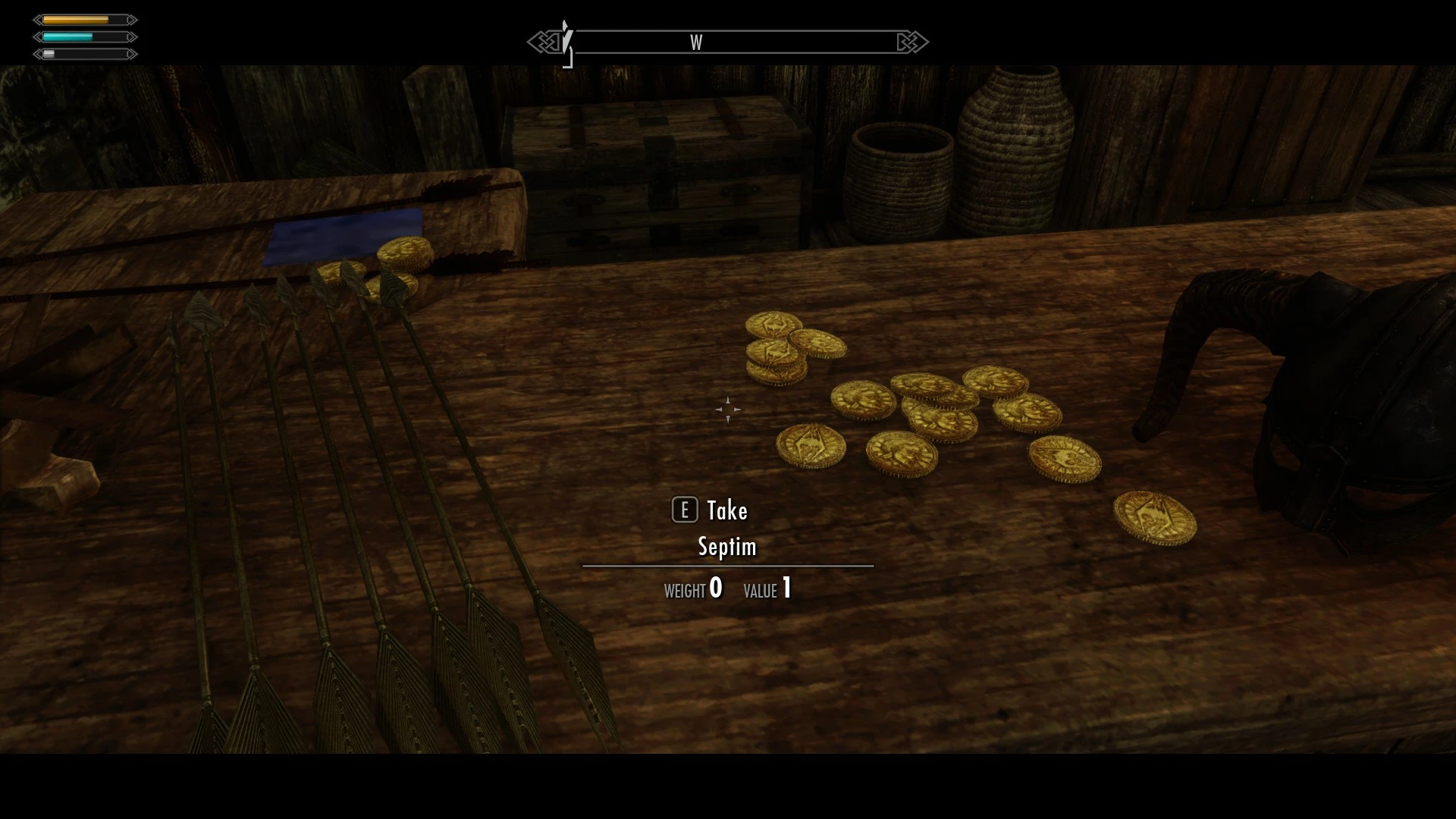
I've always been annoyed that you have to pick up each loose gold coin individually in Skyrim. This mod aims to change that.
When you pick up a loose gold, arrows. or gems from the world, a script triggers that detects loose gold, arrows and gems near you and automatically adds that item to your inventory.
If using the radius, it picks up all coins/ arrows/ Gems /Ingots near you within the radius.
You can choose the radius size in the MCM.
If using the crosshair, after picking up a gold, arrows. or gems, when you hover your crosshair over a coin, arrow or gem, it automatically picks it up, without you having to click, which makes picking them up faster.
This also makes it so you don't pick up clutter items you don't want, such as bowls or plates.
Hotkey
As of Version 1. 8 I added a hotkey that will pick up similar items as the selected item within the specified radius. You can restrict the hot key as follows.
Same Type: This is the default setting and the least restrictive. It picks up all items of the same type. So, if you use it on a misc item, like an ingot, it will pick up all other misc items. Use it on an armor, it will pick up all armors, within the radius.
Any Keyword: This will pickup other items that are the same type, and have any of the keywords as the selected item. So if you use it on a silver ingot, which has the GiftUniversallyValuable and the VendorItemOreIngot, it will pickup other misc items that have either of those keywords.
All Keywords: This will only pickup other items that have all of the selected item's keywords. So if using on a silver ingot again, it will only pickup other items that have both the GiftUniversallyValuable and the VendorItemOreIngot keywords.
Same Object: This will only pickup other items that are the exact same as the selected item. So using on a silver ingot, it will only pickup other silver ingots and ignore everything else.
Compatibility
For arrows added by other mods, you first have to equip them for this mod to detect them. If another mod uses script to add coins or arrows to your inventory, that will trigger this mods script. This is an issue with auto loot mods, or quickloot.
Requirements
powerofthree's Papyrus Extender
PapyrusUtil SE
Take All Loose Gold and Arrows is a Skyrim gameplay mod that automatically picks up loose gold, arrows, gems, and ingots when you grab one nearby, with configurable radius and crosshair modes via MCM. It also adds a hotkey to collect similar items based on type or keywords. With 612 endorsements and 14,255 downloads, it's a popular quality-of-life improvement for loot hoarders.
✨ Key Features
📊 Pros & Cons
✅ Pros
- Community-approved with 612 endorsements and over 14k downloads, so it's proven to work well for many players.
- Saves tons of time and frustration—no more clicking every single coin or arrow one by one.
- The hotkey with keyword filters is super flexible, letting you grab exactly what you want without scooping up junk.
⚠️ Cons
- Only updated in January 2021, so it might not be fully compatible with the latest Skyrim versions or other mods that alter loot mechanics.
- The script-based approach could potentially cause performance hiccups in areas with tons of loose items, though no reports confirm this.
- If you use mods that add new item types or change keywords, the hotkey's keyword matching might not work as expected.
For Skyrim players who hate the tedious click-fest of picking up loose loot—this is a must-have quality-of-life mod. It's perfect for hoarders and archers who constantly grab arrows. Skip if you prefer a more manual, immersive looting experience or if you're on a version of Skyrim that might conflict with older mods.
💡 Beginner Tips
- Make sure you have Skyrim Script Extender (SKSE) installed, as the MCM and hotkey features require it.
- In the MCM, start with a small radius (like 100) to avoid accidentally grabbing items through walls or from far away.
- If you use the hotkey, test the 'Same Type' mode first—it's the least restrictive and easiest to understand.
📊 Mod Details
- Game
- Skyrim Mods
- Author
- dylbill
- Version
- 1.9
- Downloads
- 14,255
- Endorsements
- 612
- Category
- Gameplay
- Created
- 1/17/2019
- Updated
- 1/23/2021
🔧 How to Install Skyrim Mods
Download from Nexus.
📖 Full step-by-step install guide for Skyrim →
Visit the official mod page for specific installation instructions for this mod.
🎮 Need cheat codes or console commands? Check ur gaming wiki for Skyrim commands, item IDs, and more.
Keep browsing — more Skyrim mods await