Skyland Common and Upper Furniture
⚪ Last updated 2023⚠️ Install Order · 5 steps
Install in this order, then this mod last — most mods fail to load without their framework and dependencies in place.
Preview
🔍 Analysis
- 👍 0.8% endorsement rate
- 🏆 #31 of 56 Visuals and Graphics mods in this game by downloads
📋 About This Mod
Skyland Common and Upper Furniture
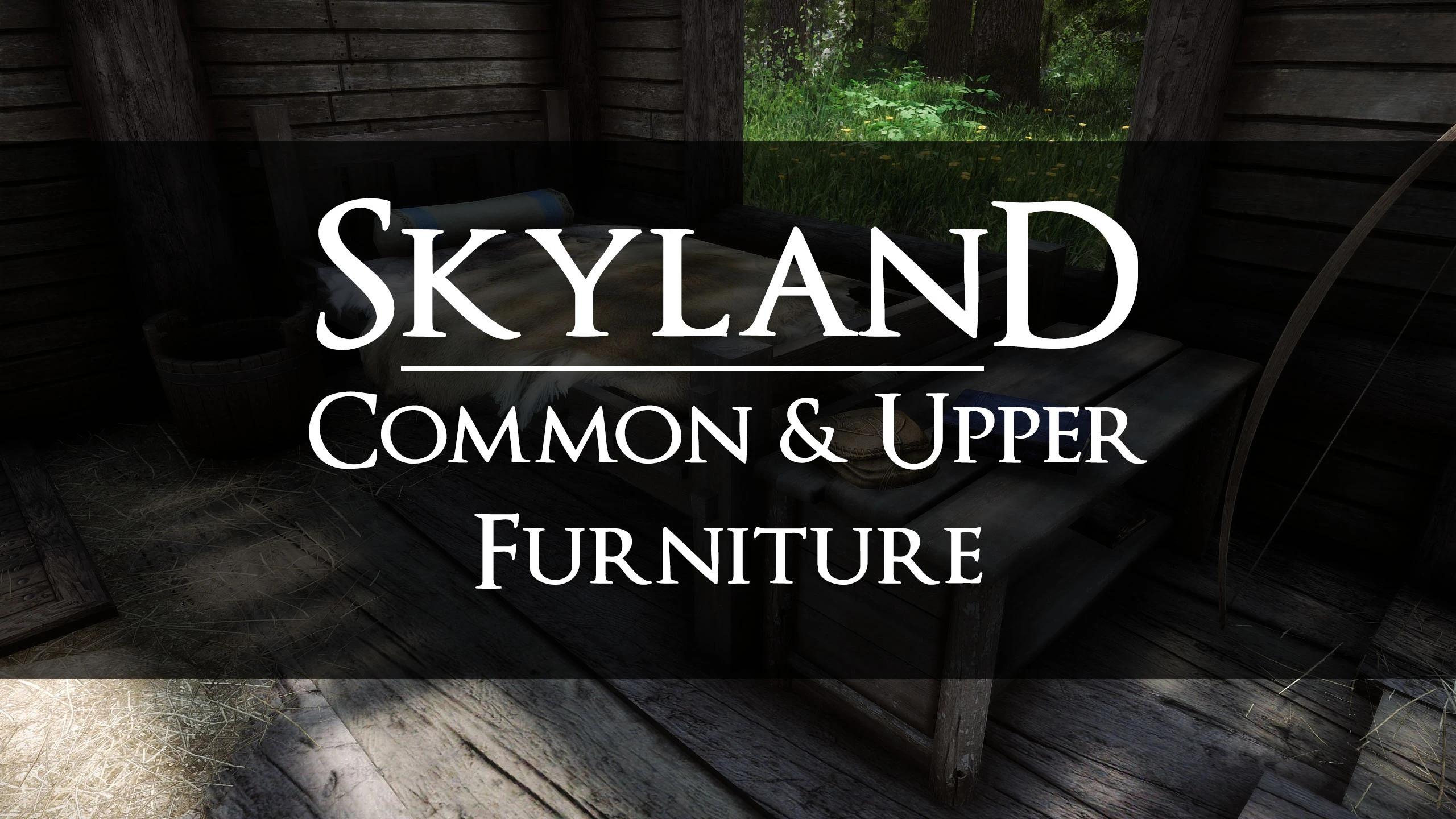
Total texture overhaul of common and upper furniture with a few extras like counters, bars, stools, and wooden chairs. Compatible with SMIM and SMIMed.
Features
2k textures that covers all Common and Upper Furniture including SMIM meshes. Bars, counters, stools, and wooden chairs are also included.
Compatibility
Compatible with SMIMed mods and other mods that do not change the UV mapping or meshes of Noble Furniture. Place below clutter texture overhaul mods.
Load Order
Place BELOW mods that touch furniture such as Noble, SMIM, Rally's All Things, Rudy HQ, Rustic clutter,
and 4k SMIM.
Requirements:
Download Noble Furniture Here
Skyland Noble Furniture
Join the Skyland Discord & Twitch, and Youtube Channels
Skyland Common and Upper Furniture is a total texture overhaul for common and upper furniture in Skyrim, including extras like counters, bars, stools, and wooden chairs. It's compatible with SMIM and SMIMed, making it a solid choice for players who want higher-quality textures without replacing meshes. With 1,493 endorsements and 184,588 downloads, it's a well-received visual upgrade.
✨ Key Features
📊 Pros & Cons
✅ Pros
- Community favorite with 1,493 endorsements and 184k downloads
- Works with SMIM, so you don't have to choose between mesh and texture overhauls
- Covers a wide range of furniture, not just the basics
⚠️ Cons
- Only textures, so if you want new meshes or 3D detail, this won't add that
- Last updated in March 2023, so it might not be patched for the latest Skyrim updates
- Potential conflicts with other texture mods that touch the same furniture
For Skyrim players who want a cohesive, high-quality texture overhaul for common furniture without messing with meshes. If you're already using SMIM, this is a natural addition. Skip if you're looking for gameplay changes or new furniture models.
💡 Beginner Tips
- If you're using a mod manager like Vortex or MO2, just download and install, then place it after SMIM in your load order to ensure textures apply correctly.
- Since it's texture-only, you can safely uninstall it without breaking your save, but you'll see vanilla textures again.
- Check if you have other furniture texture mods installed; you may need to decide which one wins the conflict.
📊 Mod Details
- Game
- Skyrim Mods
- Author
- Skyking2020
- Version
- 1.1
- Downloads
- 184,588
- Endorsements
- 1,493
- Category
- Visuals and Graphics
- Created
- 2/6/2023
- Updated
- 3/27/2023
🧩 Commonly Used Together
Users add these mods to the same collections — a real compatibility signal, not an AI guess.
🔧 How to Install Skyrim Mods
Download from Nexus.
📖 Full step-by-step install guide for Skyrim →
Visit the official mod page for specific installation instructions for this mod.
🎮 Need cheat codes or console commands? Check ur gaming wiki for Skyrim commands, item IDs, and more.
Keep browsing — more Skyrim mods await