Simple Drop Lit Torches SE
🟠 Updated over a year ago⚠️ Install Order · 5 steps
Install in this order, then this mod last — most mods fail to load without their framework and dependencies in place.
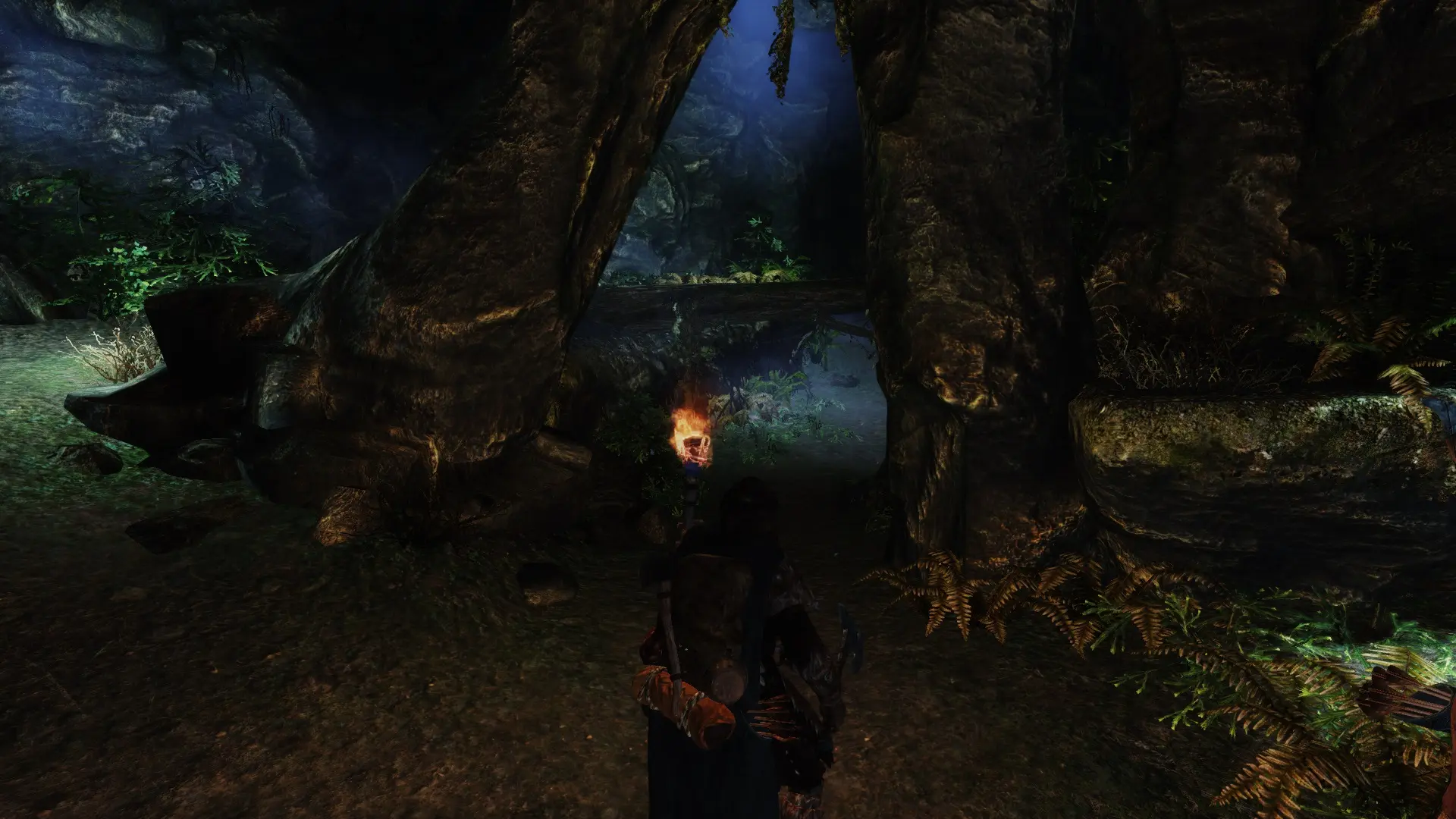
Preview
🔍 Analysis
- 👍 2.3% endorsement rate — high engagement, a strong quality signal
- 🏆 #100 of 126 User Interface mods in this game by downloads
📋 About This Mod
Goal
Simple Drop Lit Torches gives you simple torch handling through two configurable hotkeys: One for equipping and unequipping a torch from your inventory (plus double tap to drop a torch), and the other to directly drop a lit torch to the ground. The mod gives you the options to enable automated torch handling features if you want: automated dropping of torches, and automated equipping of torches that you pick up. Both can be further controlled to happen under certain conditions, such as when having weapons drawn or not while sneaking.
The mod SM Drop Lit Torches by Strategy Master was an inspiration to this mod. The implementation of Simple DLT is completely original, however. The torch handling flow was a bit too complicated in SM Drop Lit Torches for me, inspiring me to make and release my own attempt.
Configuration (MCM)
The mechanics added by the mod are configurable using MCM, allowing several toggles and settings. You need to bind the hotkeys yourself in the MCM before being able to use the mod!
-
[] Binding of the main torch hotkey (equip/unequipp, double tap to drop), and drop torch hotkey (directly drop a torch). Both hotkeys are unbound by default.
[
] Enable automated dropping of torches on unequip, for instance if you equip a weapon in your torch hand (disabled by default). Further choose if you want to auto drop only with drawn weapons, or prevent auto drop while sneaking.[] Enable automated equipping of torches picked up from the ground (disabled by default). Further choose if you want to prevent auto with drawn weapons, or while sneaking.
[] Enable a restriction to only drop torches if the player has one equipped in their hand (disabled by default).
Installation, maintenance and removal
The following other mods are required:
-
[] SkyUI SE
[
]SKSE for SE (2. 06+)Install using any method, making sure both the ESP and BSA end up in the Data directory. Installing a new version should be seamless by overwriting the old files. Removal of Skyrim mods could be tricky (Bethesda offers no support for this), but normally this should be fine.
Compatibility
No records from Skyrim.esm or other base ESM's are modified, only new stuff is added.
Compatibility issues probably exist with the following mods, but remain unconfirmed for now:
-
[] SM Drop Lit Torches by Strategy Master. Both have the same purpose. Disabling Simple DLT's automation features will probably allow both mods to work alongside each other.
[
] Equipping Overhaul by DragonDude1029. Disabling Simple DLT's automation features will probably allow both mods to work alongside each other.Credits
Strategy Master for
-
[] SM Drop Lit Torches by Strategy Master. Both have the same purpose. Disabling Simple DLT's automation features will probably allow both mods to work alongside each other.
-
[] SkyUI SE
Simple Drop Lit Torches SE adds two configurable hotkeys for torch handling: one to equip/unequip a torch and double-tap to drop, and another to directly drop a lit torch. This is a lightweight utility mod for Skyrim Special Edition players who want quicker torch management without menu fiddling. With 1,403 endorsements and recent updates, it's a community-tested convenience tool.
✨ Key Features
📊 Pros & Cons
✅ Pros
- Community-approved with 1,403 endorsements and 61k downloads
- Streamlines torch management with dedicated hotkeys, no more menu digging
- Actively maintained, last updated May 2025
⚠️ Cons
- Limited to torch actions only, no other utility features
- Hotkey setup may conflict with existing keybinds if not configured carefully
- Potential compatibility risk with other mods that alter torch behavior or hotkey systems
For Skyrim players who frequently use torches and want faster access without pausing the game. Perfect for adventurers who explore dark dungeons and caves. Skip if you rarely use torches or prefer a more immersive torch system with visual effects.
💡 Beginner Tips
- Set the hotkeys to keys you can reach easily during combat, like T or Y, to avoid fumbling.
- Test the double-tap drop in a safe area first to get the timing right.
- If you use other hotkey mods, check for conflicts in the MCM or ini settings.
📊 Mod Details
- Game
- Skyrim Mods
- Author
- Snotgurg
- Version
- 1.0.8
- Downloads
- 61,399
- Endorsements
- 1,403
- Category
- User Interface
- Created
- 1/7/2018
- Updated
- 5/20/2025
🔧 How to Install Skyrim Mods
Download from Nexus.
📖 Full step-by-step install guide for Skyrim →
Visit the official mod page for specific installation instructions for this mod.
🎮 Need cheat codes or console commands? Check ur gaming wiki for Skyrim commands, item IDs, and more.
Keep browsing — more Skyrim mods await