Real Tutorial Prompts
🟡 Updated this year⚠️ Install Order · 5 steps
1🛠️ SKSE64 — Skyrim Script Extender 64 Download ↗
2🔧 USSEP — Unofficial Skyrim Special Edition Patch Download ↗
3🖥️ SkyUI — SkyUI (MCM framework) Download ↗
4🧩 Address Library — Address Library for SKSE Plugins Download ↗
5🔧 SSE Engine Fixes — SSE Engine Fixes Download ↗
Install in this order, then this mod last — most mods fail to load without their framework and dependencies in place.
🖼️ Gallery (8 images)
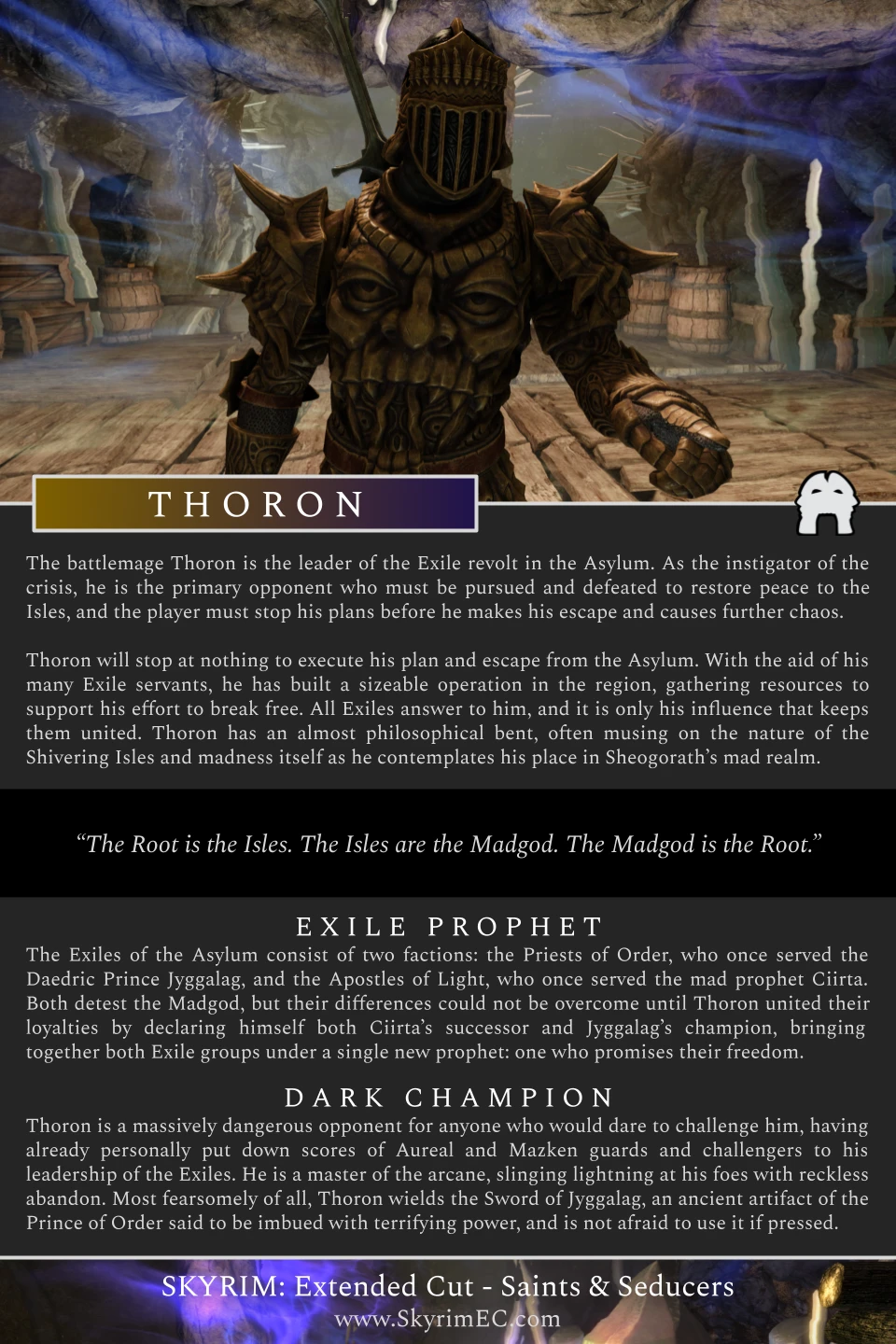

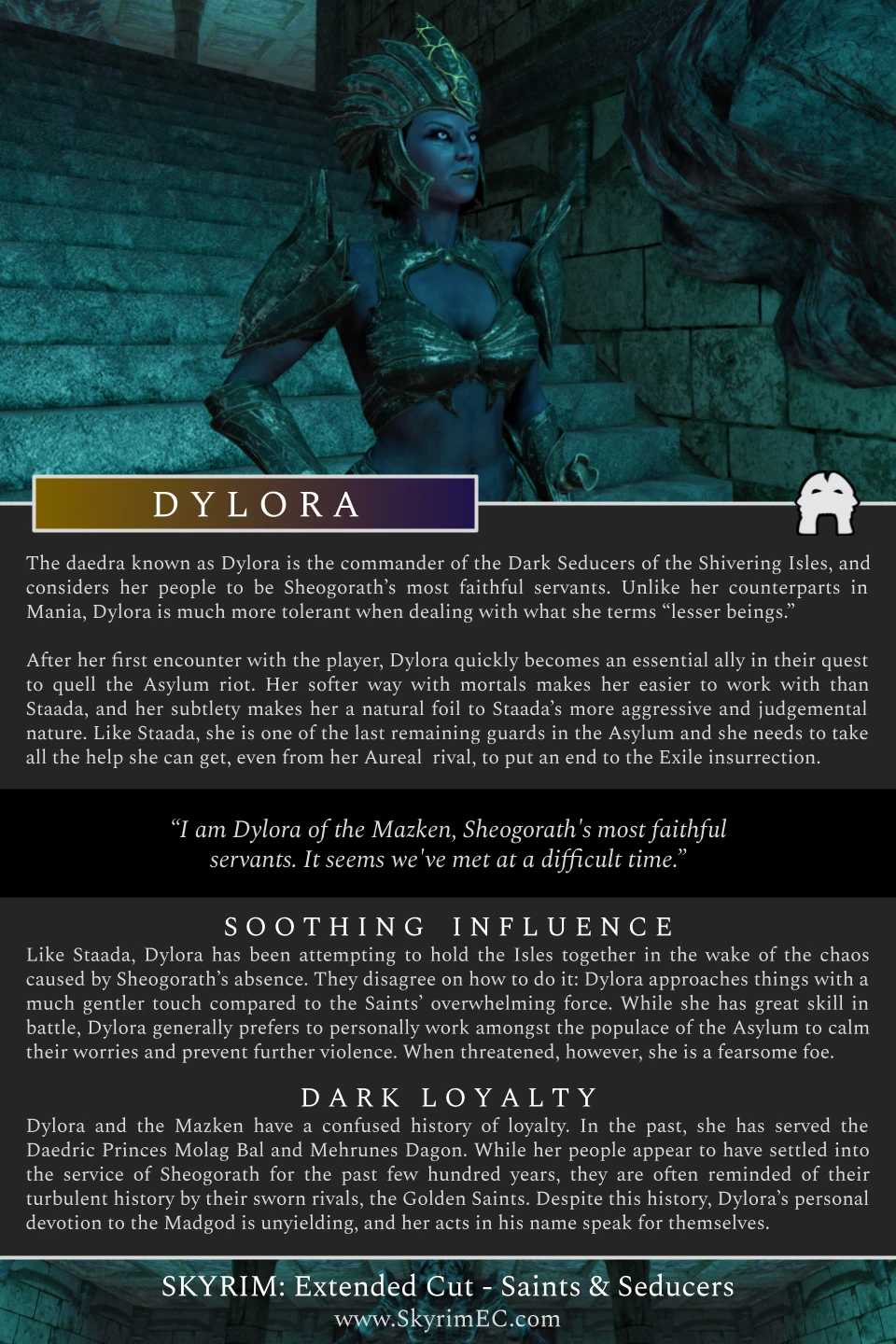


🔍 Analysis
- 👍 0.9% endorsement rate
- 🏆 #4 of 111 User Interface mods in this game by downloads
📋 About This Mod
Replaces message box tutorials with proper native tutorial prompts.
🤖 AI-enhanced — based on mod data
Replaces message box tutorials with proper native tutorial prompts in the game. A UI polish mod with 47 endorsements and over 5,000 downloads, last updated June 2026. For players who want a cleaner, more integrated tutorial experience.
✨ Key Features
Replaces message box tutorials with native tutorial prompts.
Improves UI consistency by using the game's built-in prompt system.
📊 Pros & Cons
✅ Pros
- Clean UI improvement—no more clunky message boxes for tutorials.
- Decent traction with 47 endorsements and over 5,000 downloads.
- Recently updated (June 2026), so likely compatible with current game version.
⚠️ Cons
- Small mod with limited endorsements (47), so community testing is minimal.
- Only affects tutorial prompts—no other UI changes.
- Potential compatibility risk with other UI overhaul mods that modify tutorial systems.
🎯 Is This For You?
For players who find the default message box tutorials jarring and want a more native feel. Also for UI purists who appreciate consistency. Skip if you don't care about tutorial presentation or if you use a comprehensive UI overhaul that already handles this.
For players who find the default message box tutorials jarring and want a more native feel. Also for UI purists who appreciate consistency. Skip if you don't care about tutorial presentation or if you use a comprehensive UI overhaul that already handles this.
📦 Install:Easy· Under 1 minute
💡 Beginner Tips
- If you're using a mod manager, just download and enable—no extra steps.
- If installing manually, place the file in the game's mod folder and ensure it's active.
- Check if you have other UI mods that might conflict; if so, load this one after them.
📊 Mod Details
- Game
- Skyrim Mods
- Author
- Tate Taylor
- Version
- 1.0.2
- Downloads
- 5,193
- Endorsements
- 47
- Category
- User Interface
- Created
- 6/17/2026
- Updated
- 6/18/2026
🔧 How to Install Skyrim Mods
Download from Nexus.
📖 Full step-by-step install guide for Skyrim →
Visit the official mod page for specific installation instructions for this mod.
🎮 Need cheat codes or console commands? Check ur gaming wiki for Skyrim commands, item IDs, and more.
Keep browsing — more Skyrim mods await