Rally's Brooms
⚪ Last updated 2019⚠️ Install Order · 5 steps
Install in this order, then this mod last — most mods fail to load without their framework and dependencies in place.
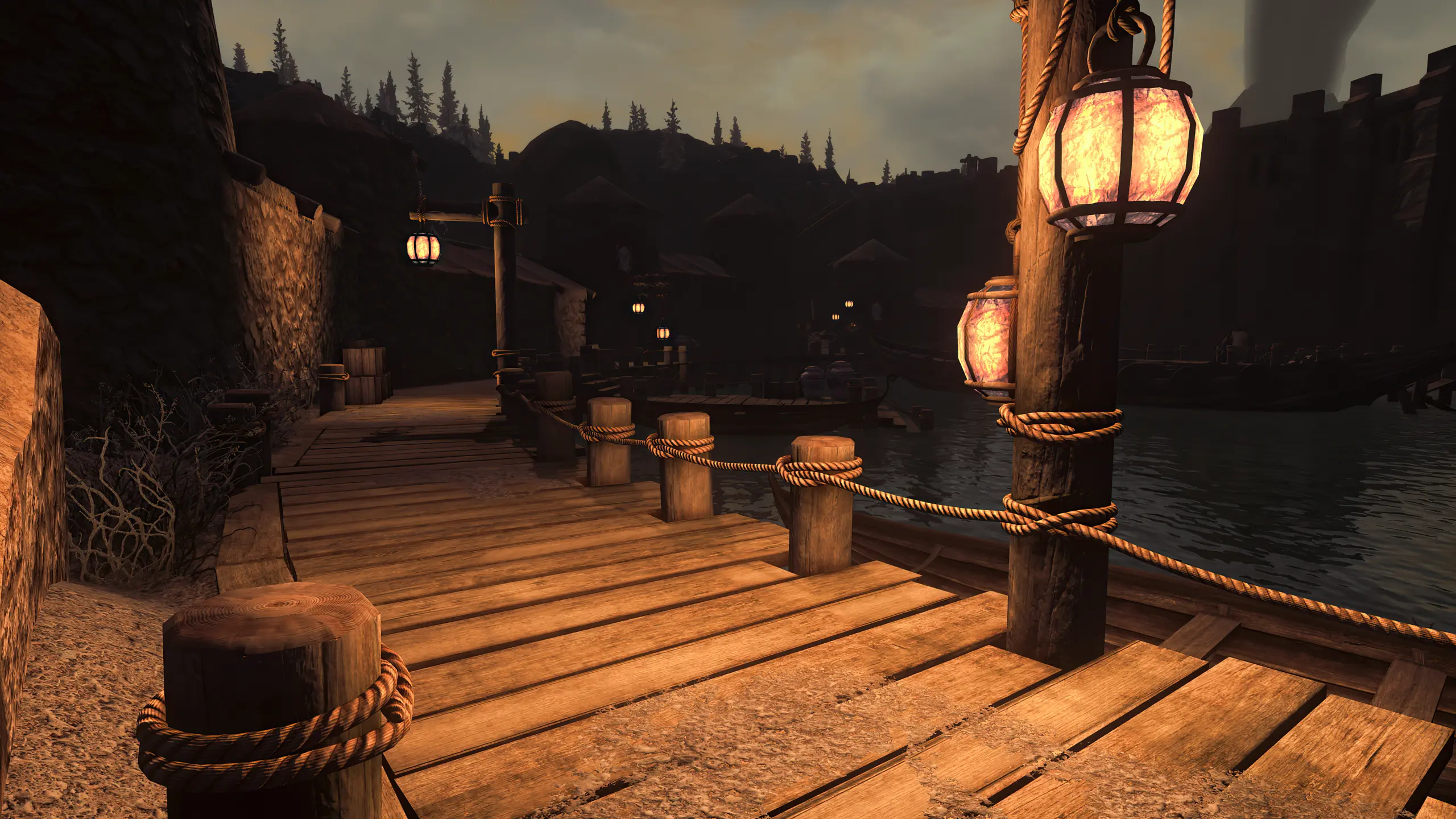
🖼️ Gallery (12 images)
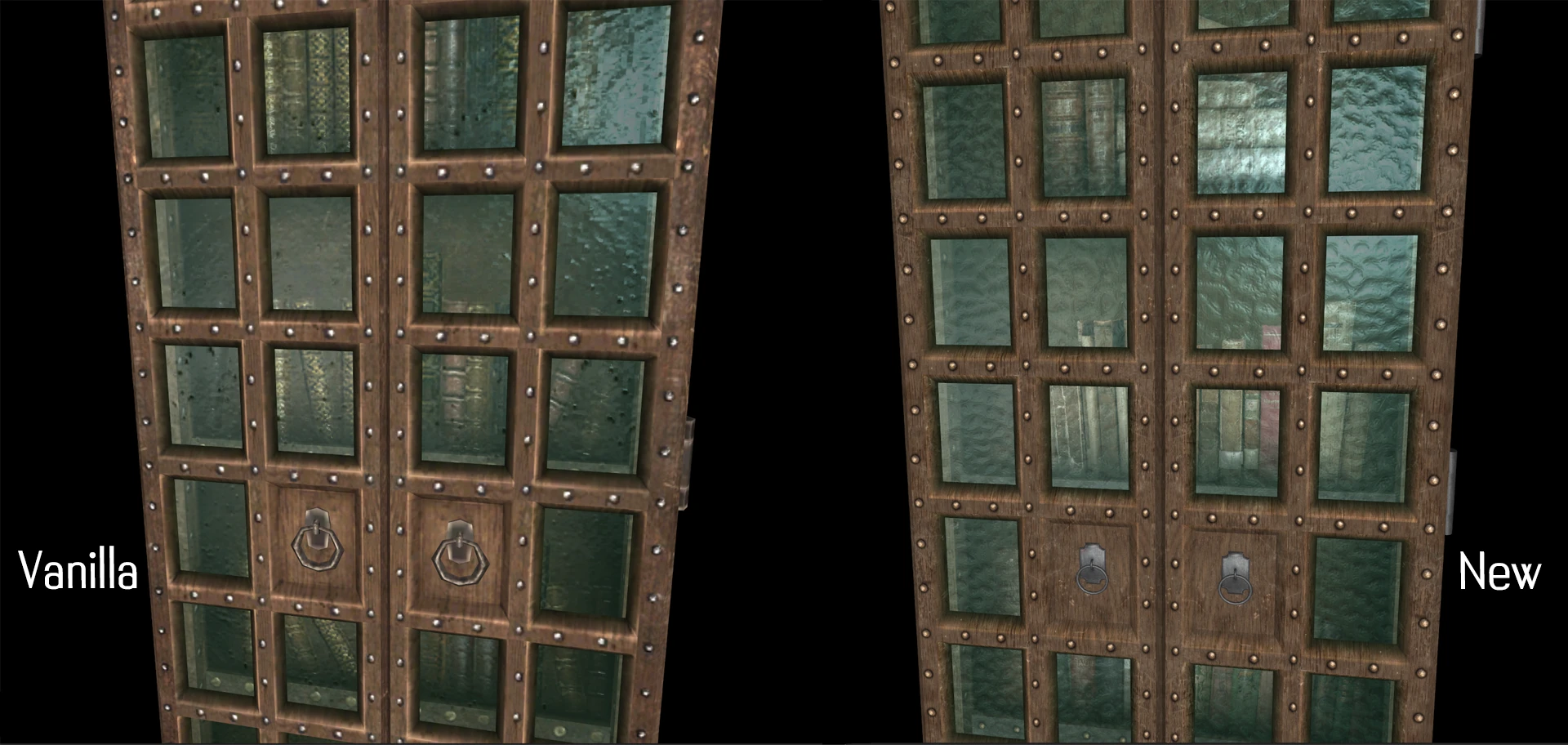


🔍 Analysis
- 👍 1.4% endorsement rate — high engagement, a strong quality signal
- 🏆 #136 of 352 Models and Textures mods in this game by downloads
📋 About This Mod
This mod replaces the brooms in game with hi-res textures made in 1024x2048 (256x512 vanilla). Made this for fun and maybe someone playing a Witch-styled charakter
Download with your prefered mod manager, install and overwrite when promted
or download manually, extract and put the "Textures" folder of this mod in your Skyrim directory
Disable/uninstall the mod from your manager or remove the files from your Skyrim directory
These textures should be compatible with everything. Use High Poly Project if you want to have the high poly meshes as seen in the pictures!
js1410 for your nice screenies with your great Follower Mod Lyx - The Witch
Maxamx for the screenshots and testing it
Rally's Brooms is a simple texture replacement mod for brooms in Fallout 4, offering two visual variants. With over 1,000 endorsements and 72,000 downloads, it's a popular choice for players seeking a quick cosmetic upgrade. Last updated in 2019, it remains a stable, lightweight option.
✨ Key Features
📊 Pros & Cons
✅ Pros
- Community favorite with over 1,000 endorsements and 72,000 downloads.
- Simple texture swap that's easy to install and use.
- Two versions give you a bit of choice for your wasteland cleaning needs.
⚠️ Cons
- Only affects brooms, so the visual change is very limited in scope.
- Last updated in 2019, so it may not be compatible with newer game patches or mods.
- No preview images or detailed description, so you're flying blind on what the textures look like.
For Fallout 4 players who want a quick, no-fuss visual upgrade to a minor prop. If you're a settlement builder who notices broom textures, this is a nice touch. Skip if you're looking for gameplay changes or overhaul-level visuals.
💡 Beginner Tips
- Since it's a texture replacer, just drop the files into your Data folder or use a mod manager like Vortex.
- If you use other texture mods, load order matters—place this after any overhaul mods to ensure it takes effect.
- Check the two versions in-game to see which fits your aesthetic better; you can switch by replacing the files.
📊 Mod Details
- Game
- Skyrim Mods
- Author
- Rallyeator
- Version
- 1.0
- Downloads
- 72,343
- Endorsements
- 1,007
- Category
- Models and Textures
- Created
- 9/8/2019
- Updated
- 9/23/2019
🔧 How to Install Skyrim Mods
Download from Nexus.
📖 Full step-by-step install guide for Skyrim →
Visit the official mod page for specific installation instructions for this mod.
🎮 Need cheat codes or console commands? Check ur gaming wiki for Skyrim commands, item IDs, and more.
Keep browsing — more Skyrim mods await