Player Equipment Manager
⚪ Last updated 2021⚠️ Install Order · 8 steps
Install in this order, then this mod last — most mods fail to load without their framework and dependencies in place.
Preview
🔍 Analysis
- 👍 5.7% endorsement rate — high engagement, a strong quality signal
- 🏆 #32 of 137 Gameplay mods in this game by downloads
📋 About This Mod
The most important part about this, however, is that you do not have to carry all those items in your inventory! All the outfits that you currently do not use are stored in separate chests outside of your inventory. This, of course, means that you cannot simply access them, but it also means that you can save large amounts of carry weight (since armor weighs a shit ton).
You could also misuse the mod as storage space if you want xD
The mod accepts any item from any mod, and it will also preserve custom enchantments that you placed on your Armors. It also doesn't run any scripts, except in the MCM and when pressing a hotkey, so it won't affect your performance at all.
Requirements
-
[]SKSE64
[
]PapyrusUtil SE[]SkyUI (for the MCM)
Recommended Mods
Some mods that work really well together with my mod:
-
[]AH Hotkeys - very good Hotkey manager with an incredible amount of options to create your own hotkeys. Main difference to my mod: Items have to be in your inventory, and the setup is more complex. I personally use my mod for outfits (armor and jewelry) and AH Hotkeys for weapons, spells and powers.
Installation
Simply drop the files into your data folder or use your mod manager of choice.Uninstallation
Again, just remove the files that come with this mod. But please make sure that you remove all items from all outfits first, else they probably will be lost.How it works
The mod simply opens a chest (a different one for each outfit) into which you can place whatever items you want. When pressing the hotkey or applying the outfit via the MCM, it simply moves all items inside that chest into your inventory and equips them to your player. It remembers all added items and when you remove the outfit again (either by pressing the same hotkey again or applying another outfit) it will move all those added items back into the chest and out of your inventory. That way, you only ever have to carry one set of armor with you.Since you can place any item inside the chest, you can not only use it for armor but for also for weapons or whatever else you can think of. You could for example create a "Smiting Outfit" with your enchanted smiting gear and all the resources that you might need (ingots for example).
Also, by default the mod does not touch any items that are not part of an outfit. So if your outfits only contain armors, your weapons will not change when chang
-
[]AH Hotkeys - very good Hotkey manager with an incredible amount of options to create your own hotkeys. Main difference to my mod: Items have to be in your inventory, and the setup is more complex. I personally use my mod for outfits (armor and jewelry) and AH Hotkeys for weapons, spells and powers.
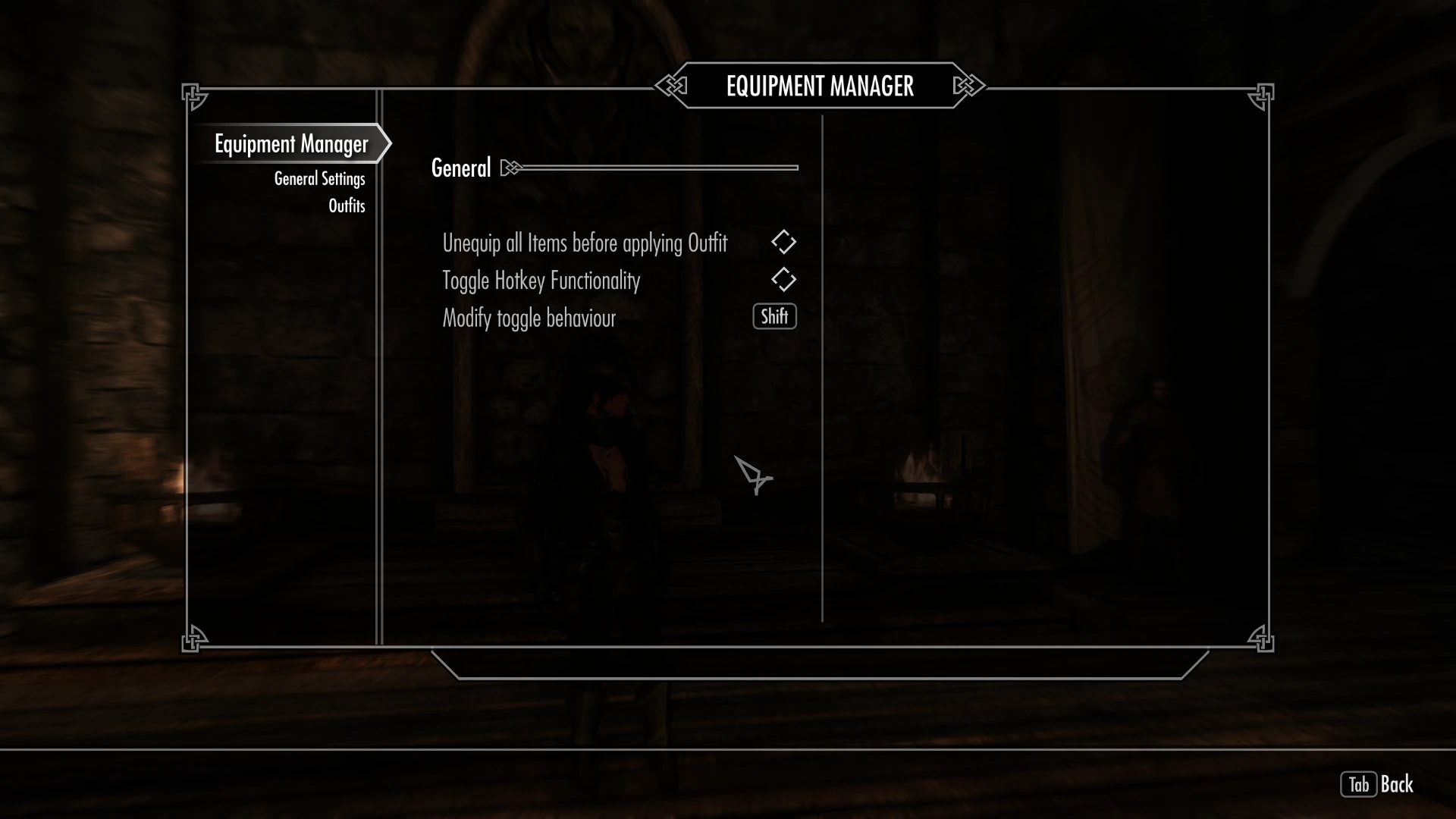
Player Equipment Manager lets you store up to 10 outfits in separate chests and switch between them with hotkeys or MCM, without carrying the items. It works with any item from any mod, preserves custom enchantments, and runs no scripts except when used. Requires SKSE64, PapyrusUtil SE, and SkyUI.
✨ Key Features
📊 Pros & Cons
✅ Pros
- Community-approved with 538 endorsements and nearly 9.5k downloads.
- Lightweight and script-free during normal play, so it won't tank your FPS.
- Works with any modded item, so your crazy modded gear sets are covered.
⚠️ Cons
- Requires SKSE64, PapyrusUtil SE, and SkyUI, so it's not for vanilla purists.
- Uninstalling without emptying outfits first can lose your items—risky if you forget.
- Last updated in 2021, so it might have compatibility issues with newer game versions or mods.
For Skyrim players who juggle multiple armor sets and hate the carry weight tax. If you're a completionist with a hoard of enchanted gear, this is a lifesaver. Skip if you only wear one outfit and never switch.
💡 Beginner Tips
- Make sure SKSE64 is installed and launched via its loader, or the mod won't work.
- Set up hotkeys in the MCM for quick outfit swaps—you can bind each slot to a key.
- Before uninstalling, empty all outfit chests to avoid losing your gear.
📊 Mod Details
- Game
- Skyrim Mods
- Author
- Nihongasuki
- Version
- 1.3.1
- Downloads
- 9,497
- Endorsements
- 538
- Category
- Gameplay
- Created
- 2/3/2019
- Updated
- 4/21/2021
🔧 How to Install Skyrim Mods
Download from Nexus.
📖 Full step-by-step install guide for Skyrim →
Visit the official mod page for specific installation instructions for this mod.
🎮 Need cheat codes or console commands? Check ur gaming wiki for Skyrim commands, item IDs, and more.
Keep browsing — more Skyrim mods await